News and blogs on our products, services, and events
Recently active
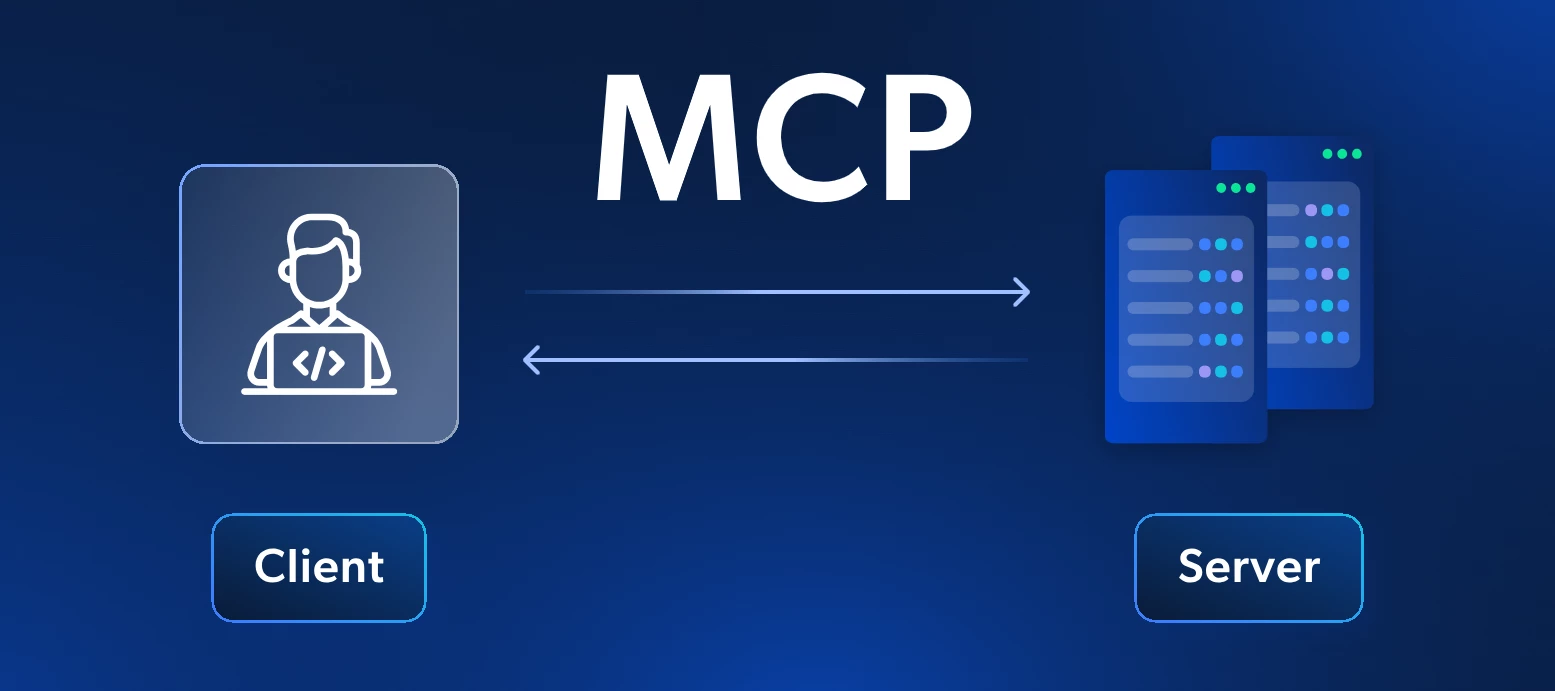
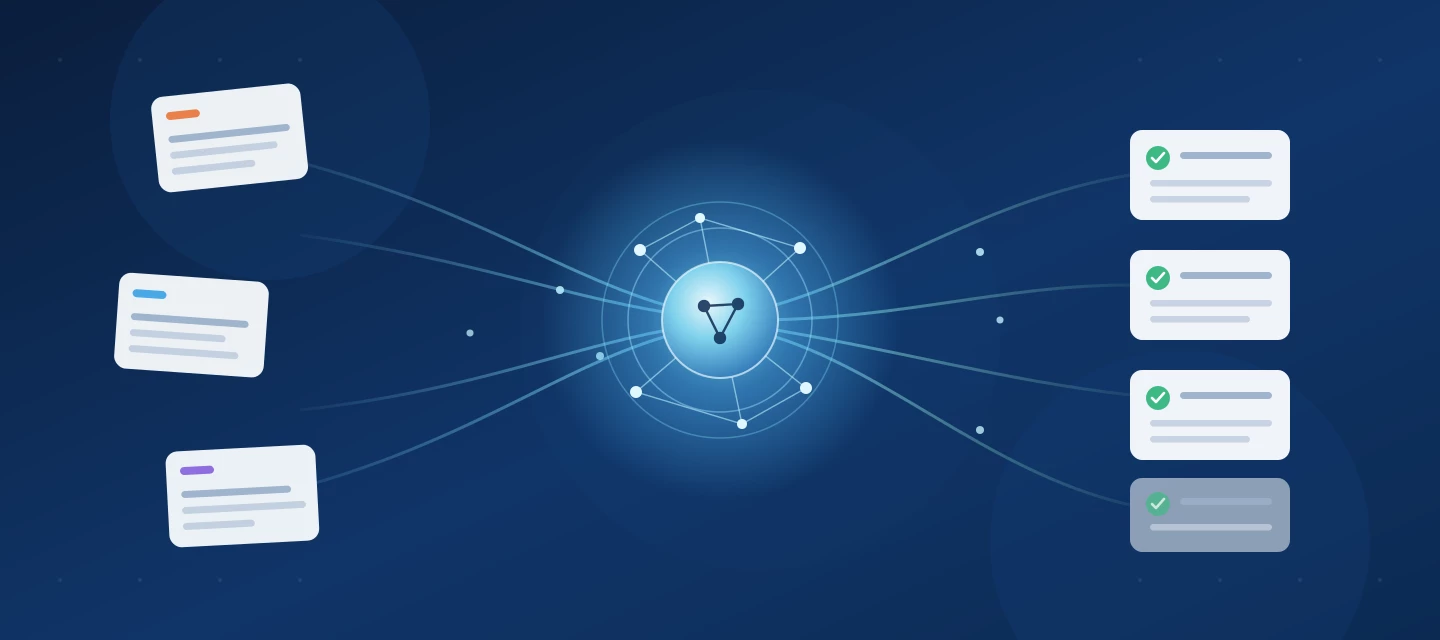
Since launch less than 2 years ago, the Model Context Protocol has become the de facto standard for integrating systems with LLM chat interfaces or AI Agents. MCP Servers are popping up everywhere, in varying quality when it comes to capabilities, security and governance. Either software vendors offer an officially supported MCP server, or else unofficial (often vibe-coded) MCP Servers pop up.As with any runtime component, an MCP Server for the Thinkwise Platform should work for all customers and all applications. Developing such a dynamic component takes a bit more time, but in return a Thinkwise-provided MCP Server works for all customers, all Application models and all future changes to your Application out-of-the-box. And since we develop the Software Factory and Intelligent Application Manager (IAM) with the Thinkwise Platform as well, we can implement MCP for the Software Factory and the Intelligent Application Manager in a similarly fast fashion as you can for your applications.
On Sunday, October 25, Microsoft shipped an unscheduled .NET update. The October 13 security release had not fully closed two earlier flaws, and a new critical one could not wait for the next Patch Tuesday. That new one is CVE-2026-111497, and it reaches the web servers Indicium runs on.This post explains what the vulnerability is, who needs to act, and what to do for your hosting setup. What the vulnerability doesCVE-2026-111497 is an out-of-bounds write in the Brotli decoder, the library that decompresses Brotli-encoded data. Google Brotli versions 1.0.3 through 1.2.0 are affected. A remote attacker needs no credentials. One crafted compressed stream makes the decoder write past the end of its buffer, which corrupts memory and can lead to remote code execution. Google rates it 9.2 on CVSS 4.0, which is Critical. Public proof-of-concept code exists..NET carries its own copy of the decoder, so a library update on the operating system does not close the gap. You need the patched .NET ru
A new team member joins your organization. You open their employee record and see a collapsible section labeled Contract. To check their working hours, you expand the section, scroll through the details, find the right fields, and read the values. Now imagine that same section label simply reads Contract – hours: 40.00. No expanding, no scrolling.That is what parameterized translations do. They let you embed data values directly into labels, section headers, and task parameters. The result: a more information-dense interface that gives your users the context they need at a glance.It looks like a small feature. It is not. The ability to surface the right data in the right place, without adding extra columns or expression fields, changes how users interact with your application. In this post, we walk through six practical scenarios to show you what is possible.How it worksThe configuration is surprisingly simple. In a translation field, you reference another column from the same subject
On 20 October 2026, the PHP security team announced an urgent security release for two critical remote code execution vulnerabilities in PHP. They are tracked as CVE-2026-109618 and CVE-2026-109619 and are nicknamed “PHP2Shell”. Both are rated 9.2 (CVSS v4.0) and affect web servers running PHP 5.4 or later. Details leaked before the coordinated release, so security researchers expect attacks to follow quickly.So is your Thinkwise environment at risk? It is not. No impact on the Thinkwise PlatformThe Thinkwise Platform does not use PHP. None of our components contain PHP code, and none of them need a PHP runtime on your servers. Your Thinkwise environment is not affected, and no action is needed for it. The technologies behind the Thinkwise PlatformFor those interested, here is a short overview of what the platform is built on:Database: Your application’s data and business logic live in the database. The platform supports Microsoft SQL Server, Oracle, IBM Db2 and PostgreSQL. Indicium: O
Next Wednesday, 30 September, hundreds of customers, partners and IT professionals will come together at the Thinkwise Summit.Here’s some of what you can expect:See MCP in action Discover how the Model Context Protocol (MCP) connects AI with the Thinkwise Platform. Dive deeper during the sessions and see MCP in action in the Software Factory during live demos in the foyer. Explore what’s next for the Thinkwise Platform Get a closer look at the latest developments around AI, MCP, MQTT and the AI-Upcycler – and what they could mean for your applications and development process. Learn from other Thinkwise users Hear how organizations including Syngenta Flowers, Antea Group, Huuskes and the European Association of Urology use the Thinkwise Platform to develop their business-critical software. Meet the people behind the platform Have a question, want to discuss a specific topic or simply curious about what’s coming next? Use the Summit app to schedule a meeting with a Thinkwise specialist a
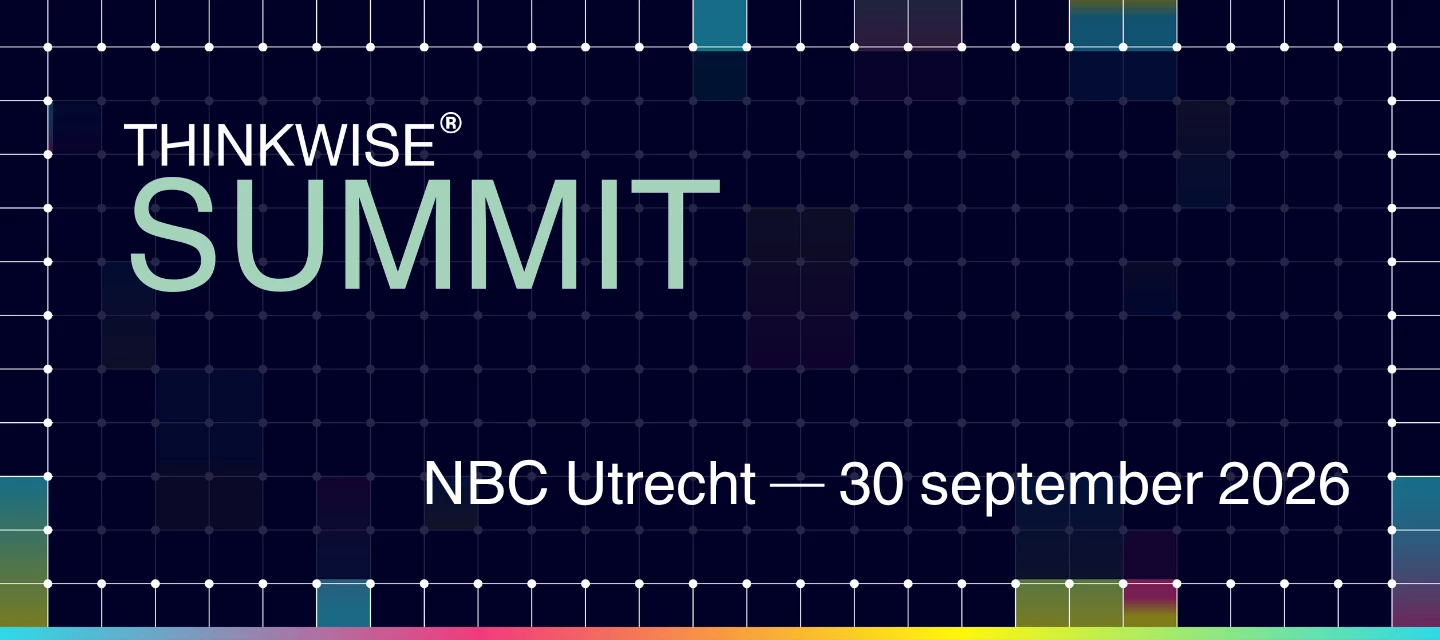
The Thinkwise Summit is getting closer. On 30 September, we’ll bring the Thinkwise community together at NBC in Nieuwegein. And this time, we can tell you more about what to expect.The programme is now live, with customer stories, platform developments and live demos across the business and tech tracks.A few highlights:See in live demos what AI can already do within the Software Factory. Huuskes, Antea Group and EAU share how they develop their business-critical applications around their own processes. Discover what MCP means for developing and using Thinkwise applications. Dive into topics including MQTT, AI and digital sovereignty.And of course, the Summit is also a chance to meet other Thinkwise customers, exchange experiences and catch up with the Thinkwise team.Curious about the full programme?View the programme and register for Thinkwise Summit 2026
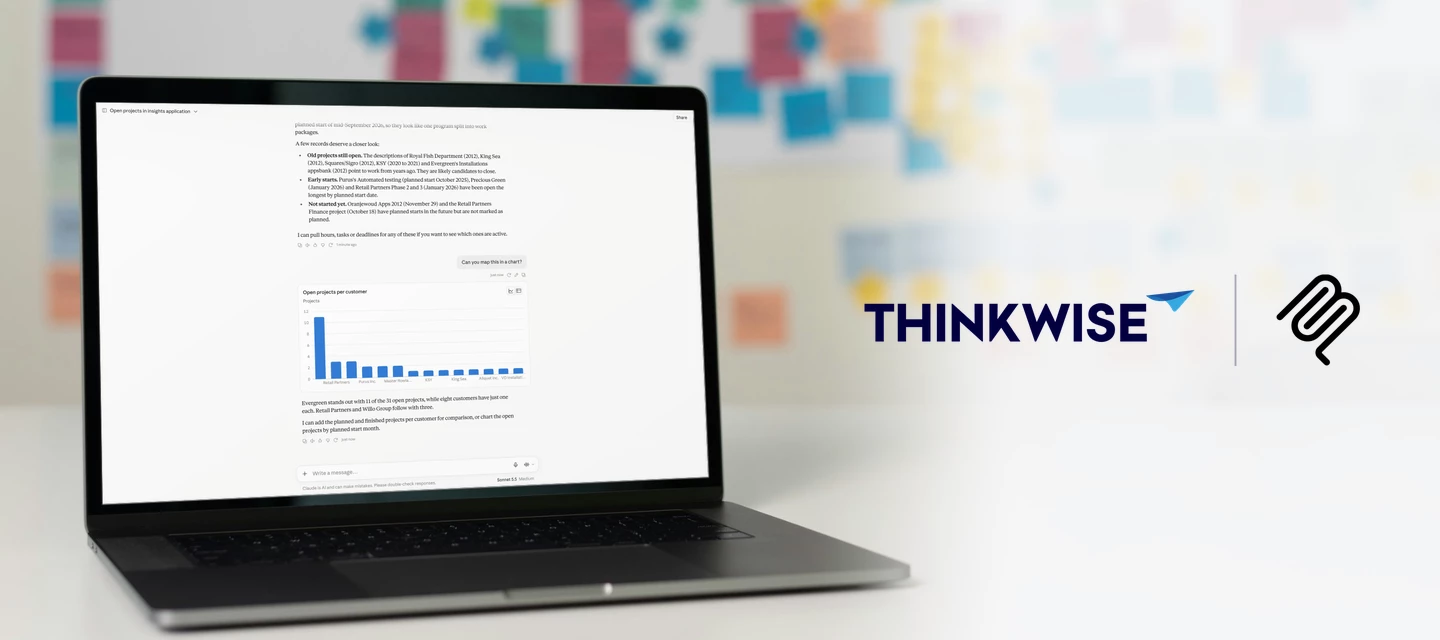
A project manager wants to know which projects are running over budget. A colleague needs to log last week's hours across four projects. With MCP (Model Context Protocol), both just ask: one gets an answer straight from the data, the other gets the hours booked for them.You've read plenty about MCP by now. Time to try it on a real application. See it in action Try it yourself!Our Insights demo application is now available through MCP. If you have a Thinkwise Community account, and you probably do if you are reading this, you can connect to it right away with ChatGPT or Claude. A free Claude account works too. Note: This is a demo application, so the data isn't always as realistic as in your own. You can change, insert or delete anything, but remember that everyone shares the same data. The database resets every night. How to connect In Claude or ChatGPT, add a Custom connector Enter a name, for example Thinkwise Insights, and this URL: https://insights.thinkwise.app/indicium/mcp
A sales employee opens an email from a customer who wants 40 units of a product, delivered next Friday. Instead of retyping the order, she hands the email to her AI assistant. The assistant reads it, finds the customer and the items in your Thinkwise application, and creates a draft sales order for her to review. This is what MCP (Model Context Protocol) makes possible: users talk to their business application in plain language, and agents act on their behalf.AI is very good at turning unstructured input into structured data, and that goes well beyond order entry. With an MCP connection to your application, users can:Ask questions about their data, such as "Which customers have open invoices older than 60 days?" Prepare for a meeting by asking for a summary of a customer's recent orders, open quotes and service tickets. Spot problems early, for example "Which production orders are at risk of missing their delivery date this week?" Register work from a short note, such as turning "Spent
As you probably noticed, we have launched MCP support for our Platform as a beta feature with release 2026.2.12! The initial communication has been about using MCP on customer applications. And because the Software Factory and IAM are built with the Thinkwise Platform itself, MCP is technically available for those applications too!Given the eagerness to work via MCP on the Software Factory, we invite you to start using it now. Keep the known limitations below in mind. Specifically, double-check that you are applying the best practice of setting your MAIN branch to Read only.Knowledge Session & WorkshopsBefore you start, we strongly recommend watching the recording of our Knowledge Session MCP on the Software Factory: application development with prompts:We are happy to help you get started with MCP on the Software Factory and have organized a bunch of Workshops. Make sure to enrol via the Community Events if you are interested!Known limitationsThe main reasons for not advertising t
It's the new hire's third day. They open the incident screen for the first time: four tabs, a detail grid, 50 fields, and no clue which ones matter right now. They fill in what they recognize, skip what they don't, and hit save. The record looks fine. It isn't. A required detail is missing, a business rule quietly broke, and three weeks later someone must work out why that incident never triggered an action. As a developer you didn't do anything wrong. You trained your users how to use the application, and most days that holds. But training lives in people's heads, and heads forget, leave, and improvise. So instead of teaching users where to look, bring every field they need straight to them, one step at a time. Most of us already know that pattern by another name: a wizard. This post shows two ways to build a guided, multi-step process in the Software Factory, and how to pick the one that fits. Why guide the user at all?There are lots of reasons to guide your users. We've listed a few
With Thinkwise Platform STS 2026.2.12, MCP support lands as a beta feature. Connect Claude, or any other MCP-compatible AI tool straight to the applications you build on the Thinkwise Platform: your data, your logic, your rules, with your application roles and IAM doing the security work.If you have never touched MCP before, you are in good company, and you will not be figuring it out on your own. This guide assumes zero prior knowledge and walks you, step by step, from what MCP is through your first authorized chat with your own application's data.Grab a coffee. In about twenty minutes your AI assistant will be able to query live data straight from your own application, and only the data your IAM roles allow. Once you get there, tell us what you built. We are learning what works best from the same use cases you are. What is MCPMCP stands for Model Context Protocol: an open standard that lets an AI assistant call out to external tools and data sources in a structured, predictable way.
Last quarter, this screen opened in a second. Now the user clicks, and waits, and watches the spinner turn for twenty. Nothing in the model changed. Nobody rewrote a query. The data did the damage on its own: the Orders table quietly swelled from fifty thousand rows to two million, and a query that never needed an index suddenly, badly does. This is how performance problems often arrive. Not with a bang or an outage, but as a slow drift that users feel in every click, long before anyone thinks to open a query plan.Performance problems rarely have a single cause, and fixing them rarely takes a single technique. This blog walks through the checks and habits that make the biggest difference, in the order you would actually apply them. You start by ruling out infrastructure and structural issues, then work inward: the smoke tests, the tables and views behind your subjects, and the cubes and queries that have to stay fast as data volumes grow.Before you start. Universal UI and Indicium ship
The Software Factory has been available on Universal for several weeks. During this period, we have received substantial positive feedback, as well as constructive suggestions for further improvement. In addition, both developers and our internal teams have identified a number of issues. This article provides a structured overview of:Known issues specific to the Software Factory on Universal Ideas and opportunities to further improve the SF on Universal Please note that this overview applies exclusively to the Software Factory running on the Universal UI.More on the Software Factory on the Universal UI: Keep in mindSystem requirements Moving to the Software Factory in Universal UI requires version 2026.1. This release introduces specific system requirements and includes several breaking changes. Read more in the release notes. Keep your environment up to date To prevent running into issues that have already been fixed, ensure your applications are consistently updated. Always install
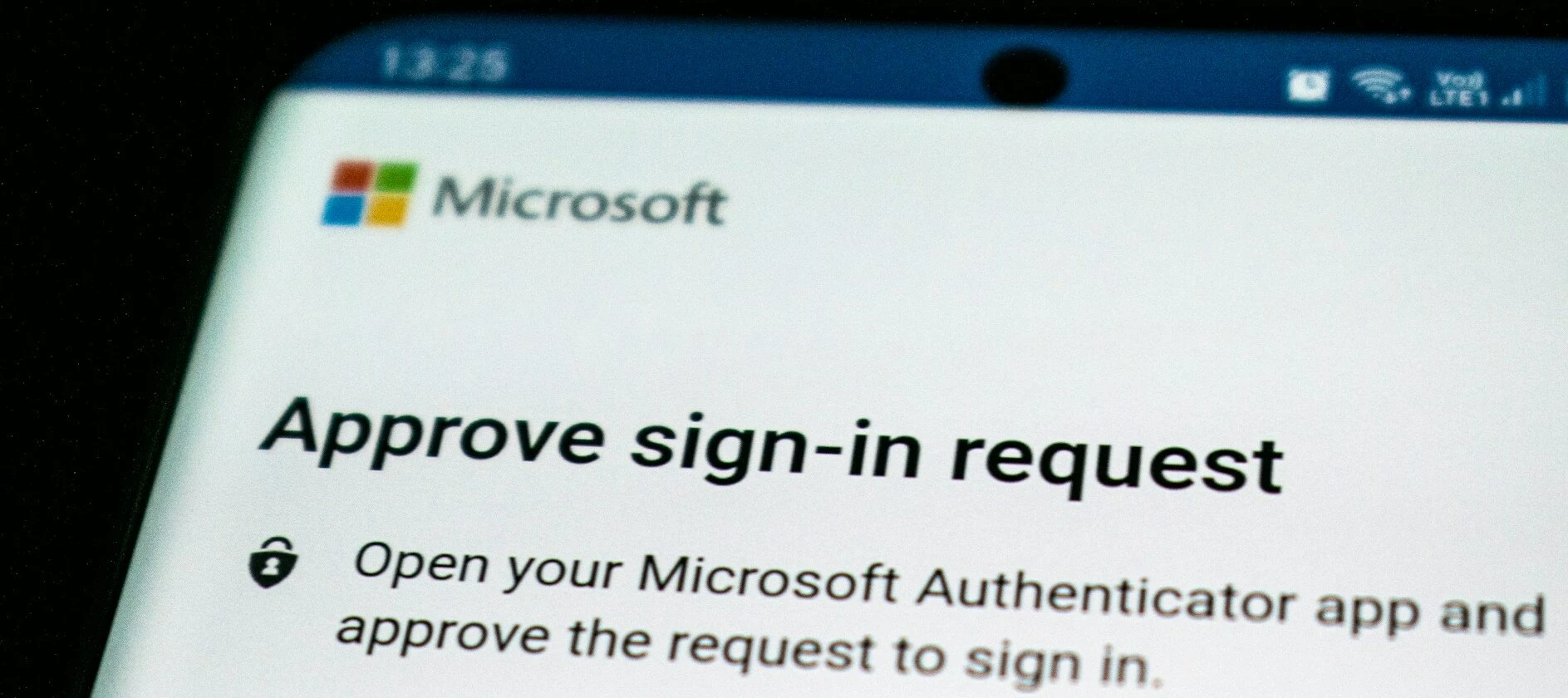
To further improve the security and enhance user account management, we will soon introduce Multi-Factor Authentication (MFA) for all TCP users.What does this mean for you?Your authorization within TCP will not change. This setting will be enabled for you. After logging in using your password, you will be asked to register your TCP account within your preferred authenticator app.We expect to implement this change as part of the TCP upgrade scheduled for Tuesday, July 7.
As you know, we usually release 3 Platform versions a year and a new Indicium and Universal UI every 4 weeks. What you might not know, is that internally we also release a new Platform version every 4 weeks. Effectively shipping a full-stack Platform increment every Sprint. These full-stack Platform versions are applied to the Thinkwise Cloud as well.Starting with version 2026.1.11, we intend to publicly release a full-stack Short-Term Support (STS) Platform version every 4 weeks, in addition to the 3 Long-Term Support (LTS) Platform releases. This comes with a few noticeable changes:Release Notes will be bundled in a single Product Update Universal UI Release Candidate will cease to exist (nightly versions of our Develop branch are available in TCP to test bugfixes before official release) All components are made available at the same time in TCPSimilar to support for the runtime components Indicium and Universal UI, only the latest STS Platform version is supported. Check the updated
Platform version 2026.2 introduces multi-RDBMS model support in the Software Factory. It is a significant step forward: for the first time, a single application model can target multiple database platforms simultaneously. We will utilize this feature ourselves to release IAM on Db2 and PostgreSQL in the near future. And customers can use this feature to deploy their application on different database platforms or to migrate to PostgreSQL for instance, for which Enrichments support is planned in a later release.To make this possible, the Software Factory data model itself has changed significantly. A set of core tables now stores RDBMS-specific columns in a separate detail table, following a consistent _query naming pattern. This likely breaks some of your dynamic code. If your model uses dynamic model code, SQL-assigned control procedures, or custom validations that reference any of these tables, you need to update those queries before generating your application on 2026.2. This post wa
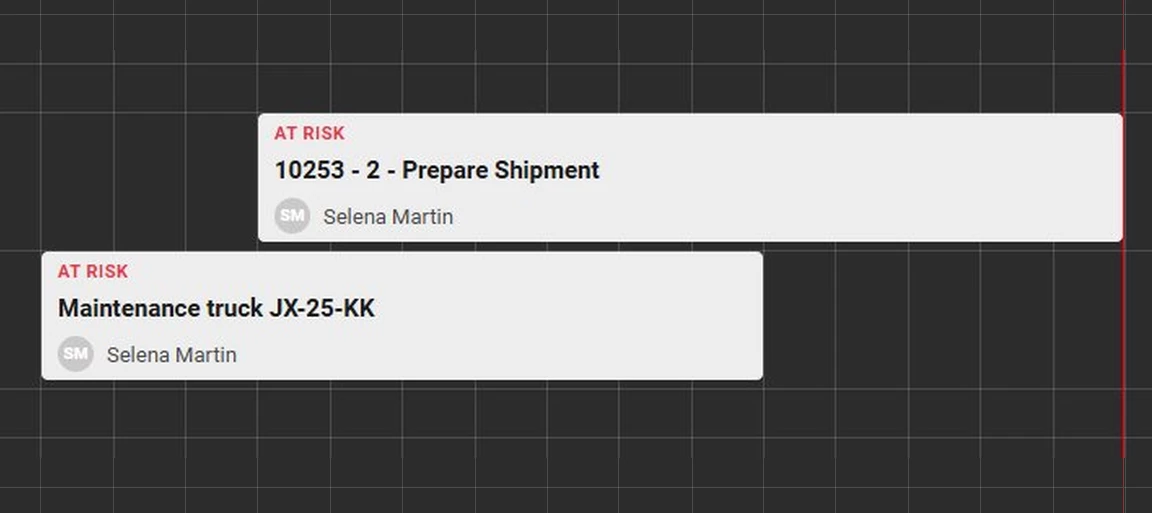
Universal brought HTML rendering and multiline support to Scheduler activities and tooltips. Two additions that significantly improve the ability to format the Scheduler to your end users' liking. Think bold customer names, color-coded priorities, or descriptions that wrap instead of getting cut off. This blog is meant to show you what’s possible and inspire you to make the most out of your Scheduler’s graphics. There is no single right answer for what to show. Every Scheduler has different information that matters at a glance, and now you can put exactly that front and center.These changes works from Universal UI version 2026.1.15 and are backwards compatible with all supported Platform versions. Refer to our other blogs for detailed explanations of other features of the Scheduler. How it worksScheduler activities have always been a single line of text. This can now be changed. Set the control type of the domain used by your title/tooltip column to HTML or multiline, and the activity
Whether you are managing project planning, production scheduling, or resource allocation, the Scheduler component offers a clear and visual way to display Activities and Resources along a timeline.With the transition from the Windows/Web GUI to the Universal UI, the extender-based Resource Scheduler required modernization. Since extenders are no longer supported in the Universal UI, we have integrated the Resource Scheduler’s functionality directly into the Thinkwise Platform, resulting in a more robust and maintainable solution.This blog will guide you through the key differences between the legacy Resource Scheduler and the formalized Scheduler, and provide practical steps to ensure a smooth transition.Scheduler setupThis blog focuses on the transition from the Resource Scheduler to the formalized Scheduler. For detailed information on setting up a Scheduler, please refer to the two blogs below, which go deeper into data modelling and interactivity. Running the Windows GUI and Univer
Every company that supports customers handles tickets, and every ticket opens the same way. Someone reads it, works out what it is about, checks that nothing is missing, and moves it along. That groundwork is important but repetitive, and repetitive work is the best kind to hand to a computer.AI makes that possible in a way traditional tooling never could. A ticket is unstructured text, and unstructured text resists rules and algorithms. AI reads it comfortably. It turns free-form input into structured data, which opens the door to features that were never practical before.In this blog we put that to work. The system we build detects the language a ticket was written in, translates it so your support staff can read it, writes a short summary so anyone can grasp it at a glance, and checks that the ticket is complete before a person ever picks it up. Each of those steps runs on its own, in the background, the moment a ticket arrives.Translation is the part that stands out. Support no lon
Save the date: Thinkwise Summit 2026. On Wednesday 30 September 2026, customers, partners and the broader Thinkwise community come together for a day of insight, inspiration and networking, at a new venue: NBC in Utrecht. What can you expect? Customer sessions: Hear directly from organisations like yours how they work with Thinkwise, the choices they've made, and what they've learned along the way. Platform updates: Get up to speed on the latest developments and a look at what's coming next. Networking: Spend the day with Thinkwise fellow users, partners, and the broader Thinkwise community.Programme details will follow in the months ahead. Register now and we'll keep you posted.Register now
Monday morning. A server update is scheduled for the weekend. A dozen purchase invoices sit in the approval queue. A critical integration just went down and someone needs to fix it right now. Each of these moments calls for a message, but they do not share the same audience, urgency, or tone. Blasting a push notification when the coffee machine is out is as unhelpful as quietly adding a badge to a subject when production has stopped.A modern business application is not a storage box that waits for users to come and look something up. It runs the process: it routes work, prompts decisions, and chases the right person at the right time. Notifications are how the application reaches out. Picked well, they keep workflows moving and cut waiting time out of every step. Picked poorly, they add noise that users learn to tune out.The Thinkwise Platform offers a range of notification options, each suited to a particular combination of reach, priority, and purpose. This blog walks through those o
When you run into an issue with one of our products or services, the Ticket Management System (TMS) in the Thinkwise Community Portal is where you raise it. Over the past quarter, we focused on making that experience smoother and simpler.The screen layout has been refreshed for a better overall UI/UX. Badges across the different screens now only show open actions assigned to you, so it is immediately clear where your attention is needed. New tasks help you move a ticket through its statuses with fewer clicks.The most meaningful changes are in the ticket types and ticket statuses. Both have been simplified and reduced to the essentials.Ticket statusesWe have updated our ticket statuses, we now have the following statuses:New To assess (Thinkwise) To process (Thinkwise) Clarify completeness (Customer) Clarify processing (Customer) Accept solution (Customer) Accept cancellation (Customer) On the backlog (Thinkwise) ClosedThe full workflow is shown below:My ticketsThe My tickets overview s
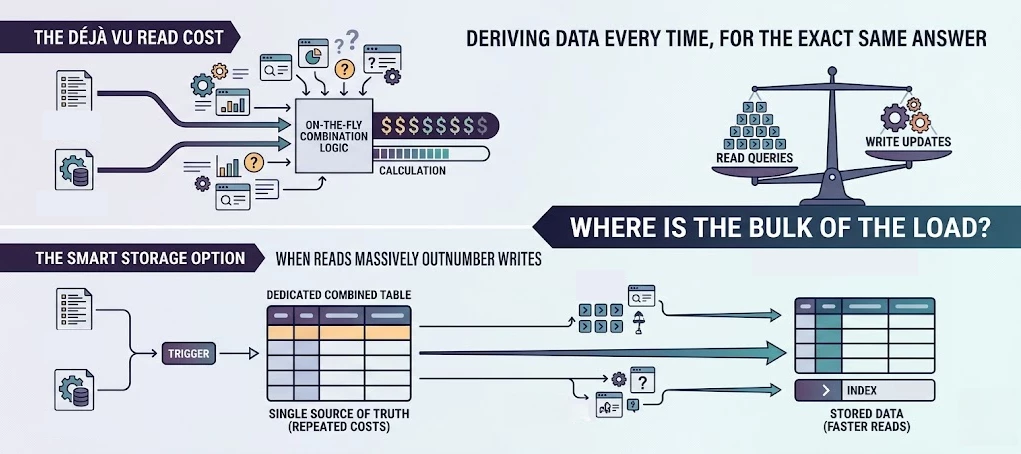
You're in a design session and someone proposes combining master data from two sources on the fly. A function, a view, a subquery. It sounds clean. Always fresh, no redundancy, single source of truth.But if that combined result gets used in dozens of queries and calculations every single day, while the underlying data barely changes, you're paying a derivation cost thousands of times over for the exact same answer every time.This article is about one specific scenario where denormalization (storing data in a combined, redundant table) is actually the better choice. It's not a universal rule. It's a trade-off, and I'll tell you exactly when it's worth making.The scenarioRecently I ran into a situation where master data came from two sources: an external ERP system and an internal list. The proposed solution was an inline TVF that combined these two sources, joined against in queries and calculations throughout the application.Clean enough on paper. But that combined result would be deri
Imagine the Software Factory like an actual factory: a big building filled with workbenches scattered across the entire room. Everything you need to build robust applications is available. But where do you start? You’ll have to figure that out yourself, meaning that (especially as a starting developer) you may sometimes find yourself moving around the factory, trying to locate the workbench you need.So how can we guide users through all these workbenches more effectively? It starts by looking at the Software Factory not only from a technical perspective, but through the eyes of the user. Understanding where people get stuck, what they are trying to accomplish, and how the platform can better support them along the way.In practice, this comes down to a few principles:Automate repetitive tasks where possible Guide users to the right functionality instead of relying on manual discovery Reduce the number of decisions users need to make Encourage best practices by default There are differen
The Thinkwise platform supports a wide range of deployment options, from on-premise servers to fully cloud-native infrastructure. To help you plan and execute a successful cloud transition, we have published comprehensive transition to the cloud documentation on our docs.Even if you have no active plans to move your application, we do recommend to replace unsupported features, thereby increasing the portability of your Thinkwise applications. More than a hosting changeTransitioning to the cloud is not just about moving servers. It is a strategic decision that unlocks real business advantages.Scalability and cost efficiency. Cloud infrastructure can scale with demand. Your infrastructure capacity grows during peak usage and shrinks when things quiet down, with costs matching actual consumption. No more purchasing, maintaining, or replacing physical servers.High availability. Replication across multiple data centers keeps your application running even when one location fails. Automated b
Already have an account? Login
Enter your E-mail address. We'll send you an e-mail with instructions to reset your password.