


The Software Factory has been available on Universal for several weeks. During this period, we have received substantial positive feedback, as well as constructive suggestions for further improvement. In addition, both developers and our internal teams have identified a number of issues.
This article provides a structured overview of:
- Known issues specific to the Software Factory on Universal
- Ideas and opportunities to further improve the SF on Universal
Please note that this overview applies exclusively to the Software Factory running on the Universal UI.
More on the Software Factory on the Universal UI:
Keep in mind
- System requirements
Moving to the Software Factory in Universal UI requires version 2026.1. This release introduces specific system requirements and includes several breaking changes. Read more in the release notes.
- Keep your environment up to date
To prevent running into issues that have already been fixed, ensure your applications are consistently updated.- Always install the latest hotfixes for the Software Factory and IAM.
- Always use the latest versions of Indicium and the Universal UI, as these regularly include important improvements and bug fixes.
Tip!
Subscribe to the following sections to stay up to date with the latest changes and updates: Product updates, News & Blogs & Roadmap
Known issues
There is no need for you to raise a ticket when you encounter any of these known issues.
-
⚠️ Affects on-premise environments (Indicium on Windows Server):
UrlSegmentMaxLength limits reached in Software Factory
Due to the use of natural primary keys, the default UrlSegmentMaxLength (260 characters) can be exceeded in certain scenarios. This may result in errors when opening specific screens, particularly within Process flows → Process actions → Input/Output for subflows.
- 🔧 This issue can be prevented: see the release notes
- Keyboard navigation
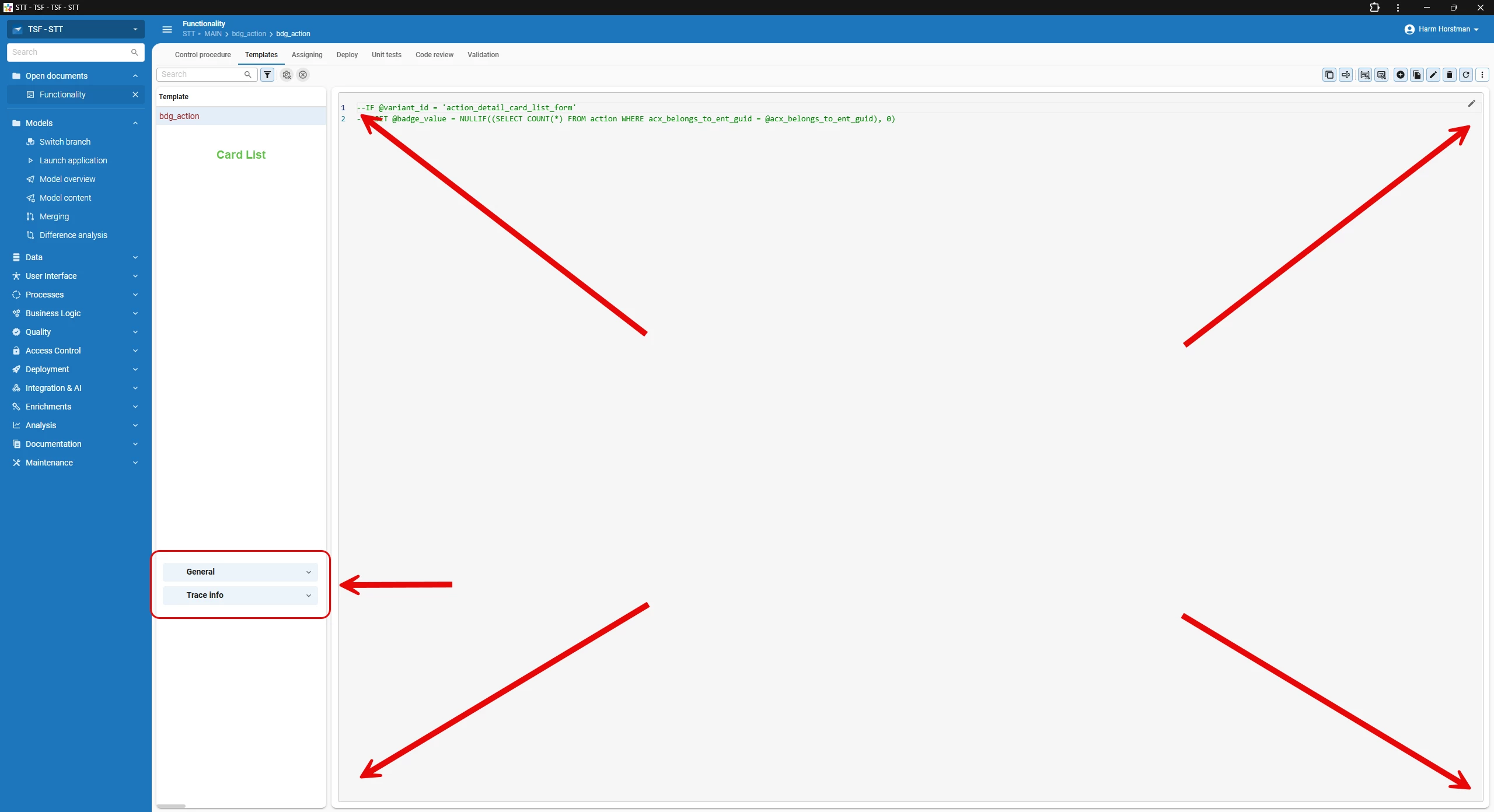
As already communicated in my previous blog, keyboard navigation is not yet on the same level as in the Windows GUI, which may impact users who rely heavily on keyboard-driven workflows.- 📝 Status: Working on it
- 🆕 Newest improvement: component navigation!
-
Cannot change Thinkwise workspace folder from within Software Factory
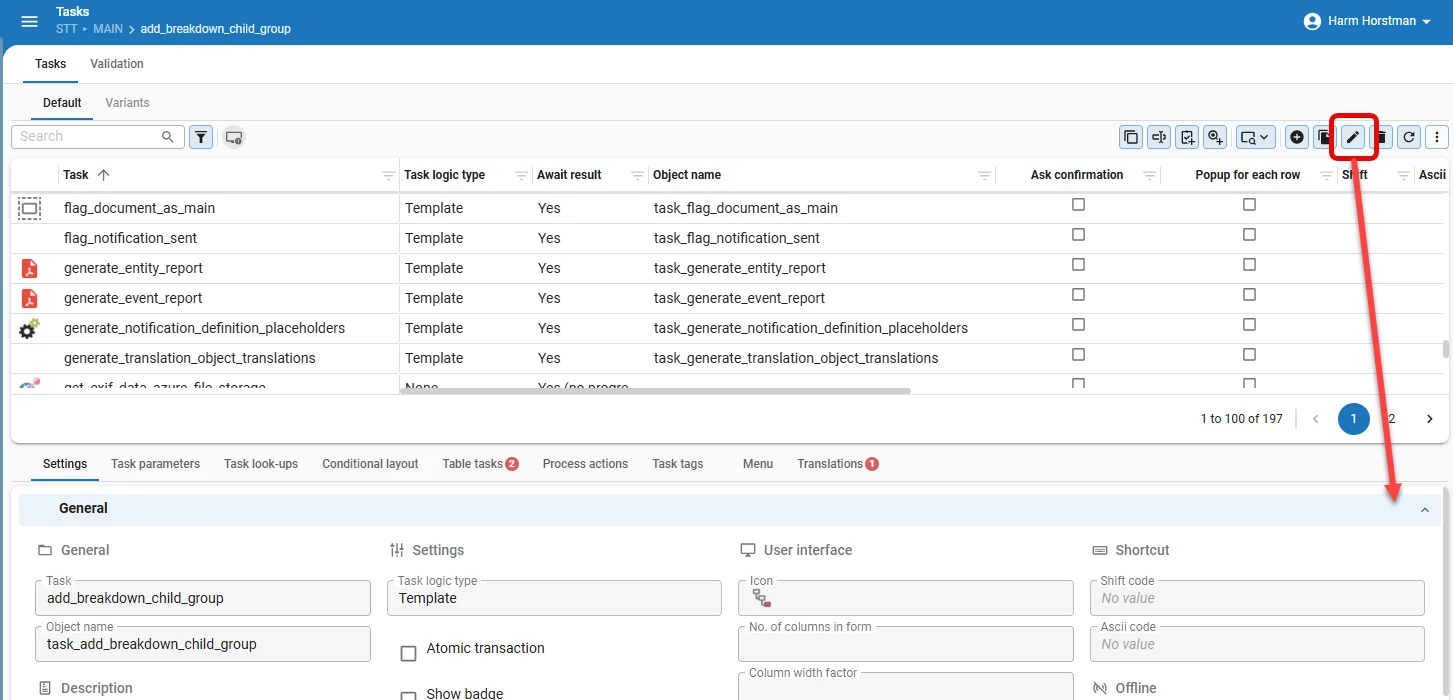
There is currently no straightforward way to change the Thinkwise workspace folder directly within the Software Factory.-
📝 Status: On the backlog
-
🔁 Workaround (multiple options): Delete the current workspace folder, clear the browser cache (cookies and site data), or remove
fs-handle-dbfrom IndexedDB via browser DevTools (F12 → Application → IndexedDB).
-
- Missing “Show Tab Header” option in Screen Design (Detail Tab Page)
In the Windows GUI, the Detail Tab Page properties included a Show Tab Header option (true/false). This option is currently not available in the Screen Design tab in Universal.- 📝 Status: On the backlog
- 🔁 Workaround: Add the screen component property showtabheader = False in the Screen Components detail
- Data Modeler references displayed in wrong direction
In the Data Modeler, references are graphically inverted. The arrow currently points from the primary key to the foreign key, but it should point from the foreign key to the primary key.- 📝 Status: On the backlog
- Default 100-record pagination may not suit all Software Factory screens
The Software Factory applies the default pagination of 100 records per page in the Universal UI to maintain performance. In certain screens, this may limit visibility when working with larger datasets (e.g., extensive menu structures).
We consider to increase the Page size for all Subjects, or for specific Subjects.- 📝 Status: On the backlog
- Not possible to create a self reference in Data Model
In the Data Model – Design screen, it is currently not possible to create a self reference (a reference where the table points to itself).- 📝 Status: On the backlog
- 🔁 Workaround: Create the self reference manually, for example via Tables → References (detail).
Fixed known issues
If you are using the latest version, the known issues listed below should not occur.
- Working on multiple branches simultaneously in the same browser
As also communicated in my previous blog, it is currently not possible to work on multiple branches within the same browser session. Users must rely on separate browsers or incognito tabs. This should be supported within a single browser session.- 📝 Status: Fixed in 2026.1.13
- Duplicate AI Enrichment task group under Tables
Under Tables, two AI Enrichment task groups are shown. The first task group is empty and non-functional, while the second contains the actual tasks.- 📝 Status: Fixed in 2026.1.11!
- Code editor updates wrong record when switching rows quickly
After saving changes in the external code editor and immediately switching rows in the Software Factory, the patch is applied to the newly selected record instead of the original one.- 📝 Status: Fixed in 2026.1.11.2!
- Task with code editor control gradually expands
Tasks that contain a visible Code editor control expand in width when opened.- 📝 Status: Fixed in 2026.1.12!
- Remaining issue: the task still expands when it contains two or more code fields.
- Switching open document disconnects external code editor session
Using the Workspace listener, switching the open document (e.g., from Functionality to Data Model) disconnects the external code editor session. Returning to the template requires reconnecting.- 📝 Status: Fixed in 2026.2.11!
- Difference Analysis not properly converted to Universal UI
Only the objects with differences are shown, without insight into the actual content of those differences. The categorized sections (e.g., Changed in both, Changed in branch 1, Changed in branch 2) are no longer separated and are displayed as a single unstructured list, making the analysis ineffective for its intended purpose.- 📝 Status: Fixed in 2026.2.12!
Ideas
Below is an overview of proposed ideas that would further improve the Software Factory on Universal. Please vote on the ideas you consider valuable additions. Do you have another suggestion? Create a new idea here.
Looking Ahead
We are proud to offer the Software Factory on the Universal UI and remain focused on continuously improving the developer experience. We’ll update the blog with Known issues and Ideas as they come.
What has your experience been so far? And which additional improvements would you like to see in the Software Factory on Universal?