


In the 2020.2 version subnames can only be approved. They cannot be disapproved or rejected. Or am I looking in a wrong page?
I’m in the validation subject in the menu validation tab subnames.
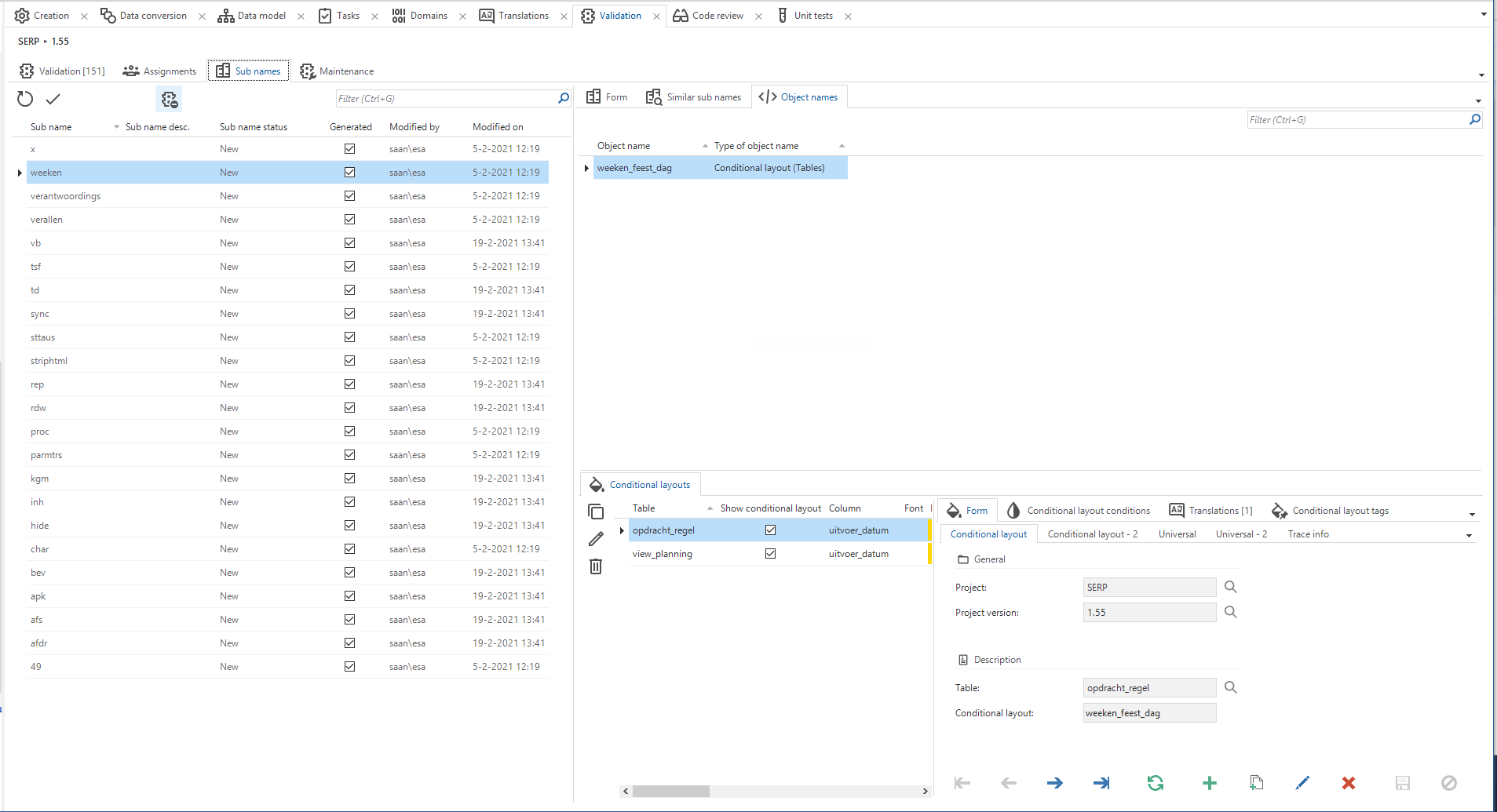
There’s only a task approve?

In the 2020.2 version subnames can only be approved. They cannot be disapproved or rejected. Or am I looking in a wrong page?
I’m in the validation subject in the menu validation tab subnames.
There’s only a task approve?
Best answer by Mark Jongeling
Hi Edwin,
Disapproving Subnames it a bit tedious to do. There's only an Approve task for subnames but it is possible to disapprove subnames:
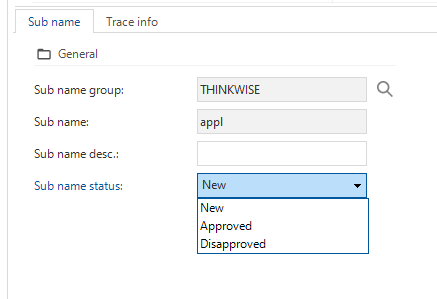
I agree that this is not optimal. Feel free to create an idea for this. You will certainly have my vote
Enter your E-mail address. We'll send you an e-mail with instructions to reset your password.


