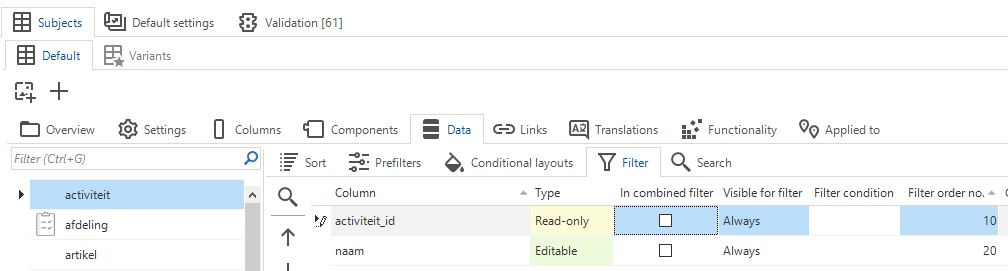
I want to order the columns in the "Searching in” section when using the search bar in Universal. How can i achieve this? It is possible to order columns in the data model, but primary key columns must stay at the top of the table. So i can't order the columns as i want.
Search bar with "Searching in” section
Best answer by Erik Brink
You are right. I checked our the Universal GUI logic and I noticed we do not sort the columns in the order of the filter columns yet.
This needs to be implemented for the Universal GUI and we will pick it up right away.
We expect this to be resolved in the release of the 2nd of February.
That's what i tried, but it doesn't work. I've ordered the columns correctly in the subject and even in the variant of the subject i'm using for Universal. But the columns are not ordered as they should be. Only if i change the order of the columns in the data model, the order of the columns are also changing in the "Searching in” section. But in that case i can't order the colums as i want, because of the primary key columns. They have to be on top of the table.