Hallo,
Is it possible to combine Cube and Chart in one page?
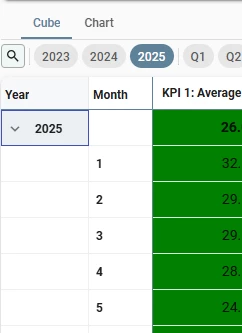
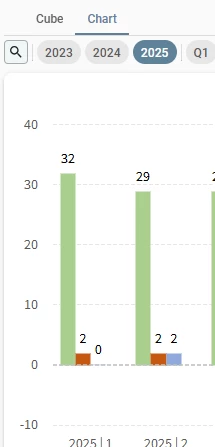
Now I can toggle between this Cube and Chart, possible to make it in one screen?
Thank you

Hallo,
Is it possible to combine Cube and Chart in one page?
Now I can toggle between this Cube and Chart, possible to make it in one screen?
Thank you
Best answer by Anne Buit
You can achieve this by using a screen type with the pivot and chart tab component headers hidden.
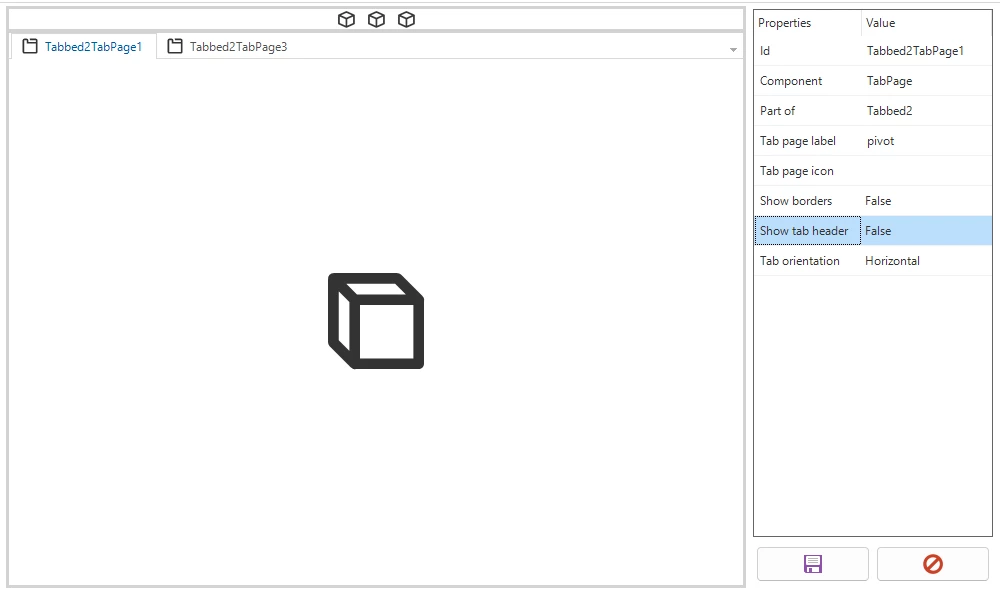
Also consider placing the action bar or cube view bar above the tab strip instead of in the tab pages.
Switching to a cube view with the default cube view type set to either ‘Pivot table’ or ‘Chart’ will still activate the correct tab page containing either the chart or the pivot.
Enter your E-mail address. We'll send you an e-mail with instructions to reset your password.