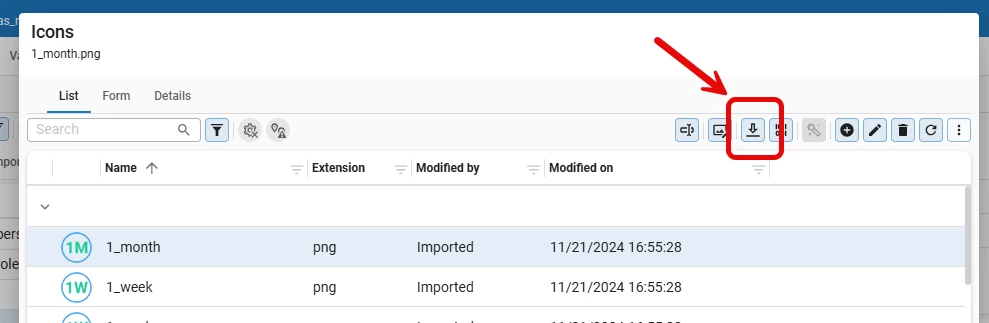
It does look like you had a look-up popup screen open of Icons. The Download icon task uses a process flow and cannot start without the AllowProcessFlowsInLookupDialogs extended property being set to Yes.
From within the Icon screen itself you should be able to download the icon without issues.
Indeed, the download task does not work when a table is opened as a lookup. I hope this can be enabled in the SF, because this is one of the most common scenarios when assigning icons to domain elements, prefilters, and similar objects.
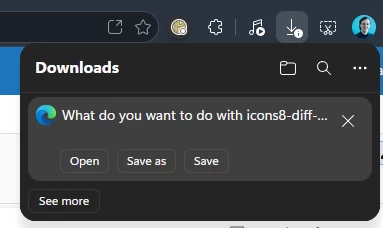
Furthermore, in my case the images are opened as a preview in a new browser window, which is not the desired behavior. Ideally, the action should simply download a copy of the icon to the Downloads folder and nothing more.
The main reason for downloading an icon is to create a duplicate, make some changes in a graphics editor, and then upload it again as a new icon.
@Harm Horstman The issue with the download opening the image instead of downloading it, was also my experience with 2026.1. Currently running 2026.2 and now they do download as a file.
I think this behaviour is related to the platform upgrade and not some browser update.