Answer

Deployment on Linux | Reverse Proxy issue (I think)

  • September 20, 2022
  • 2 replies
  • 72 views

Freddy
Forum|alt.badge.img+16
  • Thinkwise Local Partner Brasil

Hi!

I trying to get our trainee server on a Linux instance. 

I have installed everything and can access the Universal GUI and Indicium (locally) but when I try to access it through the URL <server>/indicium/ I get a 403 error. 

I am guess it has something to do with the reverse proxy but any tips where to start looking for a solution?  
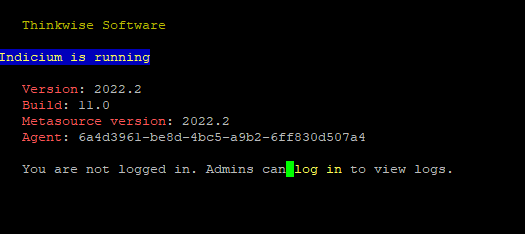


If i go directly to server/indicium 

 

If I login on the Universal login page: indicium/account/ui/logout?returnurl=https://server.lef.tec.br

 

Best answer by Freddy

I got it to work by removing the allowed headers from the appsettings.json. 

This topic has been closed for replies.

2 replies

Freddy
Forum|alt.badge.img+16
  • Author
  • Thinkwise Local Partner Brasil
  • September 20, 2022

Well it was a missing trailing slash :/

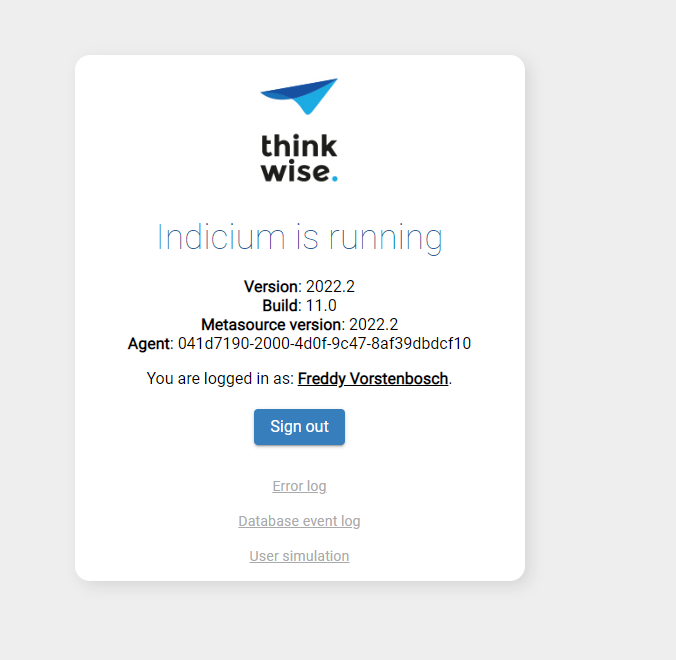
Now I have something else. Firstly I am logged in:


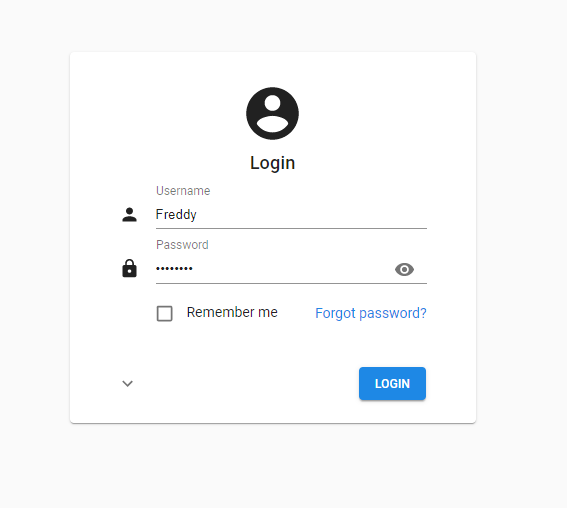
If I go the universal it still gives me the login scree:


When I try to login it redirects me to:


I then click on ‘return to sign-in’ and login again but then however get redirected to my own IP address /indicium instead of server.lef.tec.br/indicium 

What could be causing this?


Freddy
Forum|alt.badge.img+16
  • Author
  • Thinkwise Local Partner Brasil
  • Answer
  • September 20, 2022

I got it to work by removing the allowed headers from the appsettings.json.