


Solved

Change password redirect

  • December 23, 2021
  • 3 replies
  • 57 views

Freddy
Forum|alt.badge.img+16
  • Thinkwise Local Partner Brasil

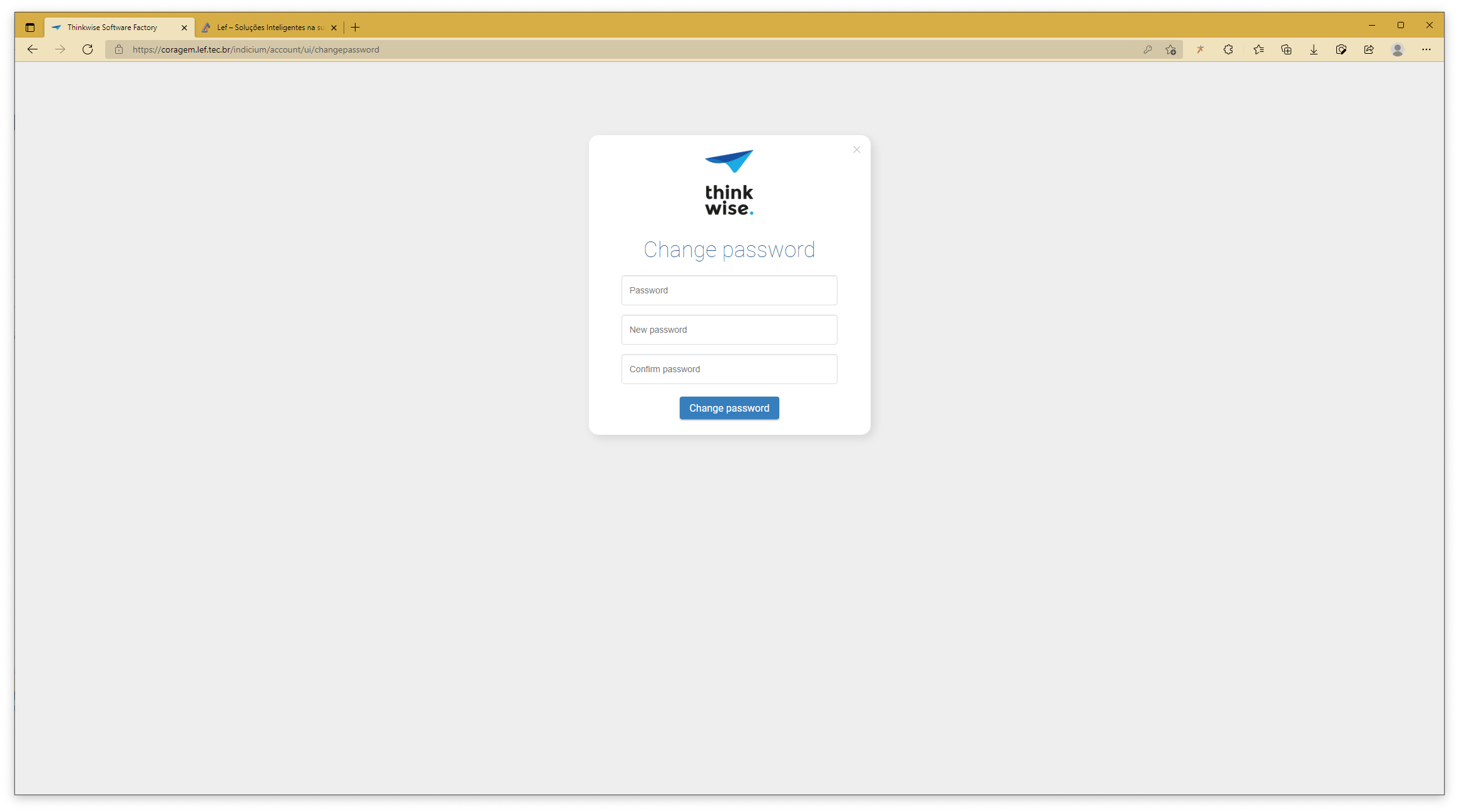
I have a couple of questions on the password change functionality and I cannot find anything on it in the documentation:

  • Is the change password screen customizable, like the login form in any way?
  • More import, when I add a new user I want to force a password change… this works but how do I make the user go back to the application after a successful change? 
 

Best answer by Erwin Ekkel

I discussed this with Erik and indeed this is a known issue to be investigated by our development team. 


This topic has been closed for replies.

3 replies

Forum|alt.badge.img+17
  • Moderator
  • January 5, 2022

The password screen is changeable by changing the background images in IAM - global settings.

For the reroute back to the application to work universal and indicium are required to use the same sub-domain. Can you check if this is the case? 


Freddy
Forum|alt.badge.img+16
  • Author
  • Thinkwise Local Partner Brasil
  • January 5, 2022

Hi @Erwin Ekkel

Yes the subdomain is the same it goes from server.domain.ext/Folder/ to server.domain.ext/indicium/ but there it stops. I heard from a @Erik Brink that the malfunctioning reroute was a known issue. Or are we talking different functionalities here?

I'll check the IAM global settings, but it by definition means it cannot be altered per tenant then. 


Forum|alt.badge.img+17
  • Moderator
  • Answer
  • January 5, 2022

I discussed this with Erik and indeed this is a known issue to be investigated by our development team.
