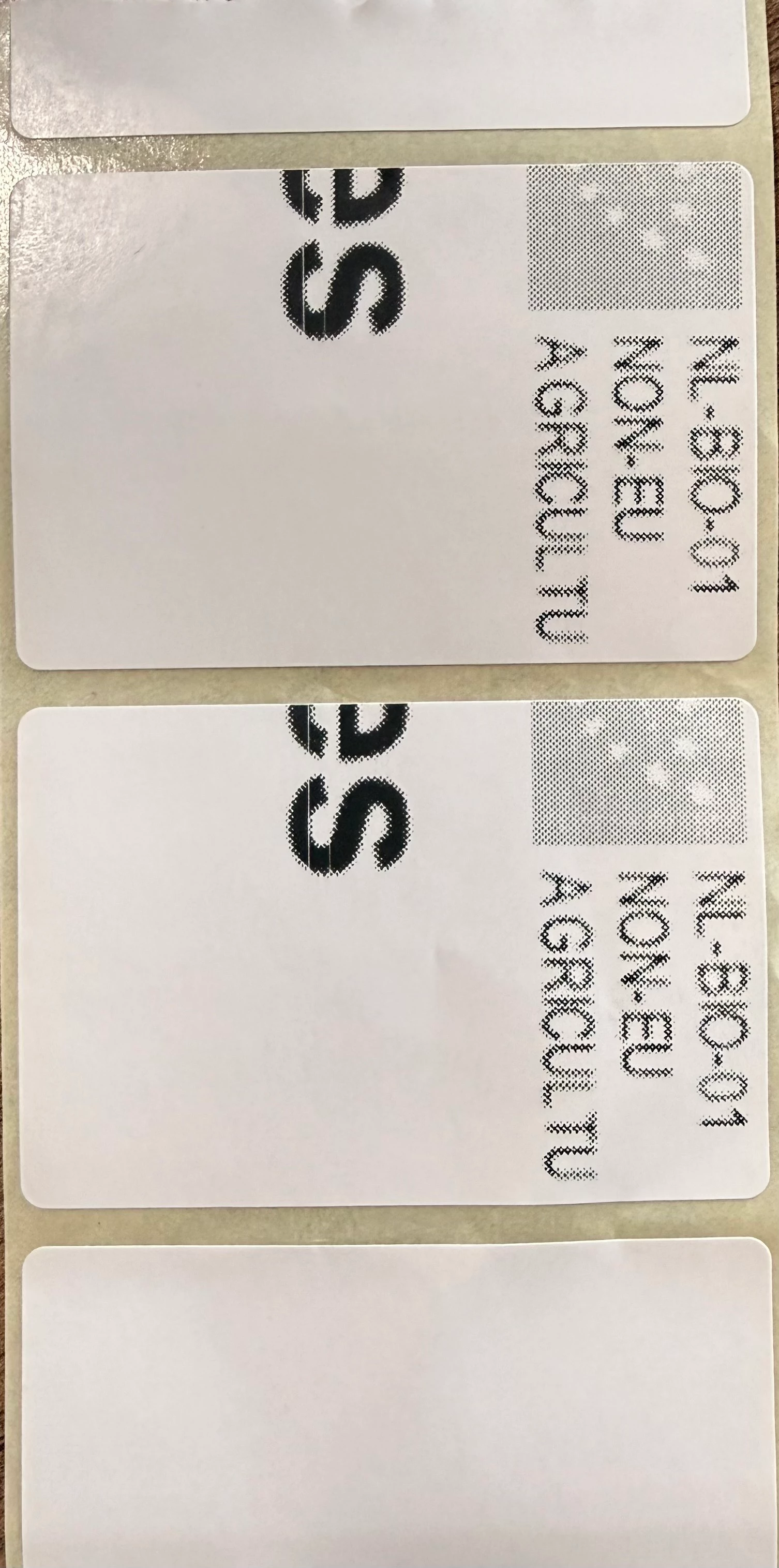
I was able to solve it for us by rerouting the printing task through my own API, using a web connection.
For this, I also had to do some custom scaling to get the image to “fit to page”:
var pageBounds = e.PageBounds;

// Calculate scale to fit image proportionally inside the margin bounds
float scale = Math.Min(
    (float)pageBounds.Width / image.Width,
    (float)pageBounds.Height / image.Height);

// Calculate target size
int width = (int)(image.Width * scale);
int height = (int)(image.Height * scale);

// Calculate centered position within the margin bounds
int x = pageBounds.Left + ((pageBounds.Width - width) / 2);
int y = pageBounds.Top + ((pageBounds.Height - height) / 2);

// Draw the image scaled to fit the page
e.Graphics.DrawImage(image, x, y, width, height);
Which means that it’s not just thinkwise that lost the auto-scaling that was happening automagically before. What caused it to change other than the windows update I still do not know.
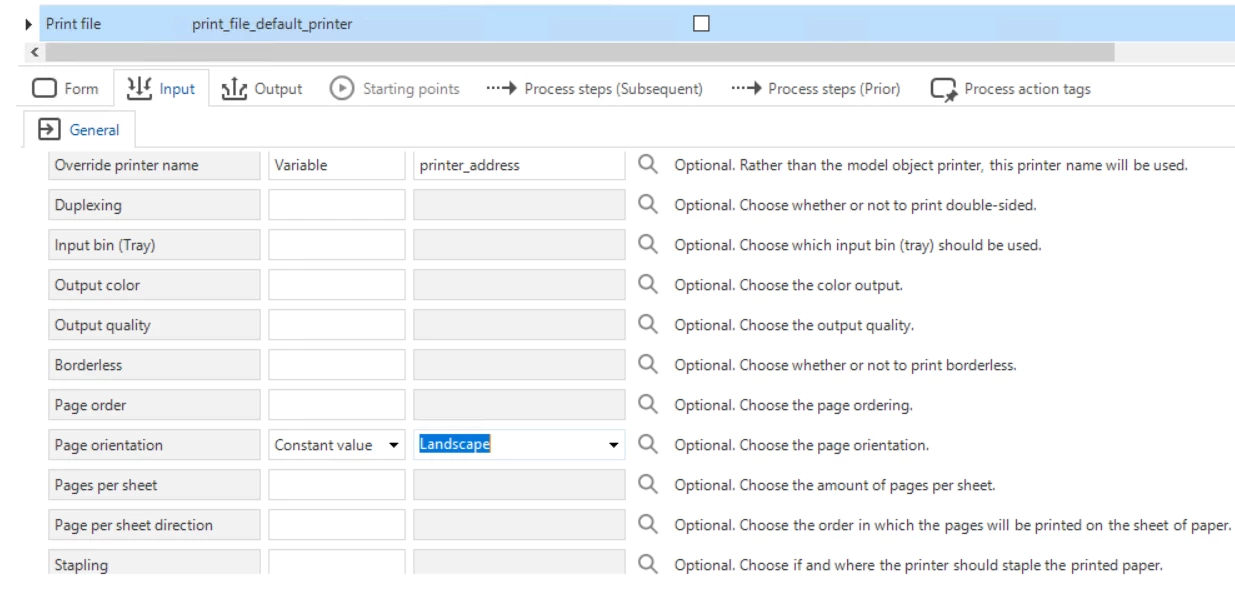
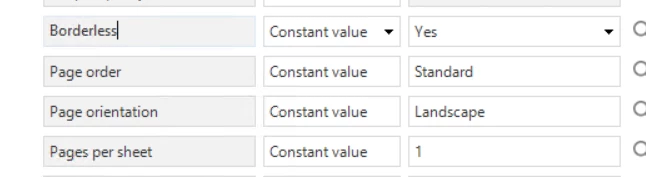
I was able to rotate my images (portait/landscape) using the printing defaults, which did not have an effect on thinkwise. This is probably because Thinkwise by default sends a portrait or landscape instruction to the printer, which will always overwrite the default setting. Changing the orientation in the print task parameters does also change the orientation in the printer, if I remember correctly.
In conclusion, it would be nice to have more control over the scaling of the image sent to the printer. In addition to that it would also be nice to be able to print other formats than PDF (images, for example). The printing feature in thinkwise has a lot of potential to be expanded.