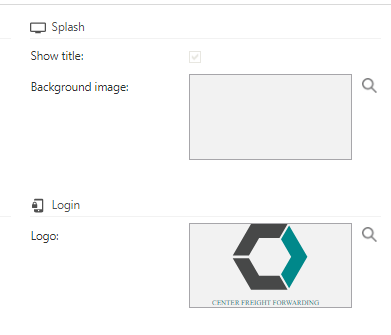
Perhaps a simple question; but I can’t find it in the manual/docs.
Where are these images displayed?
And all the other images in the IAM?
I want to set some icons here and there, but some for some reason… no show.
And, why aren’t they displayed on the fly? Sometimes after 24 hours I suddenly (and for me without reason) I do see an icon change.
Best answer by Mark Jongeling
Hi,
The Web GUI loads/caches the model (and images) when opening the application for the first time. It most likely needs an application pool Recycle (in IIS manager)to pick-up the new images set in the model.
The Splash image is the background of the intro/loading screen when opening the Windows GUI. In the Web GUI it does not have an effect I believe.
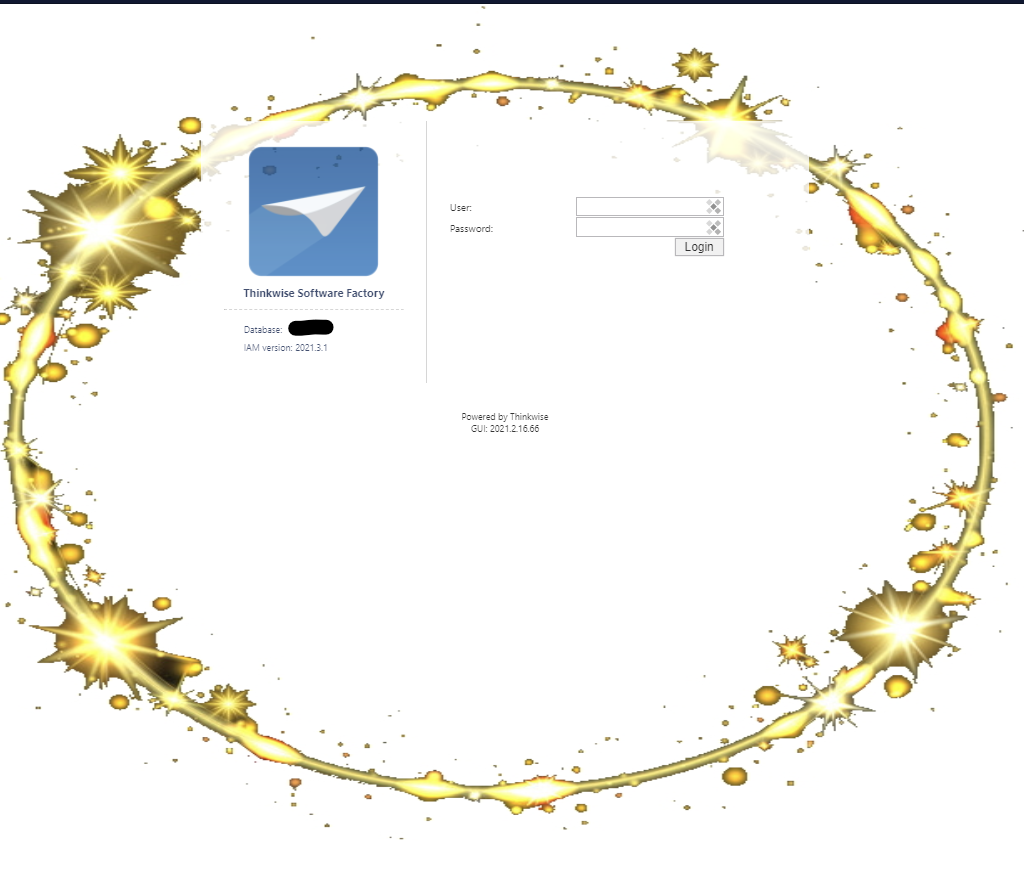
The Login logo is the image you see on the login screen of Indicium (and Mobile GUI I think). In the 2021.3 you'll also be able to set a background image - like a golden circle :
The Web GUI loads/caches the model (and images) when opening the application for the first time. It most likely needs an application pool Recycle (in IIS manager)to pick-up the new images set in the model.
The Splash image is the background of the intro/loading screen when opening the Windows GUI. In the Web GUI it does not have an effect I believe.
The Login logo is the image you see on the login screen of Indicium (and Mobile GUI I think). In the 2021.3 you'll also be able to set a background image - like a golden circle :





 :
: