
Hi all,
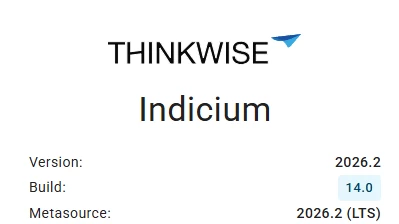
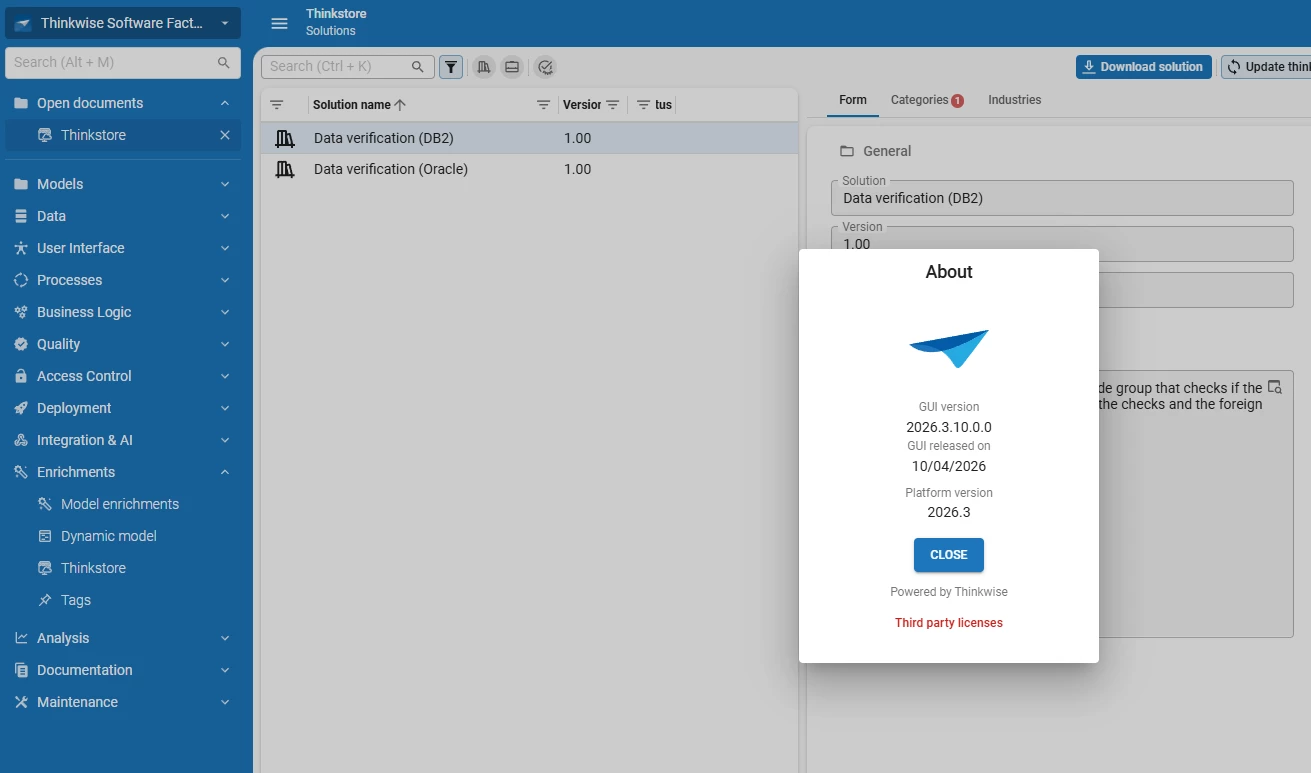
In an shadow environment we are trying to upgrade from IAM from 2026.2.14 to 2026.3 and we get the following error:
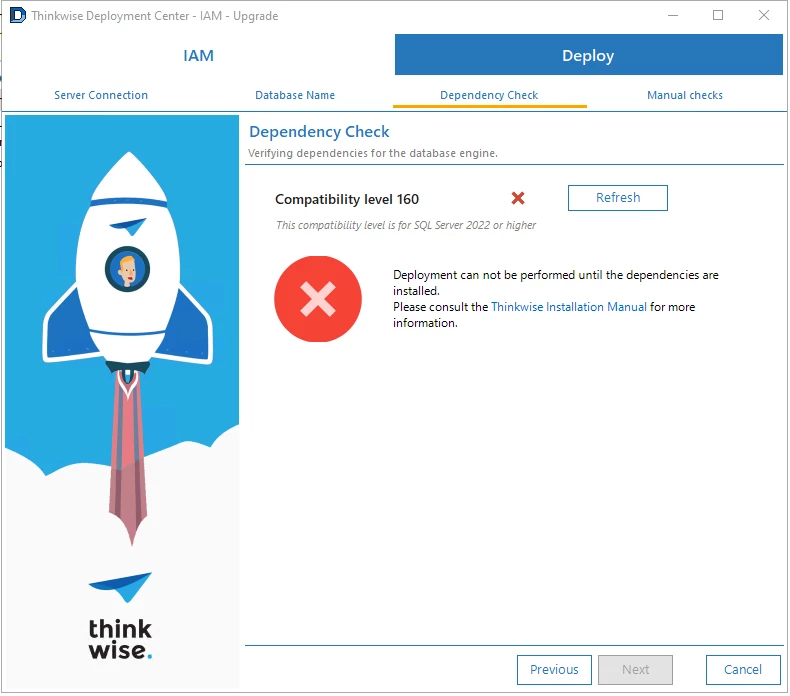
Mind you, we are using the SQL Server 2022.

Is there any workaround? Or do I need to submit a ticket?
 +1
Hi all,
In an shadow environment we are trying to upgrade from IAM from 2026.2.14 to 2026.3 and we get the following error:
Mind you, we are using the SQL Server 2022.
Is there any workaround? Or do I need to submit a ticket?
Best answer by Mark Jongeling
Hi Zachery,
Since 2026.2.11 (STS), the platform requires the SF and IAM databases to have compatibility level set to 160 (SQL Server 2022). An upgrade script to 2026.2.11 did change the compatibility level automatically, so I'm not sure where this could have gone wrong in your situation.
To fix this, run this script on the IAM and SF database prior to the upgrade:
-- Set the compatibility level of the current database to 160 (SQL Server 2022)
declare @exec_sql nvarchar(max) = 'alter database [' + db_name() + '] set compatibility_level = 160';

begin try
    exec sp_executesql @exec_sql
end try
begin catch
    declare @error_message nvarchar(max) = error_message();
    raiserror('Error occurred while setting compatibility level: %s', 16, 1, @error_message);
end catch
go
Connecto the the SF database, then run it. Same for the IAM database.
Hope this helps!
Info:
Enter your E-mail address. We'll send you an e-mail with instructions to reset your password.