


Question

Task layout without fields


Tejo van de Bor
Captain
Forum|alt.badge.img+5

hi,

We use a task with an editable parameter “quantity”, this is passed as value in a drag-drop action into the task, and then displayed so the user is able to adjust the number. In some cases, if the available quantity is e.g. 1, we use the task layout to set the quantity_type to 3, hidden outside the form, and then the dialog is not shown at all, but the task is executed. Perfect!
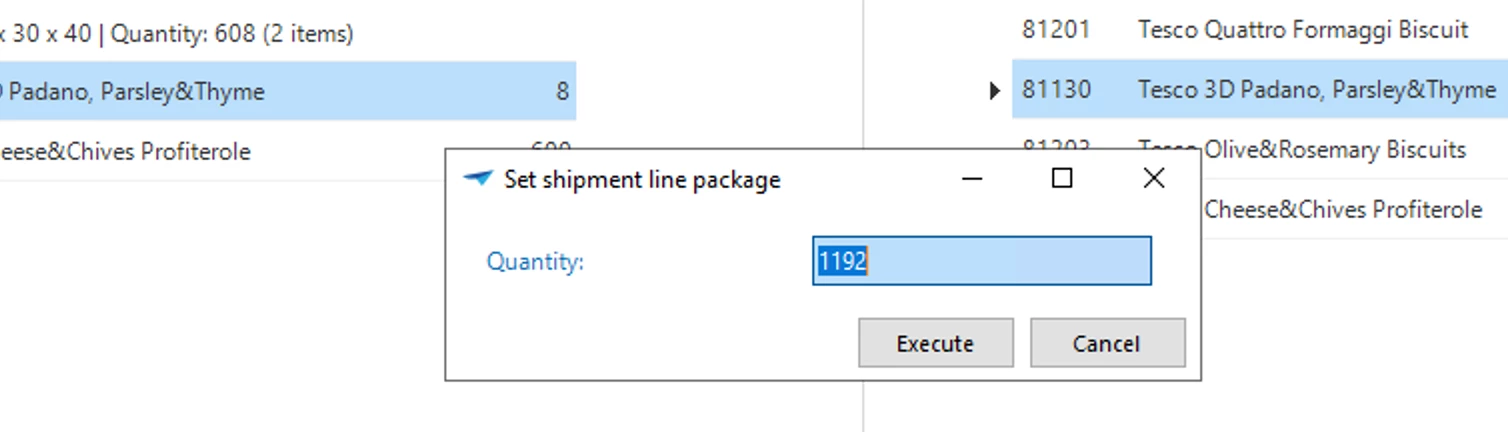
 

Now, if the user sets the quantity to 1 and exits the input field to hit Execute, the task layout is triggered again and also hides the fields outside the form. But then it leaves us this minimized dialog:
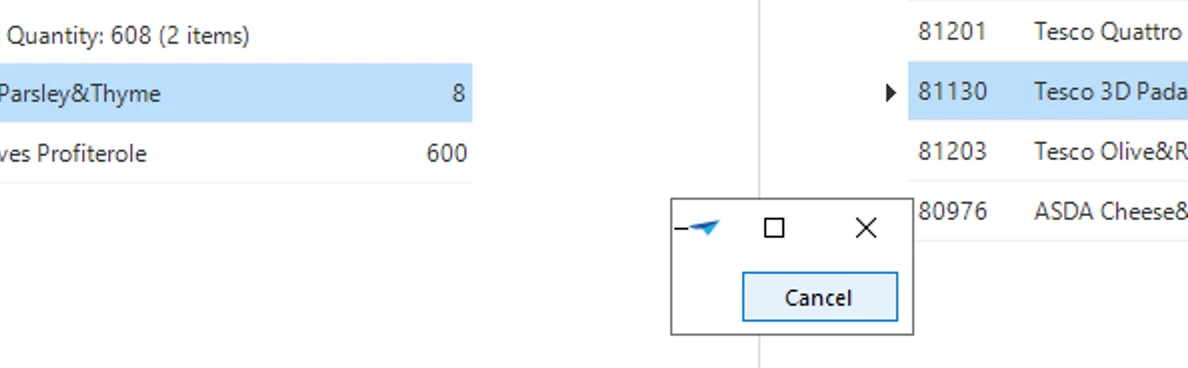


Is there an chance to skip the second firing of the task layout? 

2 replies

Arie V
Community Manager
Forum|alt.badge.img+13
  • Community Manager
  • October 20, 2026

Can you try with adding layout_mode <> 2 to the query?

This should exclude hiding the field when the cursor navigates away from the Quantity field.


https://docs.thinkwisesoftware.com/docs/sf/business_logic#layout


Tejo van de Bor
Captain
Forum|alt.badge.img+5

Thanks ​@Arie V,

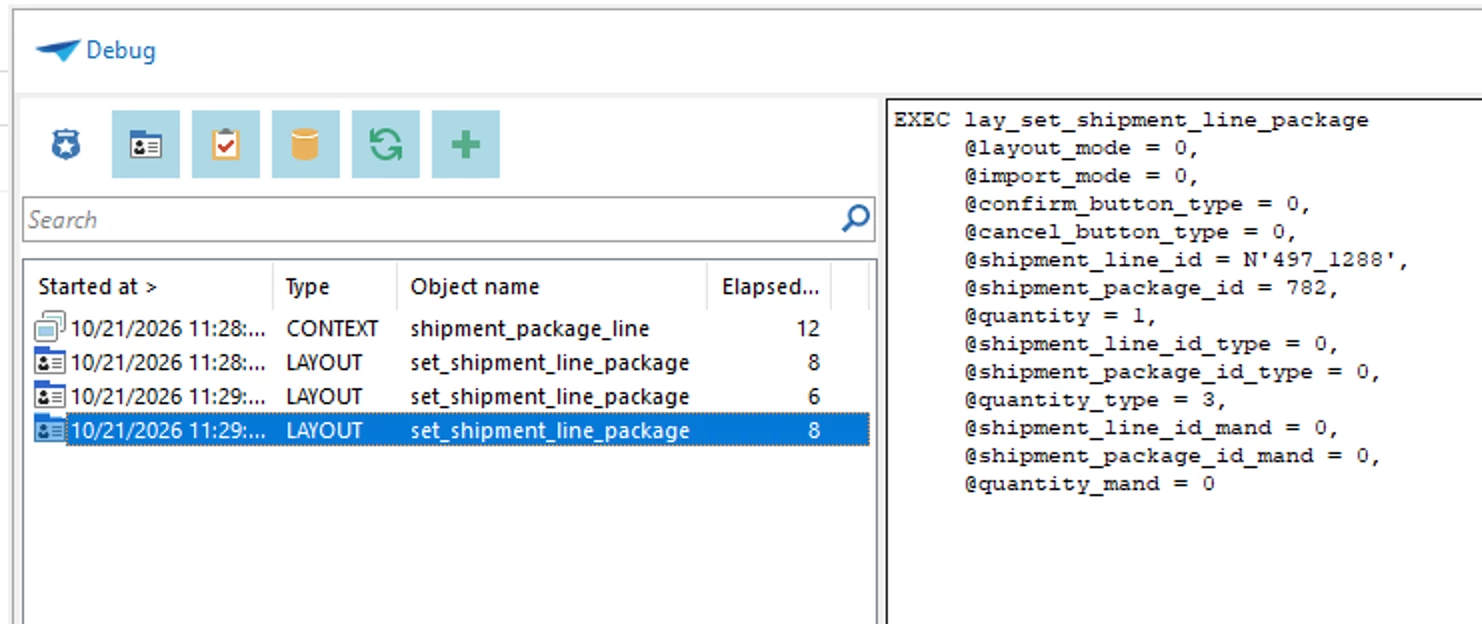
I looked into the nr 2 layout_mode, but when I debug these steps, I only see the layout_mode=0, just before the last debug-step, I tabbed out the quantity field setting it to 1 as you can see. At that point, the field disappears and the dialog is minimized.