




hi,
We use a task with an editable parameter “quantity”, this is passed as value in a drag-drop action into the task, and then displayed so the user is able to adjust the number. In some cases, if the available quantity is e.g. 1, we use the task layout to set the quantity_type to 3, hidden outside the form, and then the dialog is not shown at all, but the task is executed. Perfect!
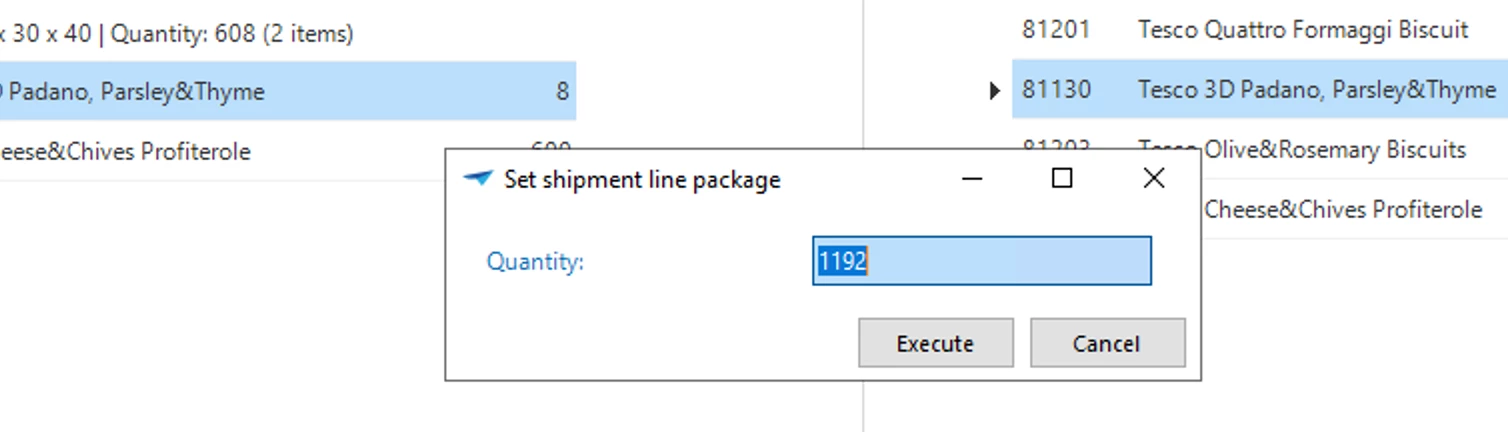
Now, if the user sets the quantity to 1 and exits the input field to hit Execute, the task layout is triggered again and also hides the fields outside the form. But then it leaves us this minimized dialog:
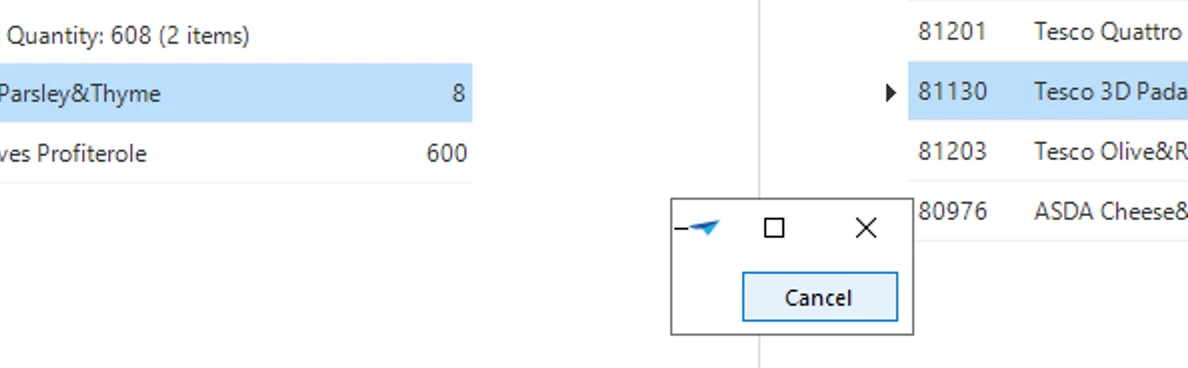
Is there an chance to skip the second firing of the task layout?


