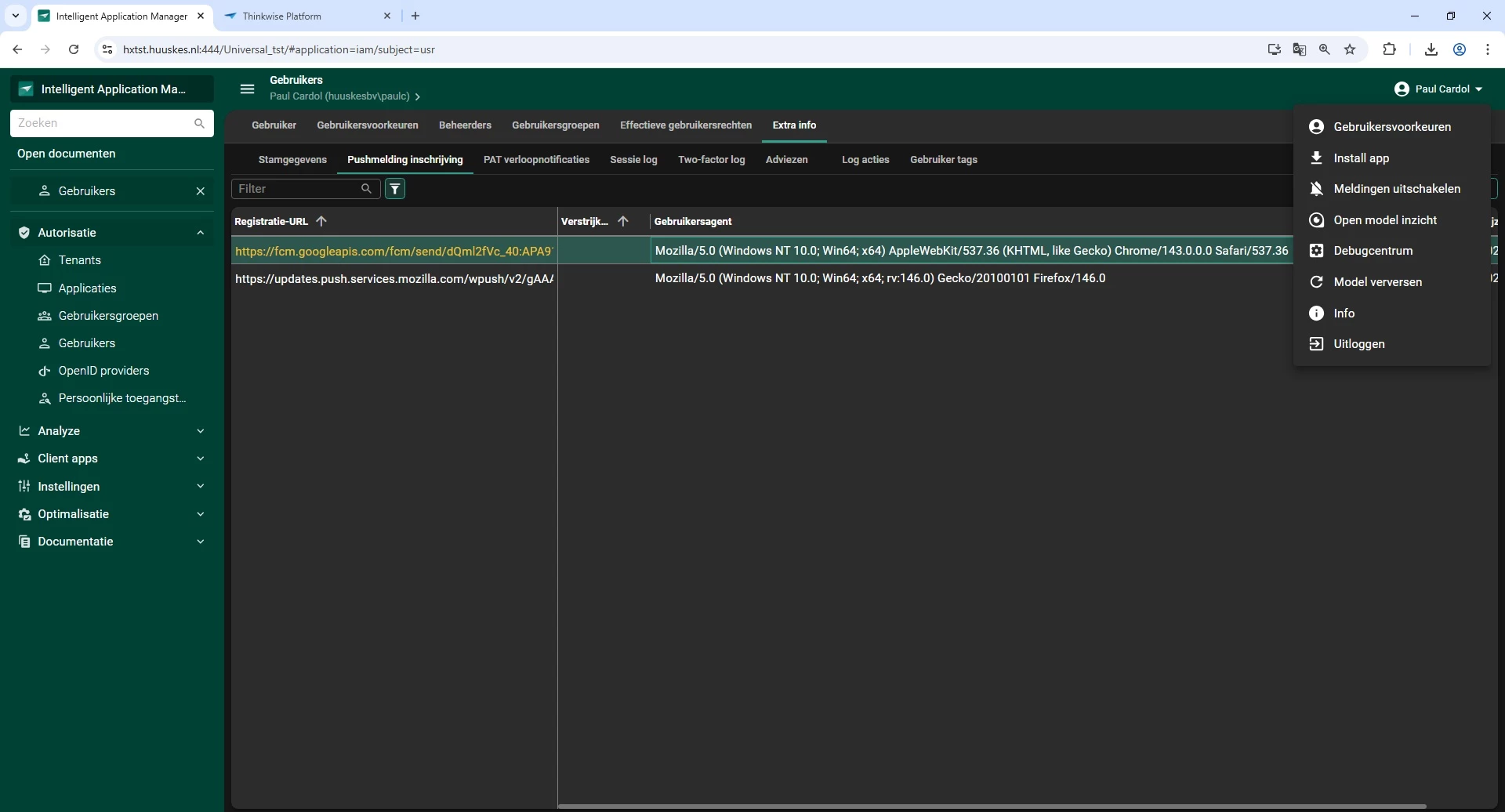
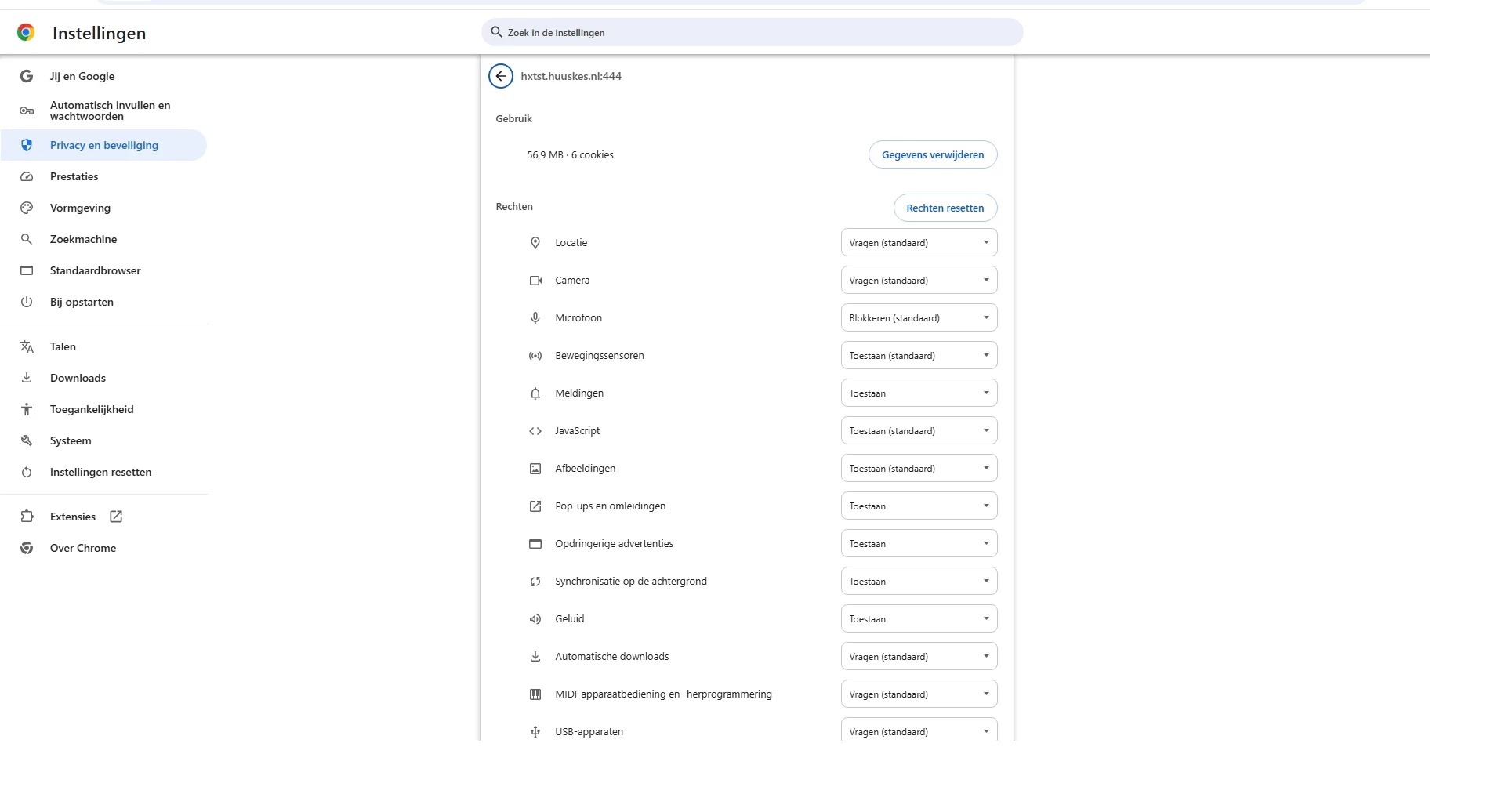
We have configured push notifications on our test environment to start testing this functionality. In Firefox, everything works perfectly and notifications are received as expected. However, in Google Chrome and Microsoft Edge, no push notifications are received at all.
Our application is primarily used in Chrome and Edge, so it is important for us to understand what might be causing this issue and how we can resolve it.
Initially, we suspected that the problem might be related to server access or firewall restrictions. However, the servers used for this environment have unrestricted outbound internet access to the required push notification services, including:
-
Google (Chrome / Edge – FCM):
fcm.googleapis.com -
Mozilla (Firefox):
updates.push.services.mozilla.comandpush.services.mozilla.com -
Apple:
web.push.apple.com -
Microsoft:
*.notify.windows.com
At this point, network or firewall blocking does not appear to be the cause.
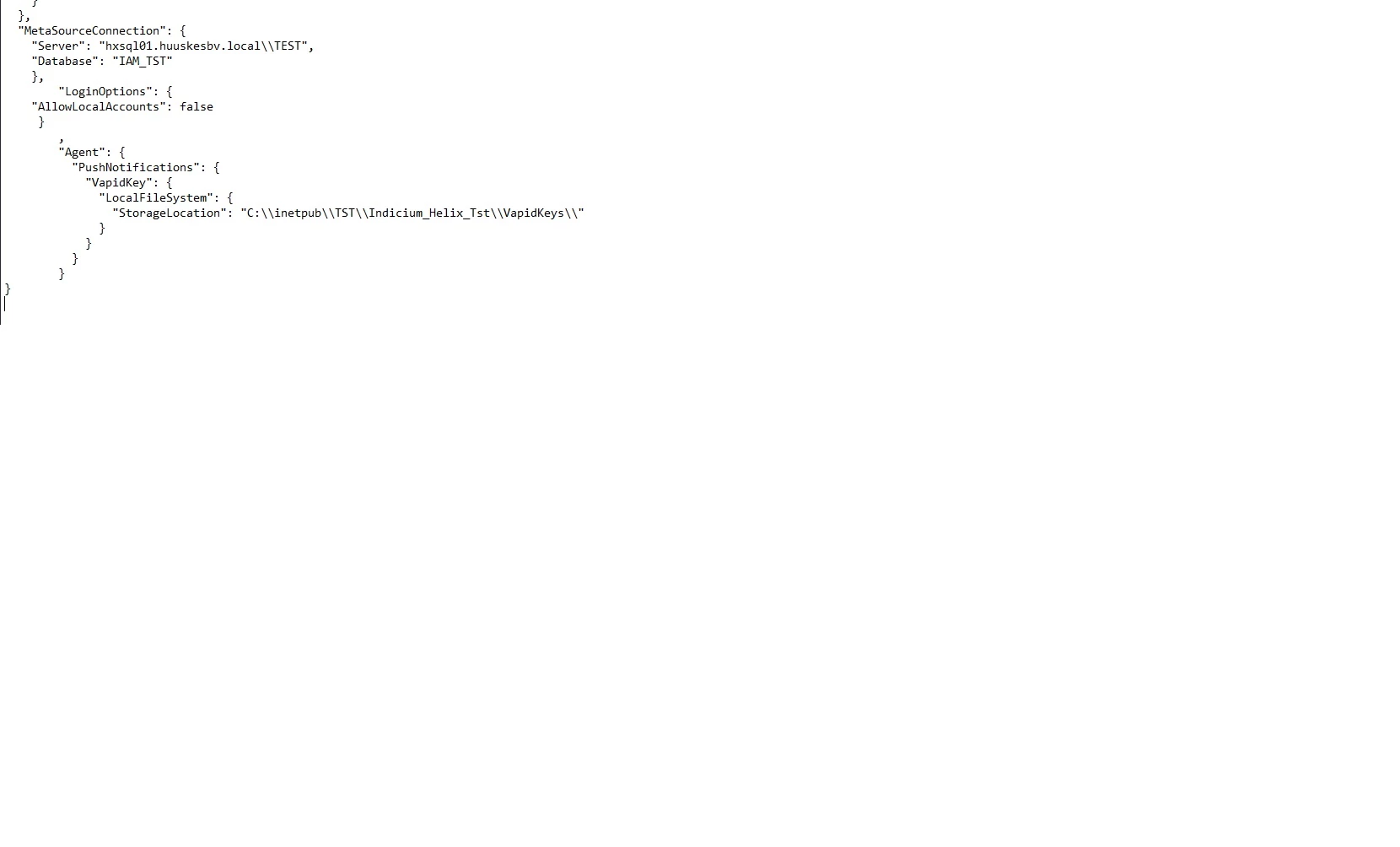
We have added all relevant settings and configurations as attachments to this post. Based on what we can see, the setup seems correct, especially since it works without any issues in Firefox.
Has anyone experienced a similar issue with push notifications behaving differently between Firefox and Chrome/Edge?
Are there any Chromium-specific requirements, permissions, certificates, or service worker limitations that we might be overlooking when using push notifications in a Thinkwise application?
Any insights, tips, or pointers would be greatly appreciated, as we would really like to get push notifications working reliably in Chrome and Edge as well.
Thanks in advance for your help!