


Solved

Preview of pdf files stored in Azure

  • May 27, 2025
  • 2 replies
  • 55 views

Ionut
Warrior
Forum|alt.badge.img+2

Hi!

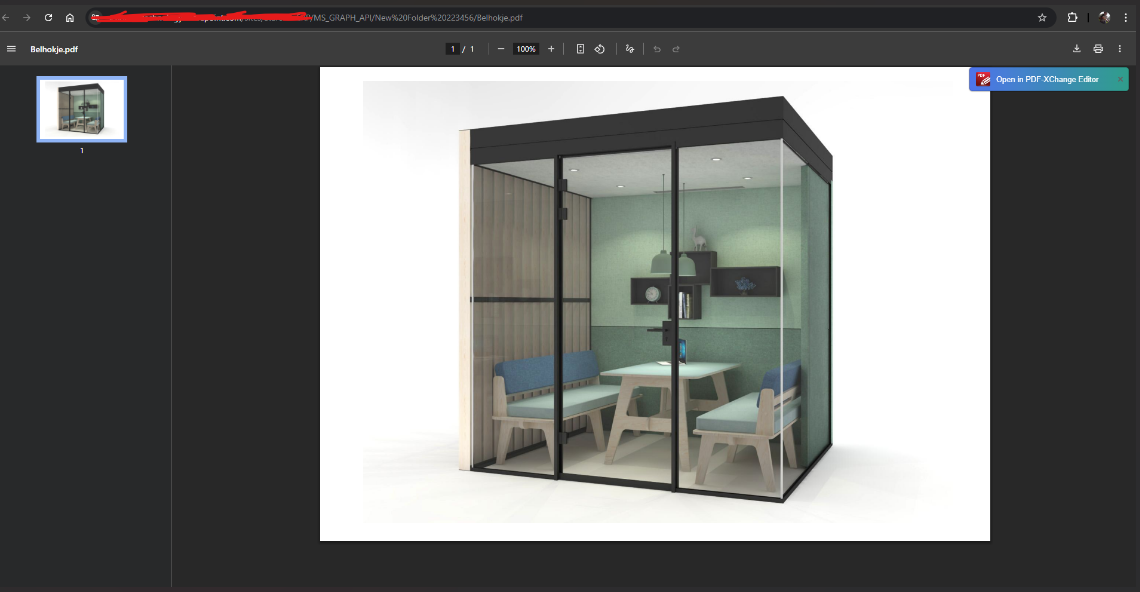
We have some problems when it comes to load the preview for pdf files stored in Azure.
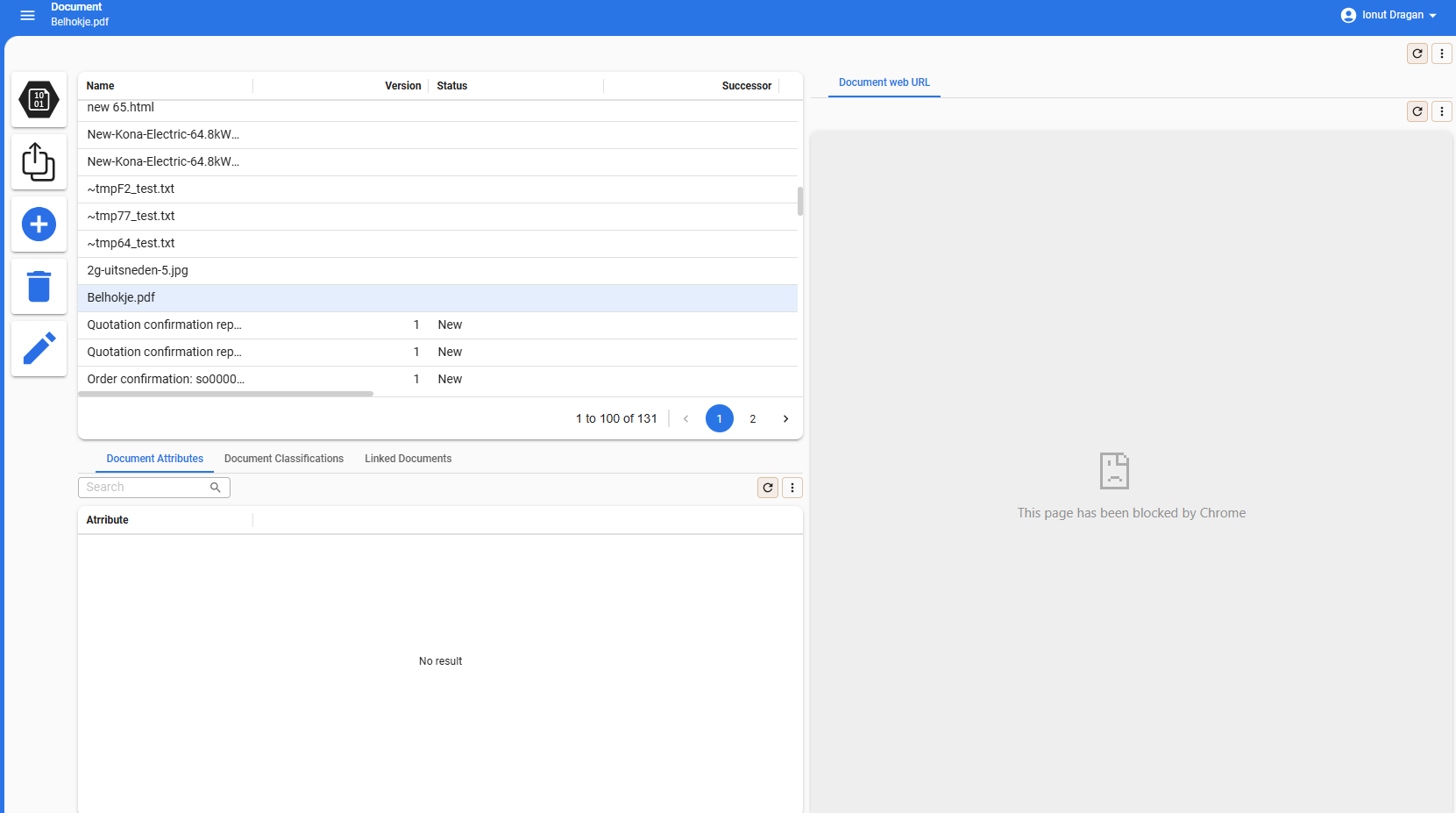
We are getting this error "This page has been blocked by Chrome". The thing is that other files as images are working just fine and the pdf files stored using blob are working as well.
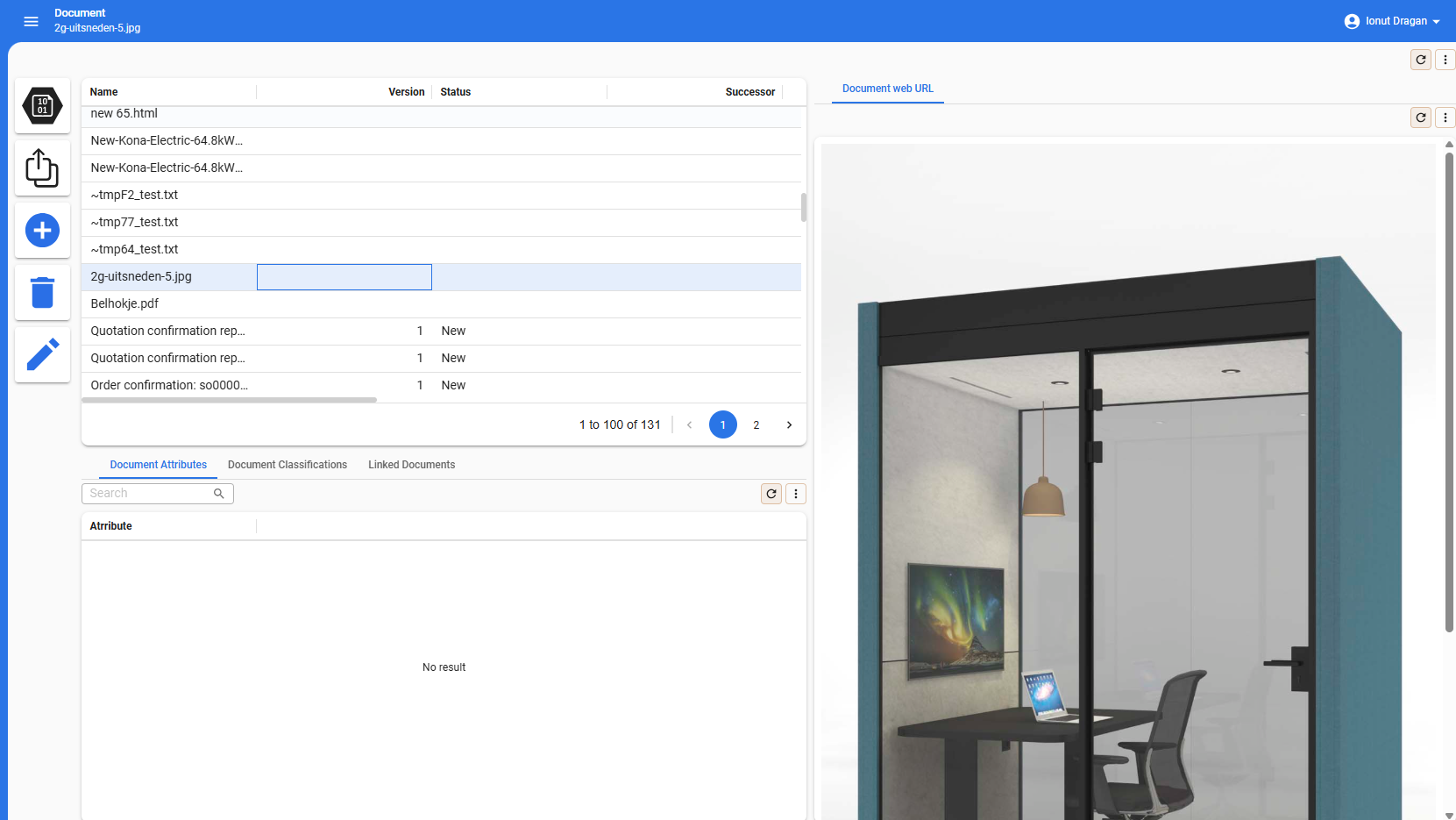
There is no specific error in console log and in network it looks like it was loaded ok.
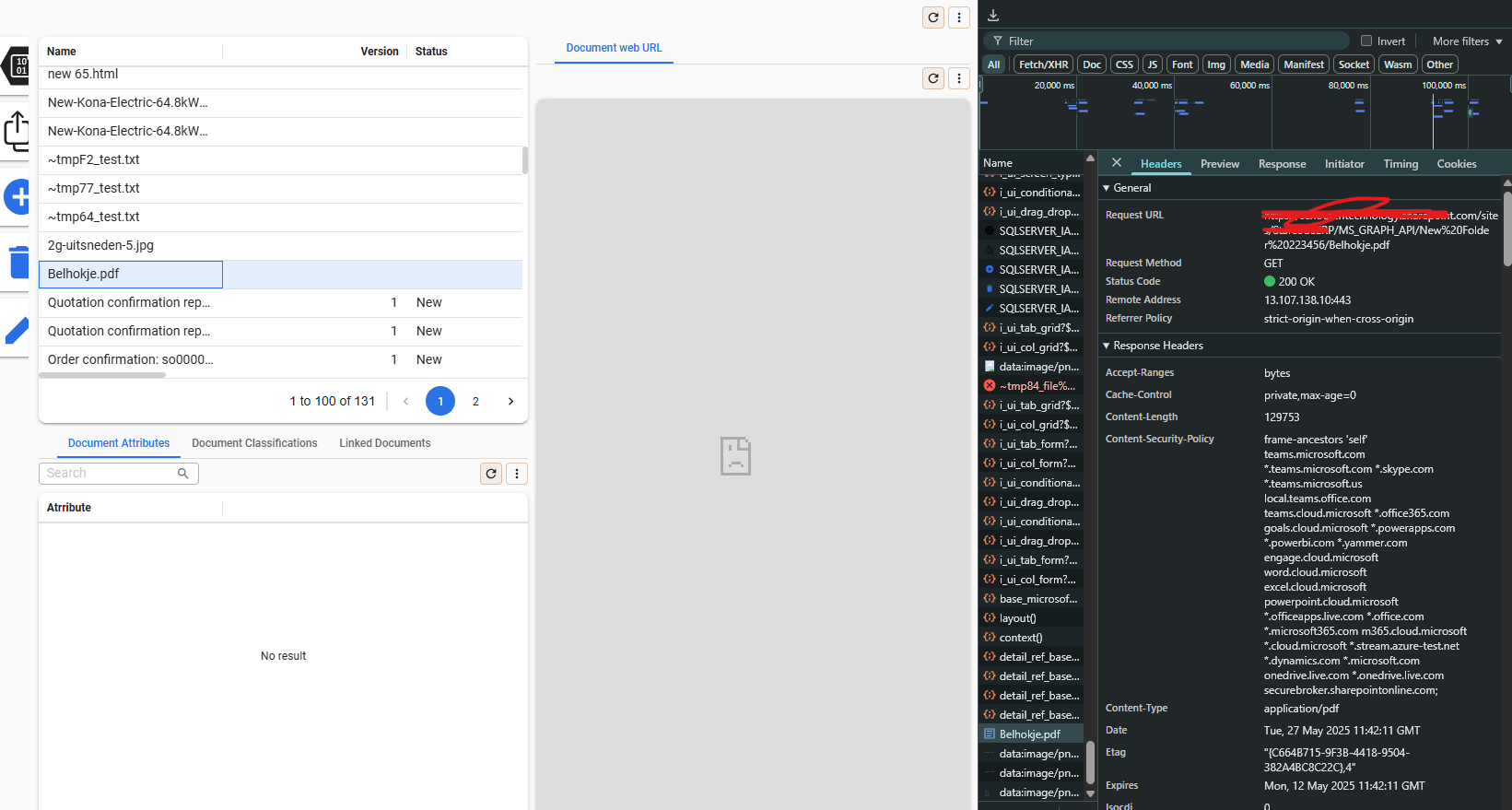
Do you have any suggestion? Thanks!


Best answer by Anne Buit

Hi,

Scroll down a bit in the response headers.

I’m afraid the x-frame-options response header is set to SAMEORIGIN by SharePoint which blocks previewing of the pdf.

This seems to be by design.


This topic has been closed for replies.

2 replies

Anne Buit
Community Manager
Forum|alt.badge.img+5
  • Community Manager
  • Answer
  • May 28, 2025

Hi,

Scroll down a bit in the response headers.

I’m afraid the x-frame-options response header is set to SAMEORIGIN by SharePoint which blocks previewing of the pdf.

This seems to be by design.


Ionut
Warrior
Forum|alt.badge.img+2
  • Author
  • Warrior
  • May 28, 2025

Hi,

Scroll down a bit in the response headers.

I’m afraid the x-frame-options response header is set to SAMEORIGIN by SharePoint which blocks previewing of the pdf.

This seems to be by design.


Indeed that's the case, looks like the preview component isn't enough for this.

Thanks!