In all the maps components that we have, the maximum zoom level is set to 22, the maximum zoom level that our provider provides. If we zoom in on a maps component in our application in Universal, we keep getting html requests for tiles, and hence see tiles in the screen, up to zoom level 18. However when zooming in further, the entire maps component becomes gray and according to DevTools no requests are being made for tiles anymore:
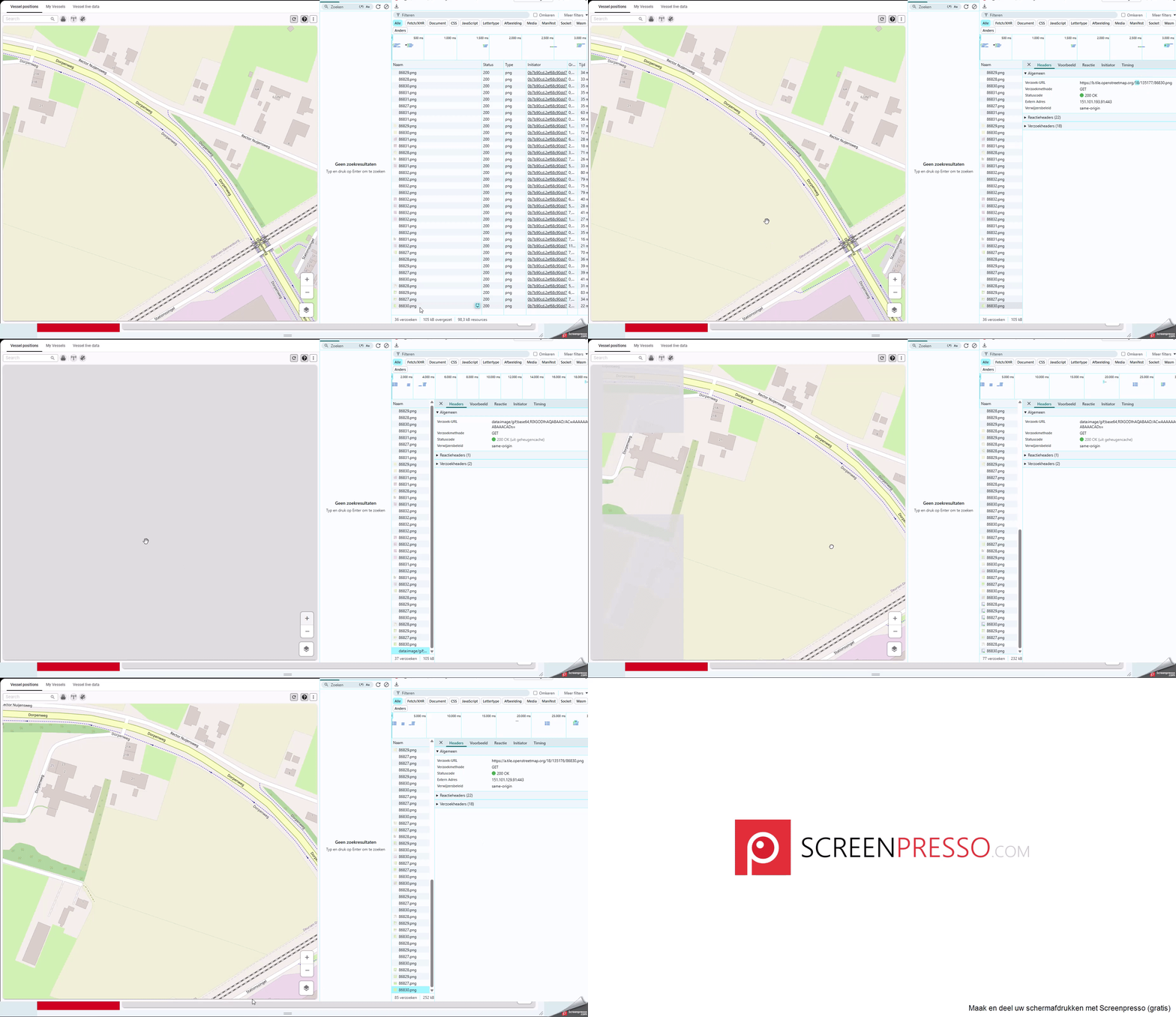
When we modify the max zoom level of the maps component to 18 and deploy the change, this seems to have no effect at all. The exact same behavior as described above takes place.
We expected that trying to zoom beyond level 18 would not trigger anything and the screen would remain on level 18, since it is the configured max zoom level. Also we expected that when having max zoom level = 22, we could zoom beyond level 18 and tiles would keep being requested.
Does anyone have an idea about what goes wrong here?