



In our warehouse, handheld scanners are used by multiple employees who each log in with their own credentials. A recurring issue is that it's currently not clear which user is logged on.
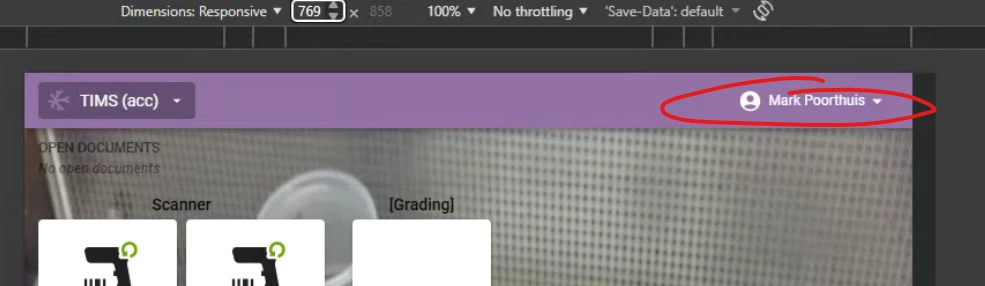
The username, which is normally visible in the top right corner on a desktop, is automatically hidden by the Universal GUI when the screen width (resolution 768px) decreases. Meanwhile, nothing else is displayed in the blue top bar, so there is plenty of room for the username.
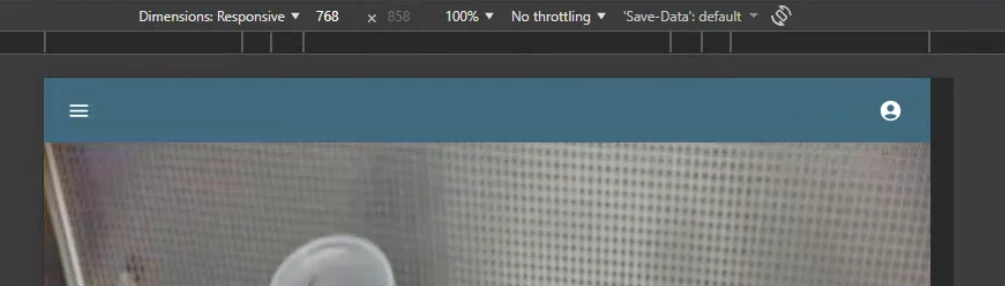
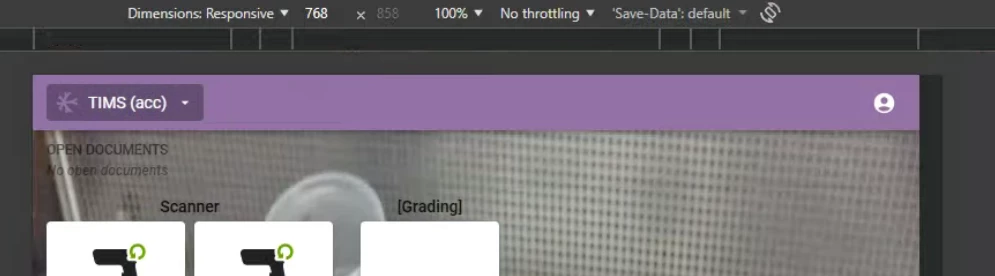
My questions:
-
Is there a setting in the Software Factory or IAM to force the username to remain visible regardless of resolution?
-
If not, can this be achieved through a custom.css override? If so, which class should I target to prevent the
display: noneorhiddenstate of the user profile label?
Having the logged-in user visible is vital for our operational flow to prevent scans being registered under the wrong account.
I tried the following custom.css override, but unfortunately, it doesn't seem to work:
span[data-testid="topbar__user__name"] {
    display: inline-block !important;
    visibility: visible !important;
    opacity: 1 !important;
}
I suspect that the span is not just hidden via CSS, but actually removed from the DOM entirely once the responsiveness breakpoint is hit.