Question

Issues connecting to MCP with ChatGPT on version 2026.3

  • October 14, 2026
  • 1 reply
  • 31 views

Hello, guys. How are you?


I need your help with the configuration of the MCP on Thinkwise.

I configured the client app, the applications and user to have delegated access. I also configured chatGPT (when I set the connection it finds everything automatically). The thing is: ChatGPT can connect to the applications with the correct scopes, but it says that there are no tools available for him: 

"I can see your plugin selection, but its callable tools were not exposed.

That doesn’t prove the MCP server has no tools—only that I cannot currently list or invoke them. I also can’t determine the cause from the information available."

On version 2026.2.14 it was working just fine.

My indicium environment runs on podman and is behind a reverse proxy (NGINX).

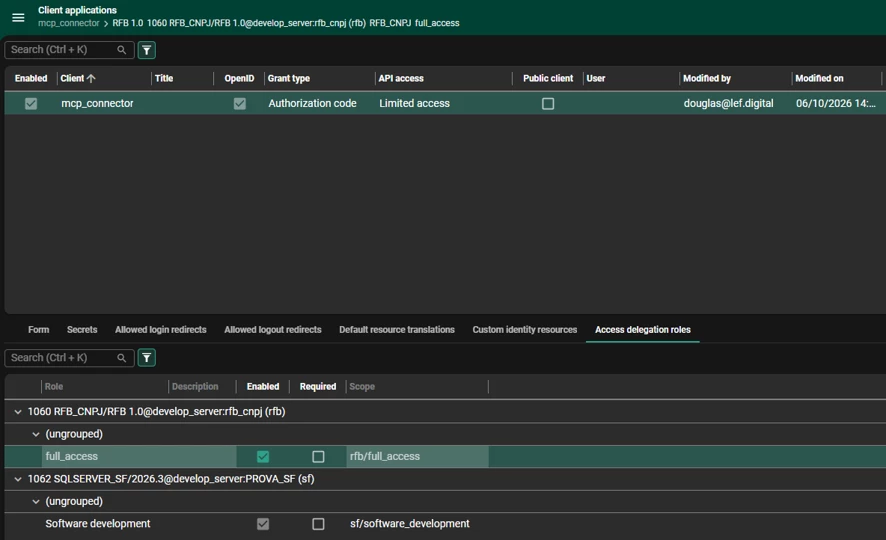
This is my client application configuration:
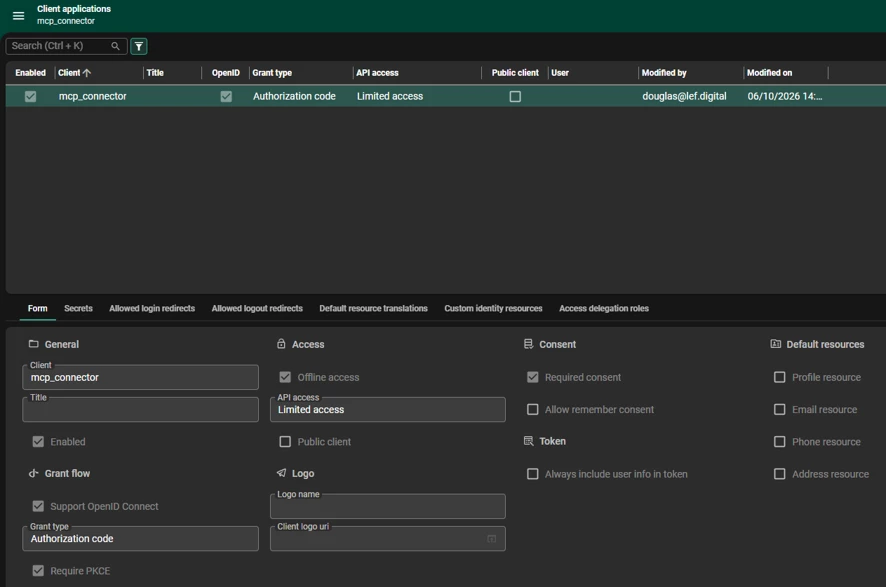
Client Application Forms
Client Application Access Delegation


1 reply

Mark Jongeling
Administrator
Forum|alt.badge.img+23

Hi ​@douglas_silva,

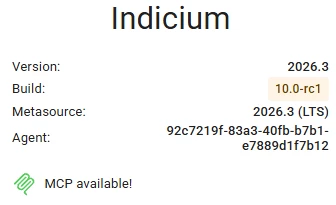
If 2026.2.14 it did work but on 2026.3 not, I'm wondering if it could be due to licensing. On you Indicium homepage, this should appear:

MCP is available to use

If this is not as shown, you are missing the license that enables MCP usage.

You may need to reload or update the license. On the Indicium homepage, you can open up License, then click to get an updated license. This should make MCP become available.

If it is enabled, then it is a little strange that it has worked before. Are you certain the only variable that changed is the platform upgrade?