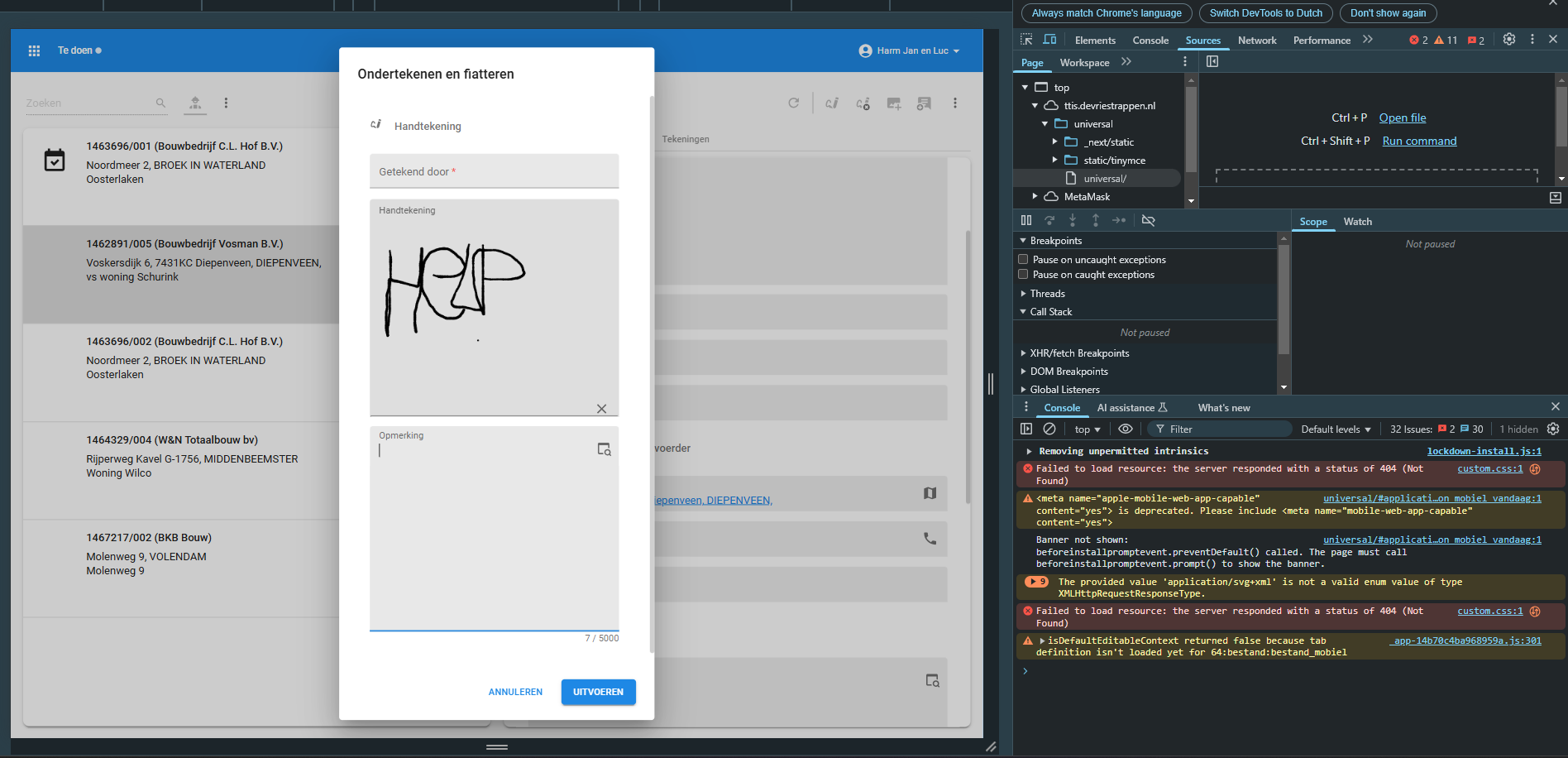


Since upgrading to 2024.3 earlier this year and replacing the Universal interface, I have been experiencing an issue with the signature control in Universal when using a tablet.
- The issue does not occur when using Universal on a laptop.
- The issue does occur when using Universal on a tablet.
- The issue also occurs when using Universal on a laptop when simulating a tablet via F12 Developer Tools.
- I installed the latest Universal version today, but the issue persists.
- Windows userinterface works fine.
The issue occurs in a task popup containing three fields: Name, Signature, and Comment. The task doesn't use default or layout logic.
Steps to reproduce:
- Enter a name in the Name field.
- Directly sign in the Signature field.
- The Name field is cleared/reset.
Alternatively:
- Enter a comment in the Comment field.
- Directly sign in the Signature field.
- The Comment field is cleared/reset.
However, if you enter a name or comment and first select another field before signing, the value remains correctly saved.
Could you provide any insights into this behavior? Is this a known issue, and is there a fix or workaround available?