
Solved

Go to row in lookup table

  • June 24, 2026
  • 4 replies
  • 23 views

Forum|alt.badge.img+3

Hello,

I have a lookup table, which contains a table task which adds a row to the selected lookup table. After adding the new row to the lookup table with the task, I want to select this new row.  

However, the normal process flow actions don’t seem to work here. ‘Go to row’ does not work, I tried ‘activate document’ and I tried ‘open document’ with ‘use existing document’ on yes. But all these actions fail to do what I want to. What process action should I use here?

Thanks!
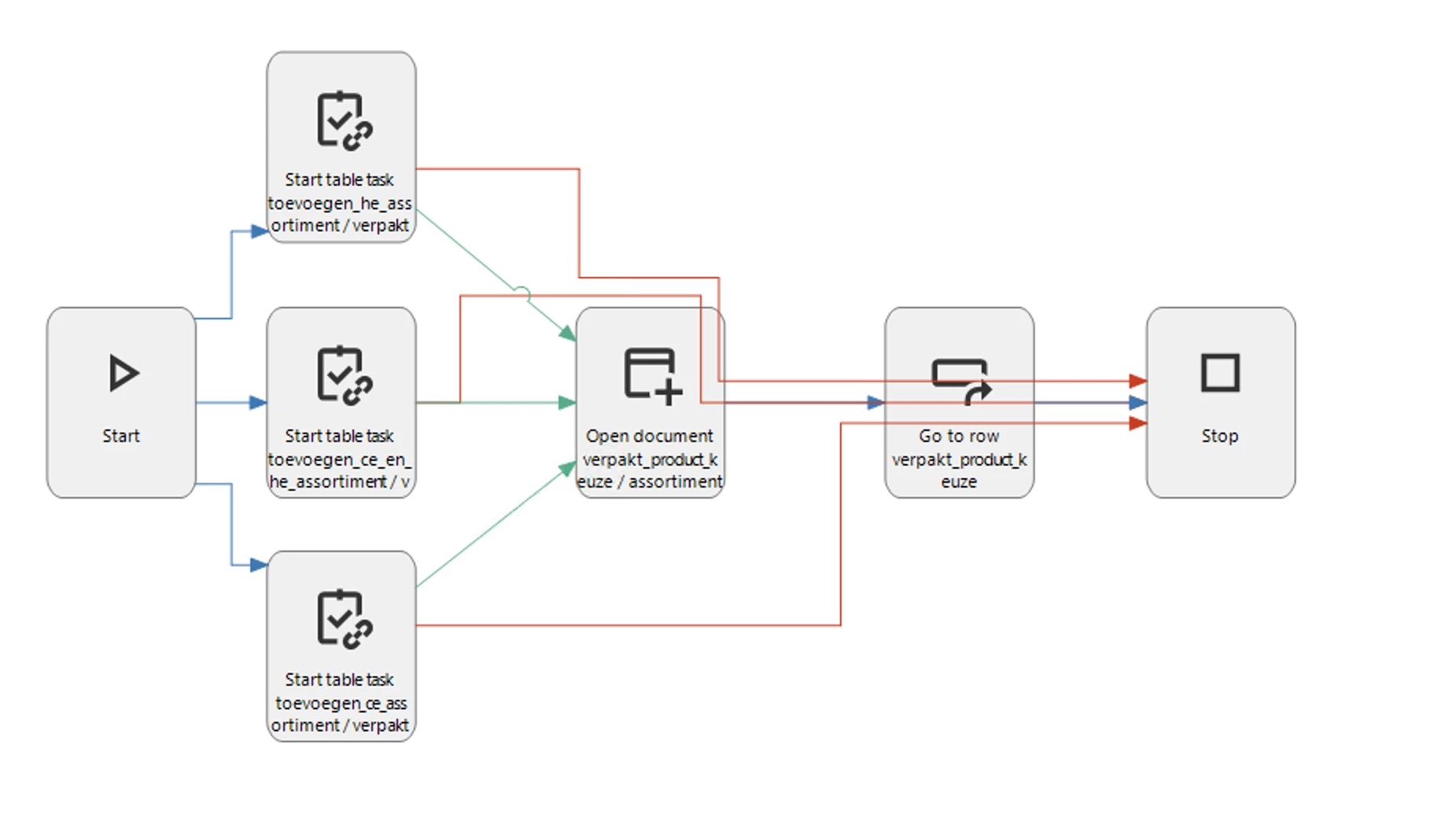
Process flow with ‘open document’ to try to select the active lookup table
This action does not work however.


Best answer by Arie V

@Allard Lakerveld Some process actions are suppressed by default in the Lookup popup. You can enable all Process actions by setting the Extended Property ‘AllowProcessFlowsInLookupDialogs’ to Yes. See Docs: Extended properties | Thinkwise Documentation.

Does that help? 

4 replies

Remco
Moderator
Forum|alt.badge.img+3
  • Moderator
  • June 25, 2026

Hi ​@Allard Lakerveld 

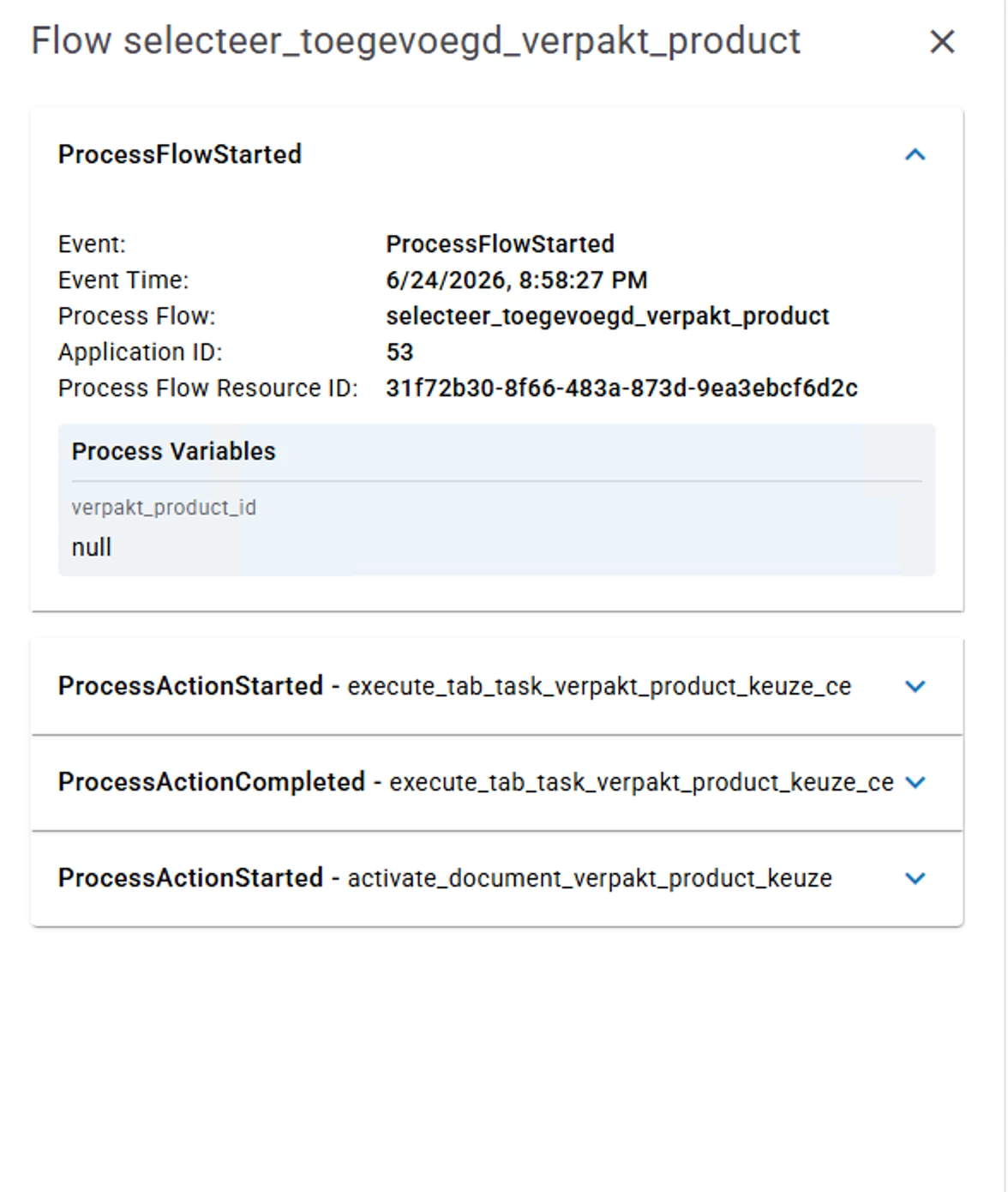
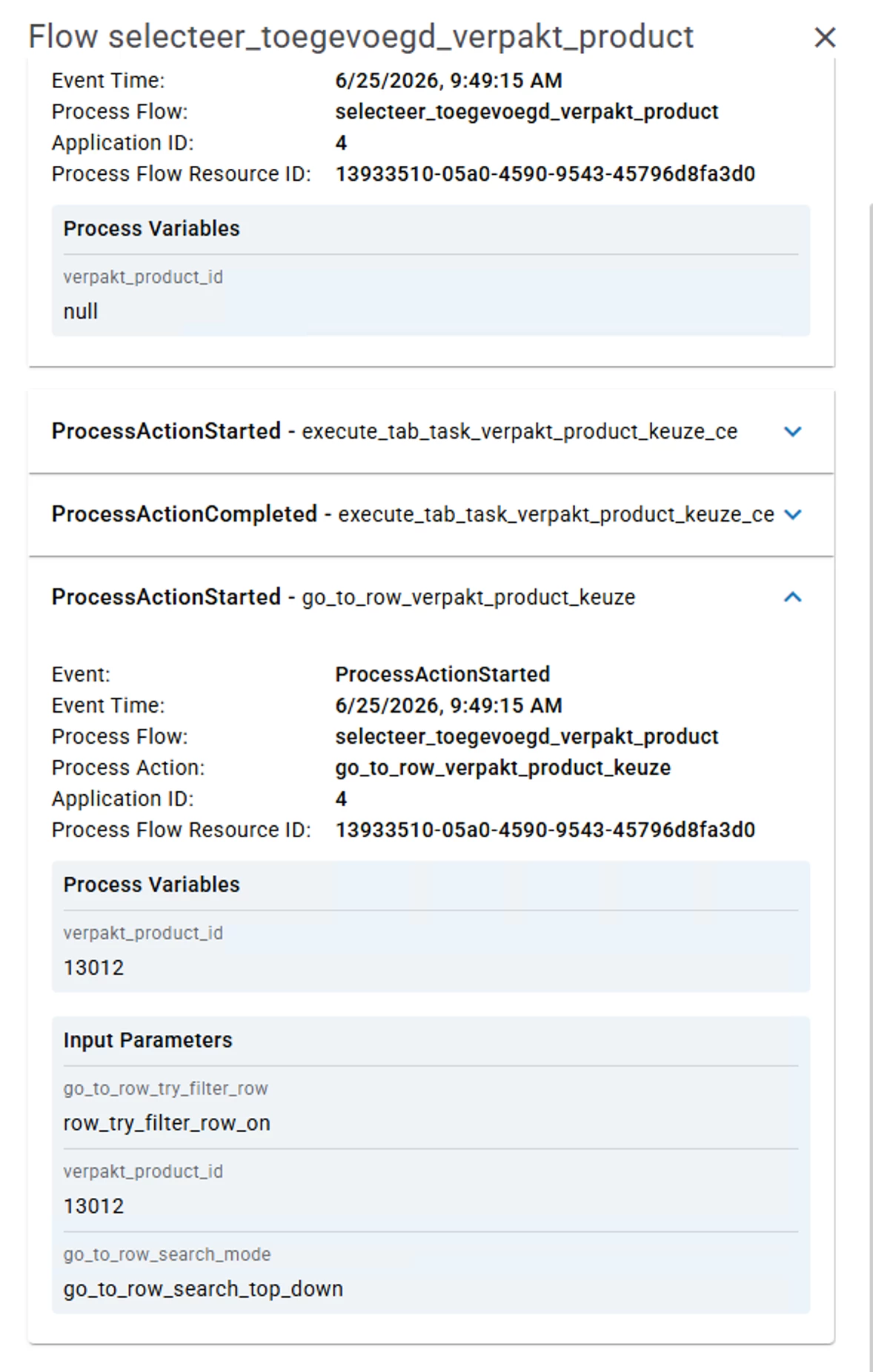
Since the process variable is null, do you fill this variable with the output from the task? And then use it as input for the go to row?

You can do this by the process action → output → task parameters. There you can link the task parameter to your process variable.

Kind regards,

Remco


Forum|alt.badge.img+3

Hi ​@Remco 

Yes, I fill the variable with the output from the task. I have now tried to directly activate ‘go to row’ after the task, but here it also stops at the first action after the task has been completed. 


Arie V
Community Manager
Forum|alt.badge.img+12
  • Community Manager
  • Answer
  • June 25, 2026

@Allard Lakerveld Some process actions are suppressed by default in the Lookup popup. You can enable all Process actions by setting the Extended Property ‘AllowProcessFlowsInLookupDialogs’ to Yes. See Docs: Extended properties | Thinkwise Documentation.

Does that help? 


Forum|alt.badge.img+3

@Arie V  Dat was ‘m inderdaad, bedankt!