
Question

Detail Table Reference Breaks After Table Name Casing Change

  • August 28, 2026
  • 5 replies
  • 41 views

Forum|alt.badge.img+1

Hello,

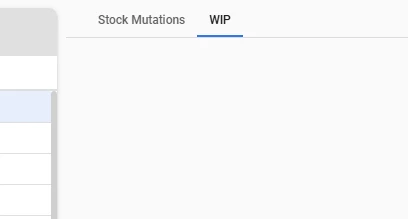
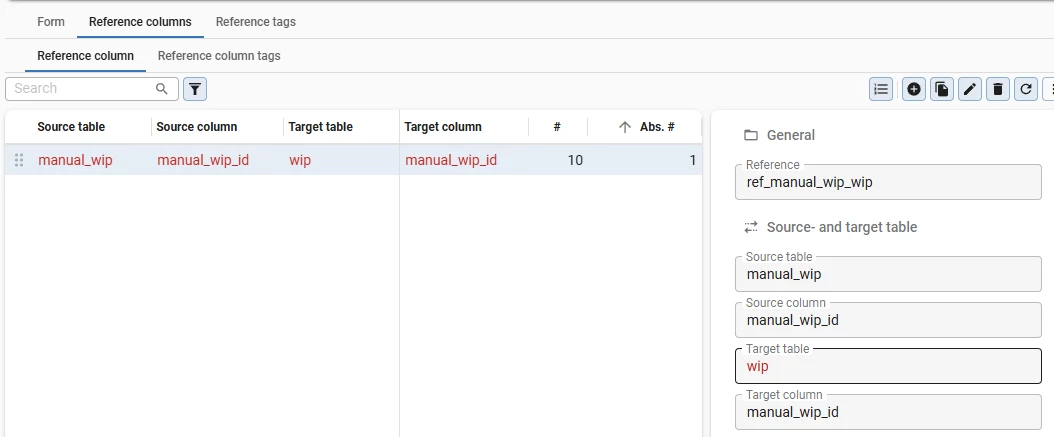
We have a detail table (called “WIP”) that stops displaying because its name is automatically converted to lowercase, possibly after deployments, which breaks the existing reference.

Deleting and recreating the reference fixes the issue temporarily.

Do you know what could be causing the table name casing to change, and how can we prevent this so the reference remains valid? Is there an alternative solution besides renaming the table to lowercase?


Thank you!

5 replies

Erik Brink
Moderator
Forum|alt.badge.img+5
  • Moderator
  • September 2, 2026

Hi,

Is the entire tab not showing up in the Universal client, or is it empty? Can you add a little more info about that?

Best regards,
Erik Brink


Erik Brink
Moderator
Forum|alt.badge.img+5
  • Moderator
  • September 2, 2026

Note that uppercase naming is not in line with the conventions we advice:
https://docs.thinkwisesoftware.com/docs/sf/guidelines_data_modeling#all-entities

Although the platform might help users/developers from making this mistake by validating the input. Please check your validations. You can also customize validations:
https://docs.thinkwisesoftware.com/blog/2026_2#quality---configure-validations-from-base-models


Forum|alt.badge.img+1
  • Author
  • Apprentice
  • September 2, 2026


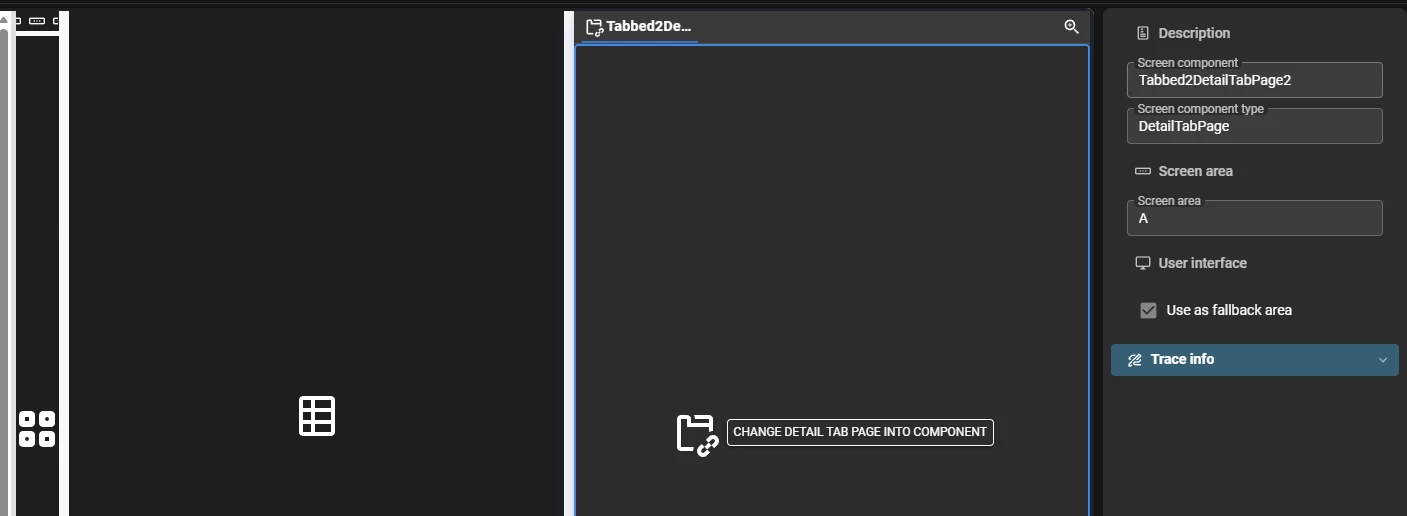
@Erik Brink the tab is showing, but it is empty, the stock mutation tab is working fine 
 

manual wip screen
manual wip subjects details


Erik Brink
Moderator
Forum|alt.badge.img+5
  • Moderator
  • September 2, 2026

Thanks for the additional info!

If you want us to investigate in more detail, please raise a TCP ticket for it.

As mentioned, this naming does not meet our preferred conventions, so our advice is to rename it to lowercase.


Forum|alt.badge.img+1
  • Author
  • Apprentice
  • September 2, 2026

Thank you, we’ll rename it.