Answer

Chart not visible in universal

  • May 24, 2023
  • 7 replies
  • 123 views

Forum|alt.badge.img+1

Hi,

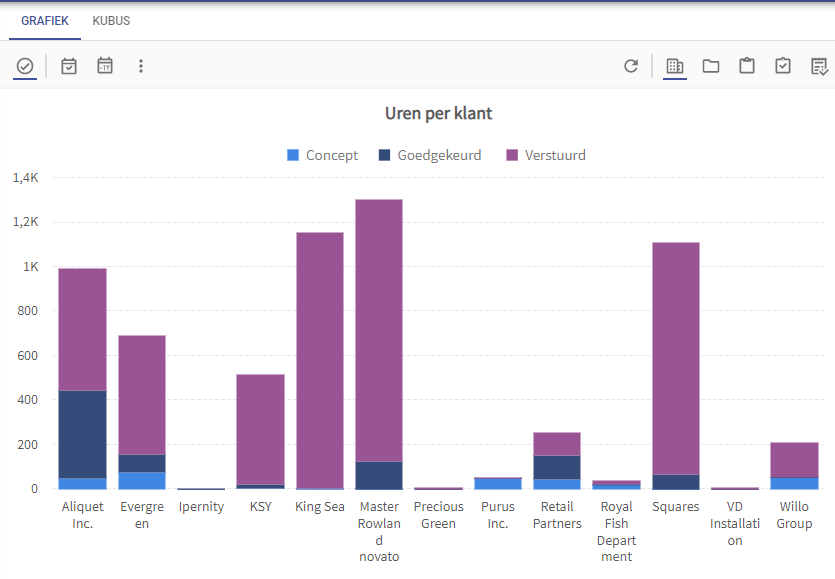
I have a chart in my windowns GUI.
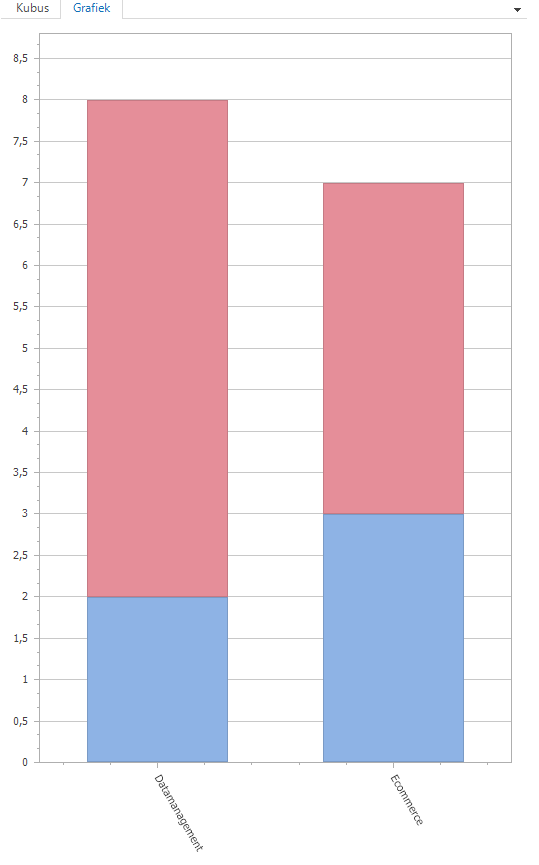
 

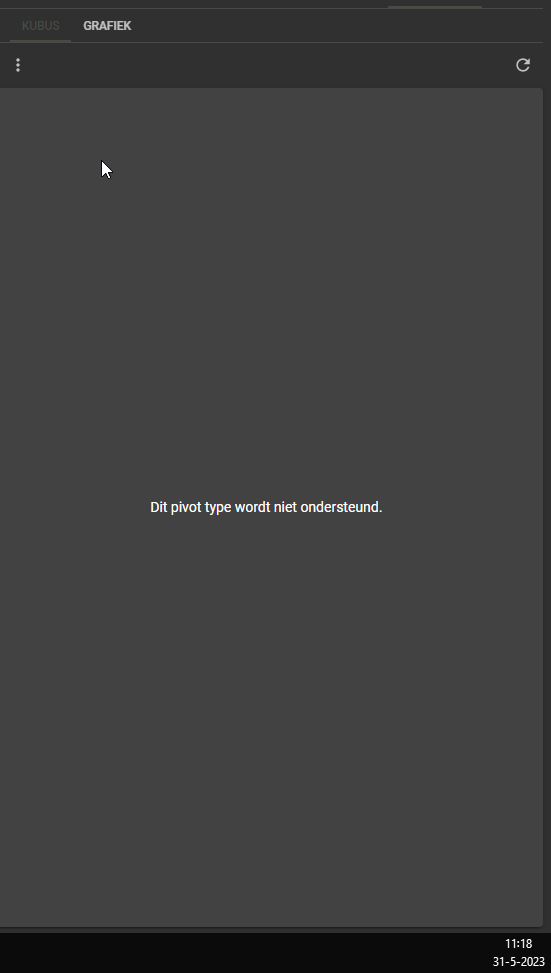
But in my universal GUI in gives this error:
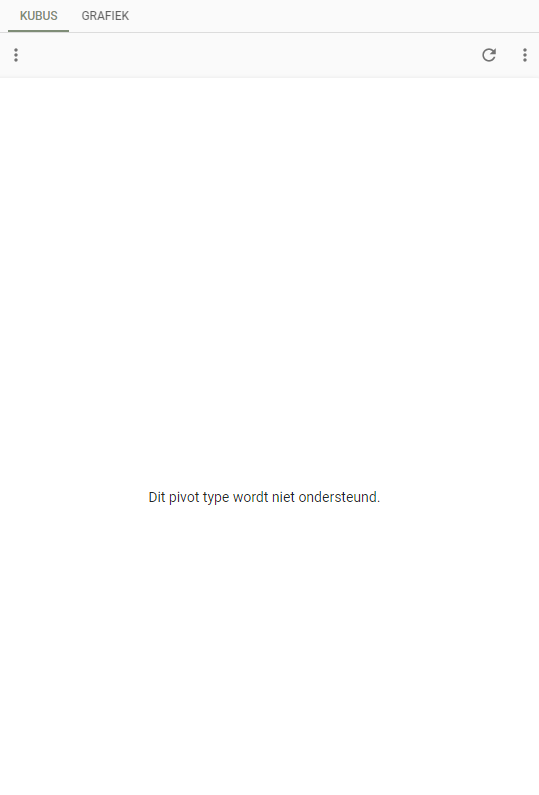
I dont know what to do with this error message.

Can anyone help me?

Best answer by Mark Jongeling

Hi Dylan, 

That is strange, I'm certain this Chart type should function. Also the 2d bar (full stacked) works for me. Can you create a ticket for this? Maybe we are overlooking something, but this has to be look into.

This topic has been closed for replies.

7 replies

Mark Jongeling
Administrator
Forum|alt.badge.img+23

Hi Dylan,

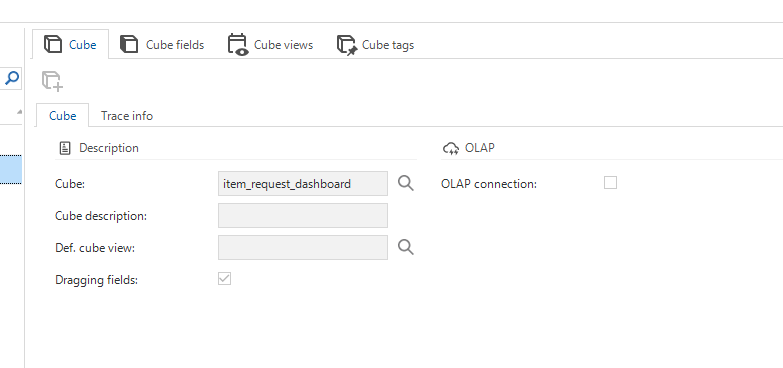
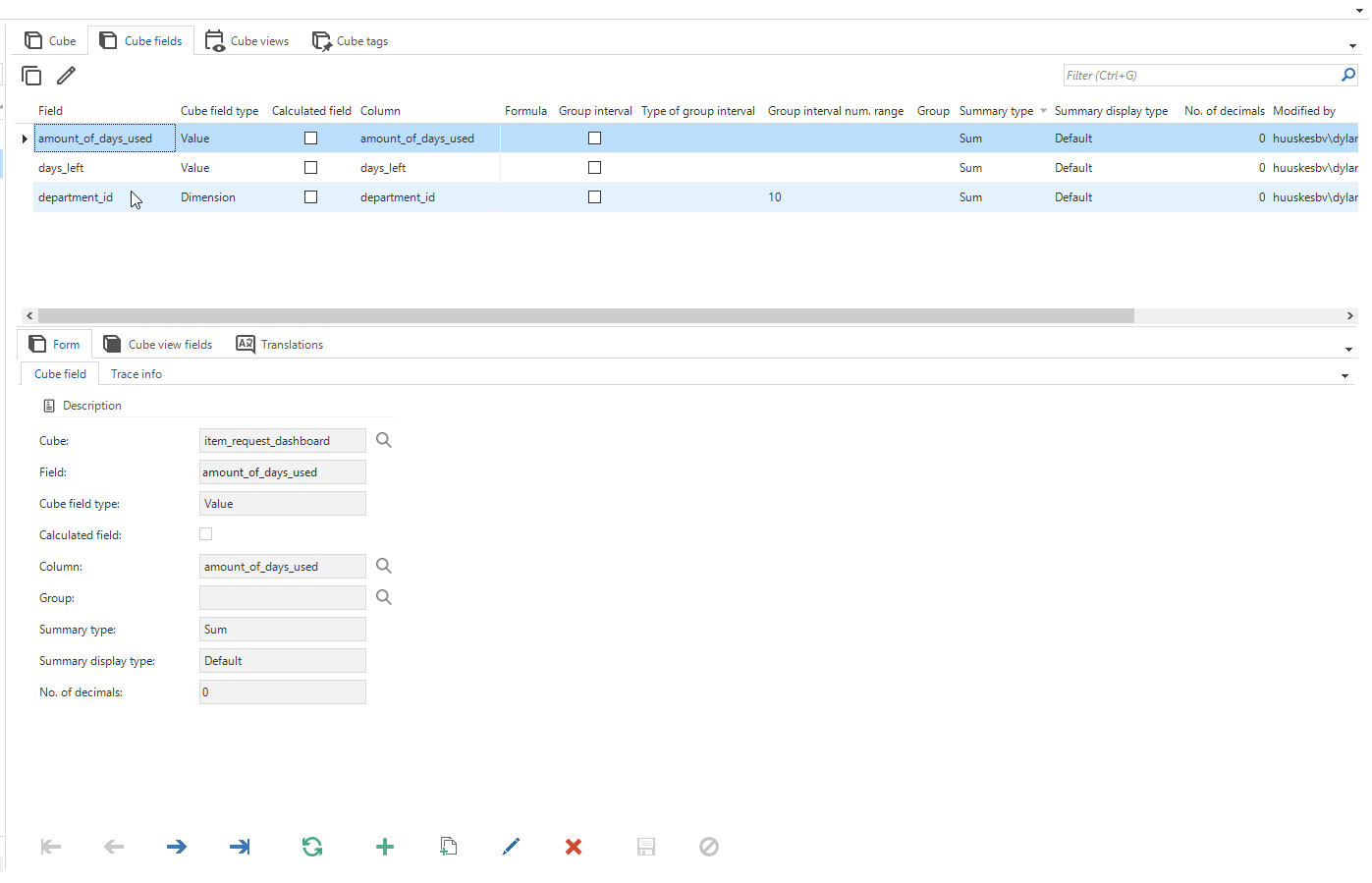
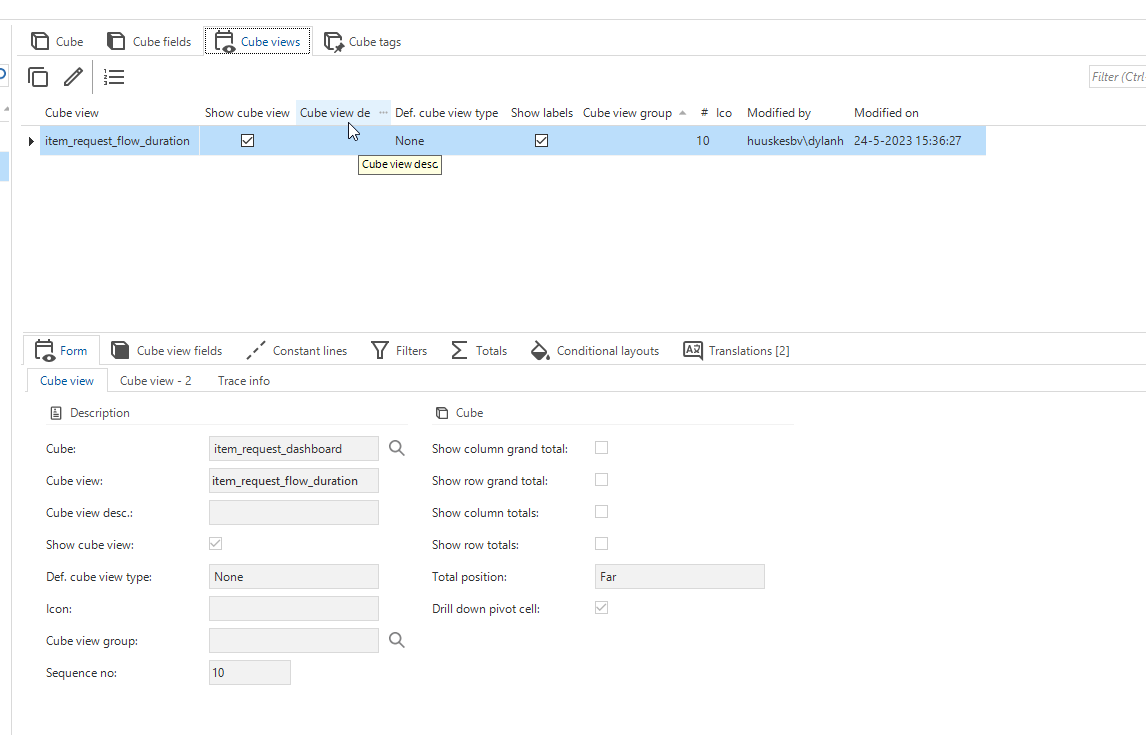
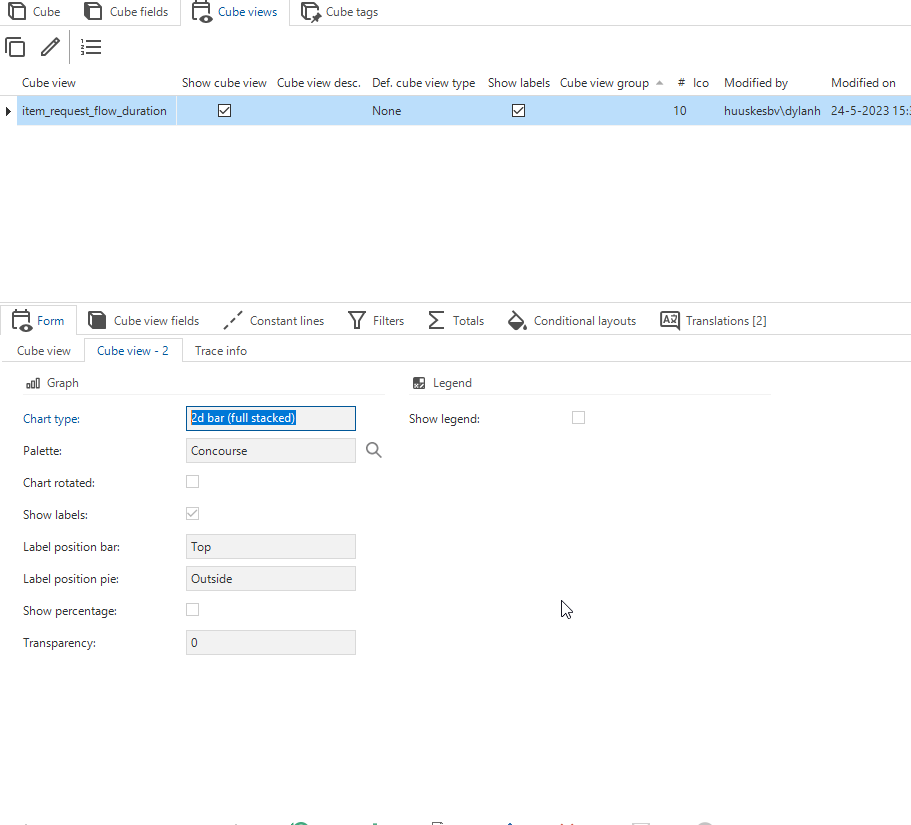
Can you share the configuration of the Cube?

To my knowledge this type of cube is supported as seen in our Insights showcase application:


Forum|alt.badge.img+1


Is this enough or am i missing something?


Mark Jongeling
Administrator
Forum|alt.badge.img+23

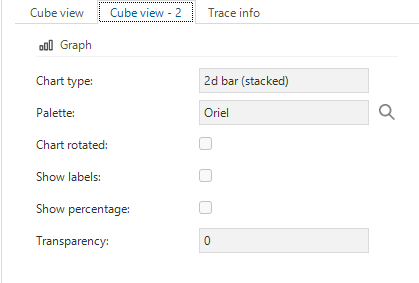
Thanks Dylan!, which Chart type has been chosen? This is visible on tab 2 of Cube view like this: 

Example


Forum|alt.badge.img+1


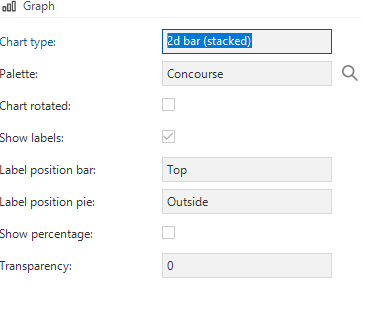
I have tested to put it on stacked and not full stacked. But this is not working. still same error.


Mark Jongeling
Administrator
Forum|alt.badge.img+23

You can try that option yes.

I'm verifying with the team to see if the 2d bar (full stacked) is indeed not supported at the moment


Forum|alt.badge.img+1

I tried but it gets the same error message.


Mark Jongeling
Administrator
Forum|alt.badge.img+23
  • Administrator
  • Answer
  • May 31, 2023

Hi Dylan, 

That is strange, I'm certain this Chart type should function. Also the 2d bar (full stacked) works for me. Can you create a ticket for this? Maybe we are overlooking something, but this has to be look into.