


On a Task or Report you can set the “Await result” value to “Optional”, so a user can move the process to the background when he/she does not want to wait for the result. In the older GUI’s you had them available in the “Running tasks” window and could see then progress on them.
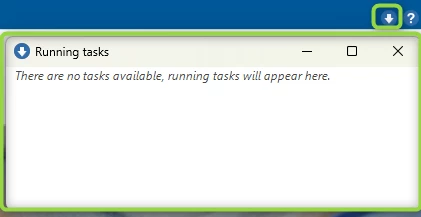
Unfortunately this feature is missing from the Universal GUI. When you have put several processes to the background, you have no clear idea what is still running and what has already completed or maybe even failed. A notification is not a valid solution to this problem, so this idea is for the return of such a feature.
I am all for it to being a configurable entity, so you can also decide not to support this window in your application.
Maybe it should even support the “Await result” value “No” to appear here, but perhaps we could also have other users give their opinion about this statement.


