Declined

Untranslated option for universal gui

Related products:Universal UI
  • November 7, 2025
  • 5 replies
  • 91 views

In the windows gui you had the option to show the application without any translations.
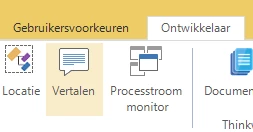


This functionality is missing from universal. For debugging purposes I would very much like this option to return. When I investigate a problem on an environment I don’t know I have to use the translated object, translate this to the database object. Then revert this to get the menu objects I need. I know application insights is a thing. But that doesn’t always work and is still not as fast as just showing the application without translation used to be. 

5 replies

Arie V
Community Manager
Forum|alt.badge.img+12
  • Community Manager
  • November 14, 2025
NewOpen

Arie V
Community Manager
Forum|alt.badge.img+12
  • Community Manager
  • March 11, 2026
The following idea has been merged into this idea:

All the votes have been transferred into this idea.

Arie V
Community Manager
Forum|alt.badge.img+12
  • Community Manager
  • March 16, 2026
OpenOn the backlog

Arie V
Community Manager
Forum|alt.badge.img+12
  • Community Manager
  • August 27, 2026
Updated idea statusOn the backlogDeclined

Arie V
Community Manager
Forum|alt.badge.img+12
  • Community Manager
  • August 27, 2026

We have decided not to implement this feature in the Universal UI. The untranslated information can easily be retrieved using Model Insights, which is significantly improved over the last couple of releases:

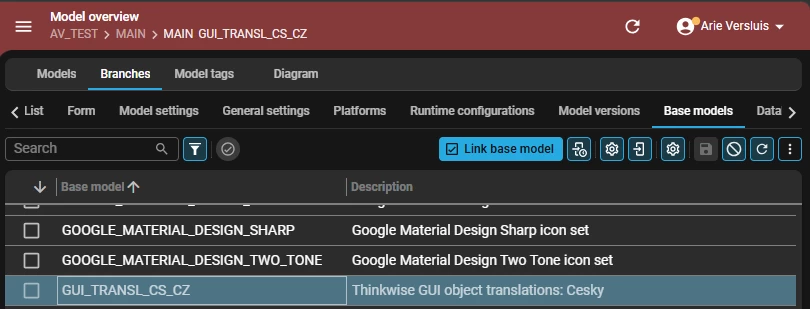
In addition, there's an easy workaround to get everything untranslated in the UI. Link a Translation base model to your branch and switch to that language: