Completed

Quick entry for reference while adding table columns

Related products:Software Factory
  • August 7, 2019
  • 2 replies
  • 67 views

Arjan Sollie
Thinkwise blogger
Forum|alt.badge.img+14
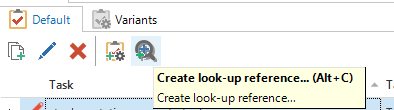
Currently within the Tasks and Reports items a user has the option to quick add a reference (and lookup) by using the task "Create lookup-reference".


This is a good and quick way to set up an additional (parameter) with a lookup. I was wondering why such an option hasn't been added to the "column add screens" within the datamodel modeller. This could really save me a lot of time, when setting up tables that included columns with a lookup reference. Instead of having to go through all the steps: open the design tab, enable both tables and manually draw a reference between both tables, I could simply just run this task. It will automatically add my required columns and set up the reference with the preferred lookup.


2 replies

Jasper
Superhero
  • March 24, 2020

Hi Arjan,

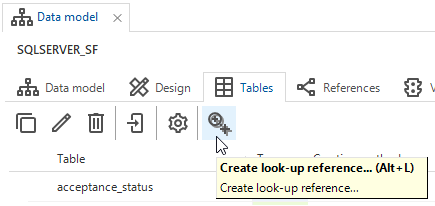
The latest version of the Thinkwise Platform provides a task to create look-up references in the Tables overview of the Data model screen. Would this suffice?


Arjan Sollie
Thinkwise blogger
Forum|alt.badge.img+14
  • Author
  • Thinkwise blogger
  • March 24, 2020

Hey Jasper,

This will certainly be of great help. Thank you for setting up this change.