


Open

Multi-row one by one processflow execution

Related products:Software FactoryWindows GUIUniversal GUIIndicium Service Tier
  • December 6, 2023
  • 5 replies
  • 151 views

Tejo van de Bor
Captain
Forum|alt.badge.img+5

hi,

It’s possible to start a task for more than 1 selected row in a grid. Please make it also possible to start a processflow for more than 1 selected row.

More details here, where the multi row execution seems a fair solution for this. But that is a good solution if you want to do stuff with multiple rows in 1 processflow. 

I just want 1 processflow handle 1 selected row at the time, but when selecting multiple rows, it should execute the processflow one by one. As a processflow starts with a table task in this case, please add support for this so we can implement it like we can with tasks.

Thank you!

5 replies

Mark Jongeling
Administrator
Forum|alt.badge.img+23

Hi Tejo,

Can you share an example process flow which should be able to run for every row? Is it only a Start table task or are there any additional/subsequent process actions?


Tejo van de Bor
Captain
Forum|alt.badge.img+5

hi Mark,

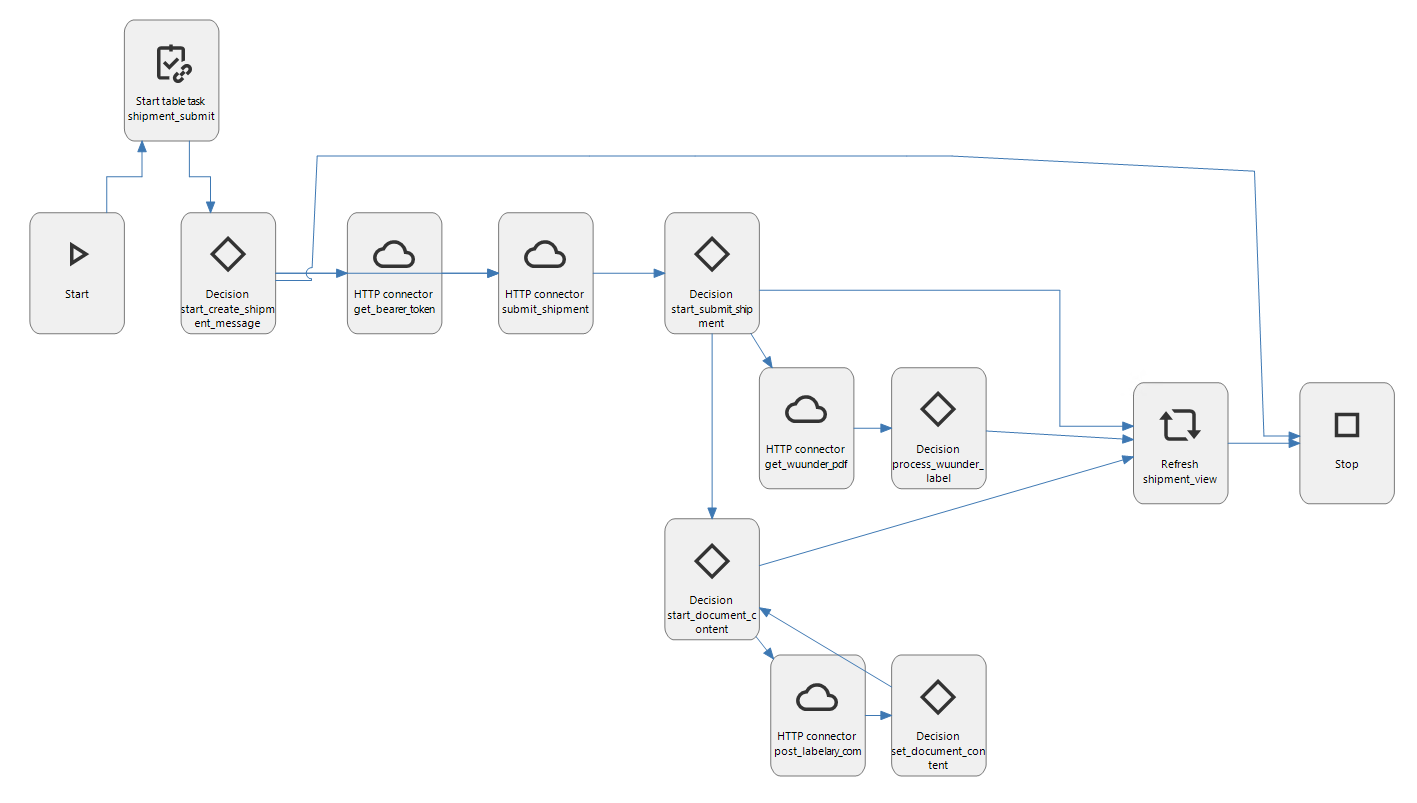
In this case I have a processflow starting with a table task, getting the specific row in a new status:
 

And I understand that the refresh at the end of the process (or any gui handling) can be interrupting the process, but then at least it is a choice for the developer.


Mark Jongeling
Administrator
Forum|alt.badge.img+23
NewOpen

Forum|alt.badge.img+14

I have the same issue. I use a starting task to execute an API request (http connector). Now I have to use the MultiRowParm parameter to execute the selected rows. An additional problem is that the GUI doesn't show progress messages (tsf_send_progress) send within the process flow. In the debug tab I can see the messages are sent.   


Forum|alt.badge.img+3
  • April 15, 2024

It would be very nice if this will be supported.

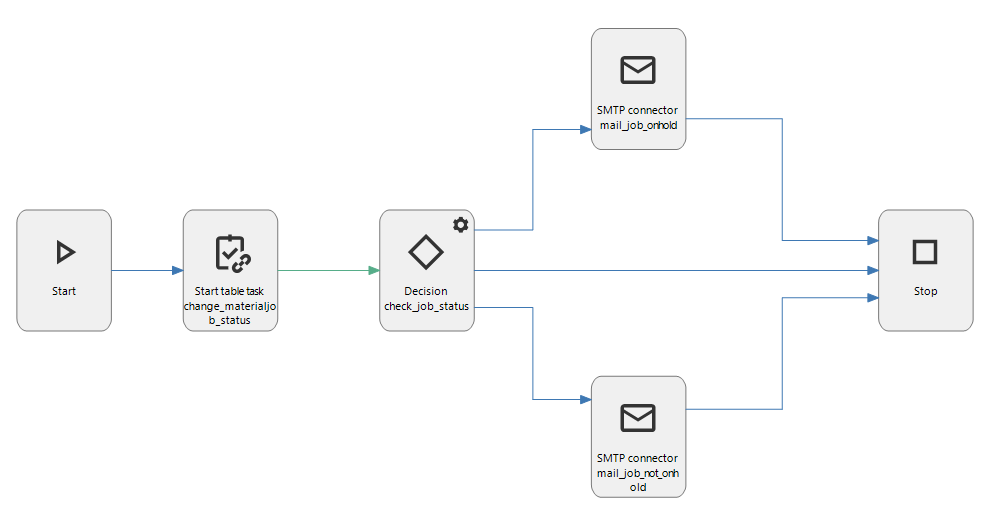
In my case I have this ‘simple’ process flow, when the task executes it will send an email if a column in the updated row has a certain value. With multiple rows, the mail is only sent for the last row instead of all rows.