
Open

Enable additional time scales option for scheduler

Related products:Software FactoryUniversal GUI
  • January 10, 2025
  • 5 replies
  • 59 views

Harm Horstman
Superhero
Forum|alt.badge.img+21

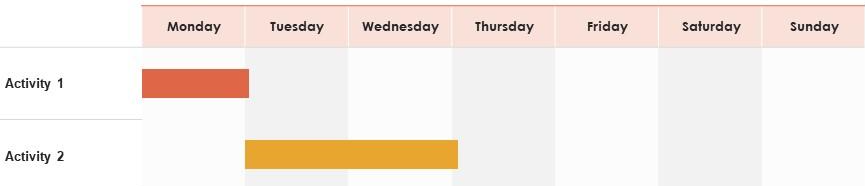
We need more options to set up the time scales in the scheduler to see more details per day.

Currently, the possibilities are too limited, and the behavior is not as expected.

Time scale options in the software factory make it seem possible, but the end result looks very different and some combinations do not even work.
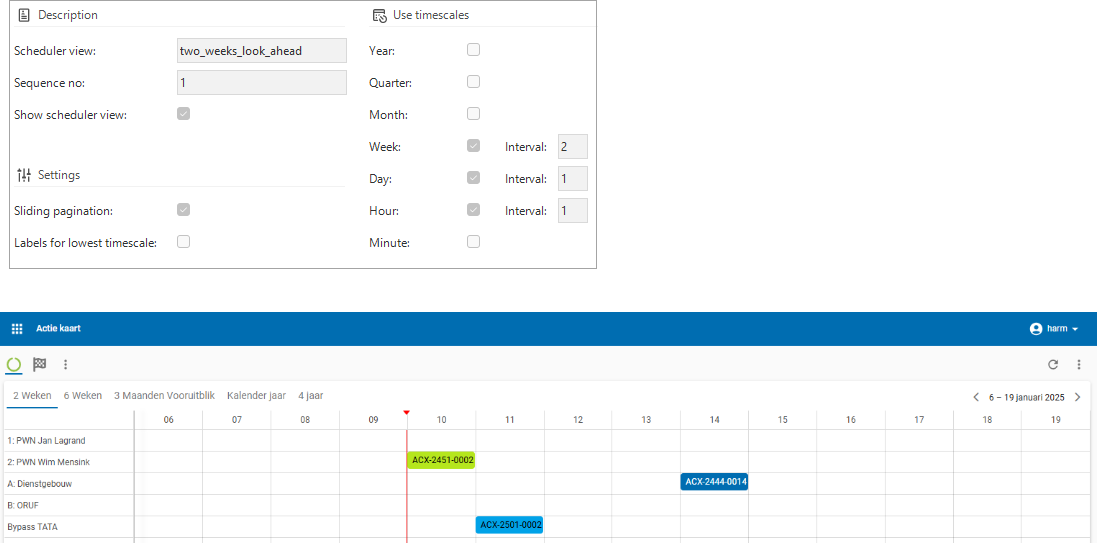
 

We need additional options like these.



It is also desirable to be able to set that the current date is on the left side of the screen when starting


See also here:


5 replies

Jeroen van den Belt
Administrator
Forum|alt.badge.img+10
NewOpen

Arie V
Community Manager
Forum|alt.badge.img+12
  • Community Manager
  • February 23, 2026

@Harm Horstman Was walking through the open Scheduler ideas and encountered this one as well. We did fix a few bugs end of last year when it comes to the setting ‘Labels for lowest timescale’ and we also introduced the ability to set the time cell minimal width with release 2026.1: 2026.1 | Thinkwise Documentation.


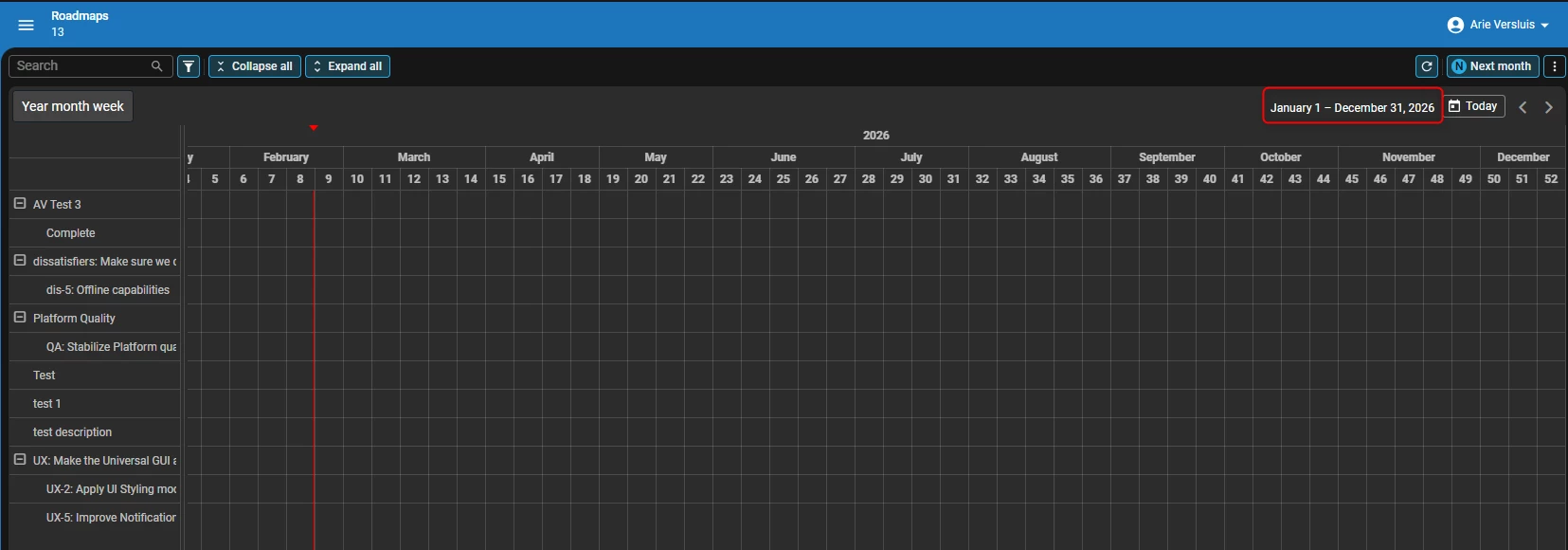
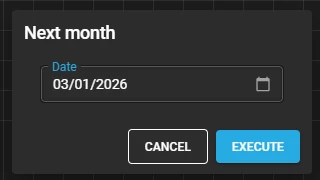
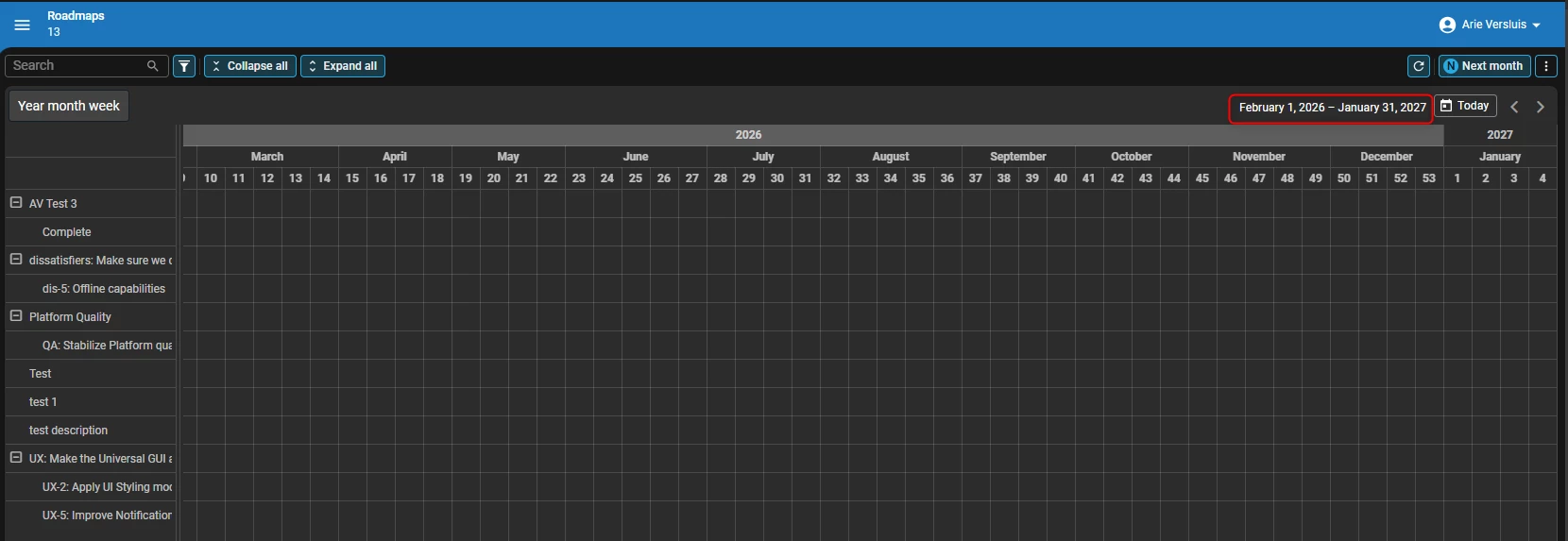
EDIT: Also looked at the topic 'Behavior of timescales in scheduler’. If you show a year range in the Scheduler by default, but wish to navigate with jumps of a month, you could do so using a bit of logic. Did a quick test with a Table Task with a Date parameter in combination with the Activate scheduler process action. Of course this could be made smarter by defaulting the first day of next month in combination with remembering/storing the earlier set month.

Default Year range is opened on current Month -1 (January 2026 - December 2026)
In the Next month task select the first day of next month and press Execute​​​​​​
Range is now updated to Next month -1 (February 2026 - January 2027)

Could you try and see if the Scheduler works as expected for you now? If not, please do let us know!


Harm Horstman
Superhero
Forum|alt.badge.img+21
  • Author
  • Superhero
  • February 23, 2026

@Arie,

Ok, we will check and let you know ASAP.


Arie V
Community Manager
Forum|alt.badge.img+12
  • Community Manager
  • February 23, 2026

@Harm Horstman Just updated my previous post to also show how you could perform a 'Next month’ task on a Year range.


Harm Horstman
Superhero
Forum|alt.badge.img+21
  • Author
  • Superhero
  • February 23, 2026

What we actually need here is infinite scrolling. This because planning activities do not care about years, months or weeks. It is very annoying to see only half of an activity.