Open

Data driven zoom level & location for Maps

Related products:Software FactoryUniversal GUI
  • June 8, 2024
  • 5 replies
  • 100 views

Harm Horstman
Superhero
Forum|alt.badge.img+21

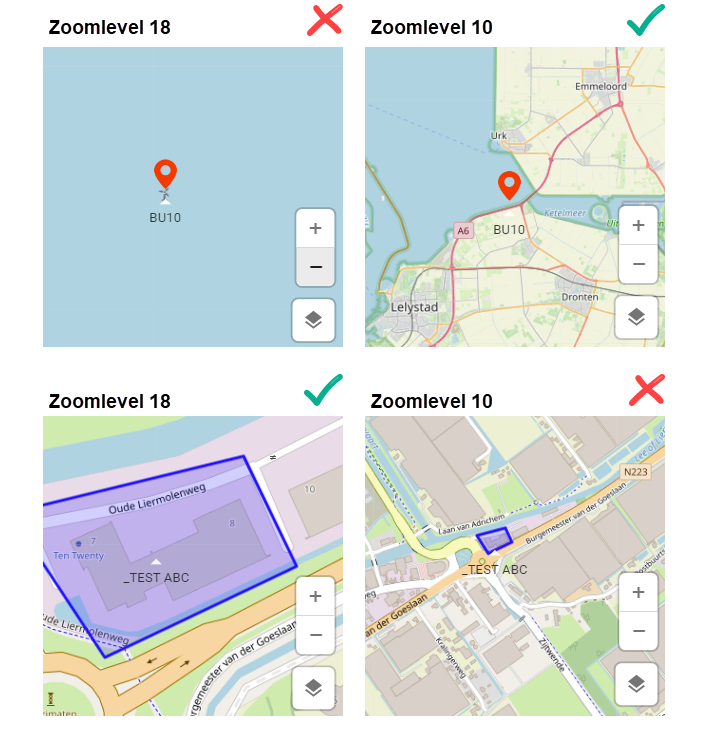
We would like to dynamically set the zoom level of the map per row.

Sometimes this would be automatic, but the most ideal would be to be able to link this via a zoom level column, so that we can control this ourselves based on the data.


5 replies

Mark Jongeling
Administrator
Forum|alt.badge.img+23
NewOpen

Arie V
Community Manager
Forum|alt.badge.img+12
  • Community Manager
  • April 25, 2025
The following idea has been merged into this idea:

All the votes have been transferred into this idea.

Arie V
Community Manager
Forum|alt.badge.img+12
  • Community Manager
  • April 25, 2025
The following idea has been merged into this idea:

All the votes have been transferred into this idea.

Arie V
Community Manager
Forum|alt.badge.img+12
  • Community Manager
  • April 25, 2025

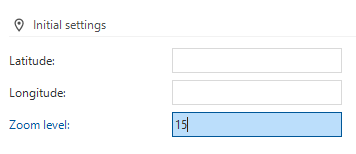
@Harm Horstman ​@Freddy ​@Kevin Rosink I have taken the liberty to merge your ideas as they basically overlap in their request of being able to override the Initial settings of the Maps, both for Latitude/Longitude and Zoom level:

Now, I assume you are aware of the available Process action ‘Activate Maps’ with which you can override these values: Process flow actions | Thinkwise Documentation.

To be sure: could you clarify why this doesn’t work for your Use Cases? I guess because there is currently no way of triggering this Process action when navigating through records, right?


Harm Horstman
Superhero
Forum|alt.badge.img+21
  • Author
  • Superhero
  • April 25, 2025

This is not good enough, because the center point and zoom level most of the time depend on the current context.

So ideal would be to have the option to link these settings to a field or enter a static value.