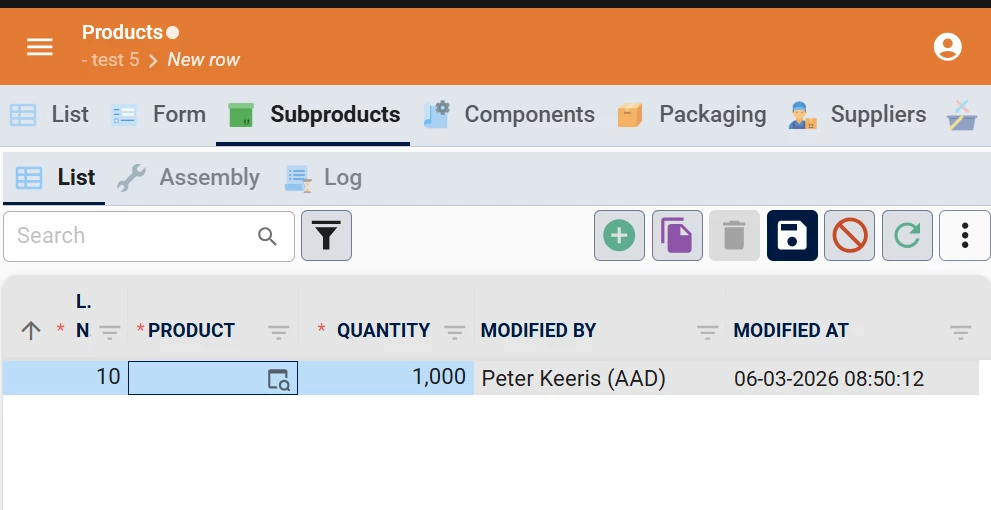
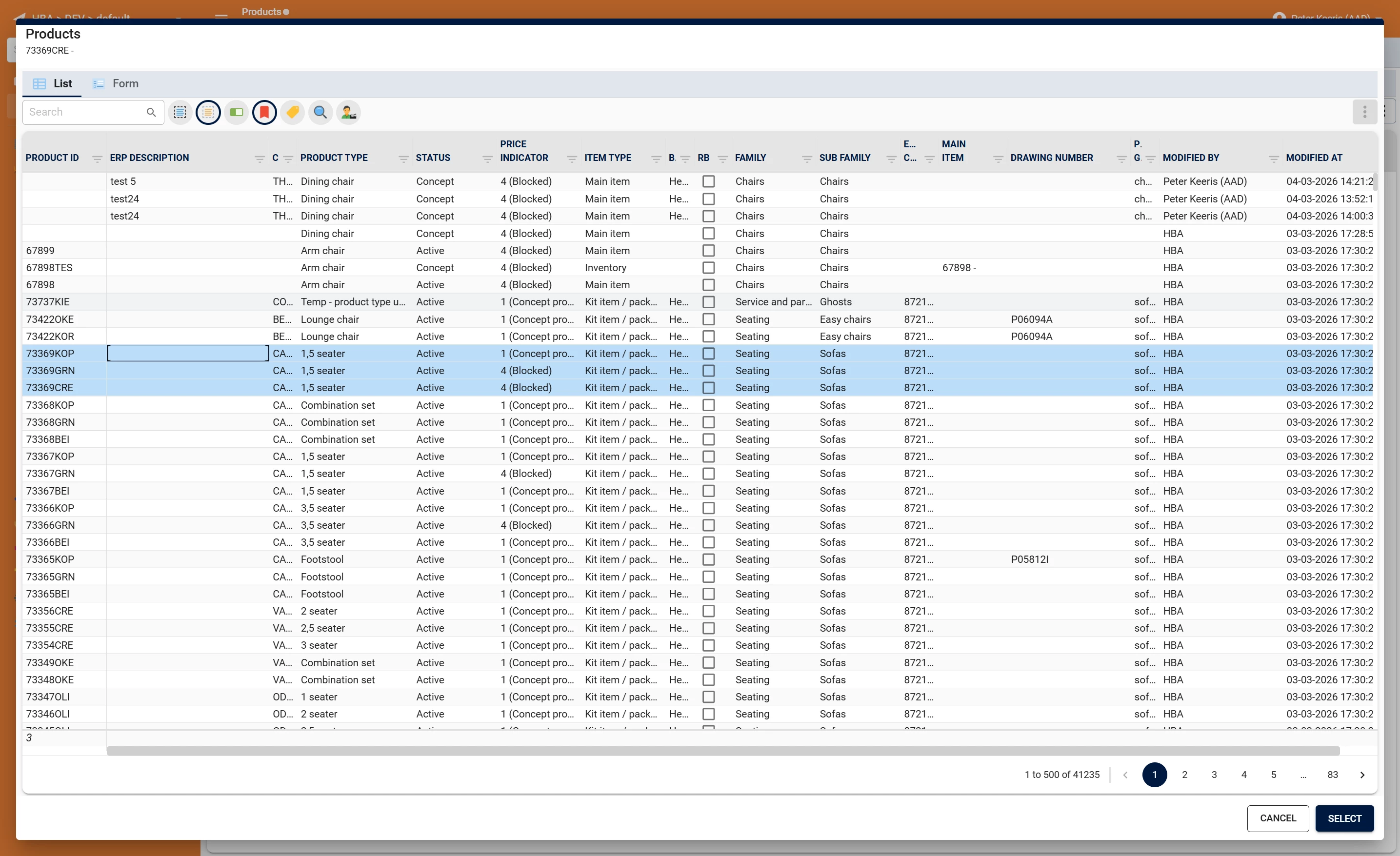
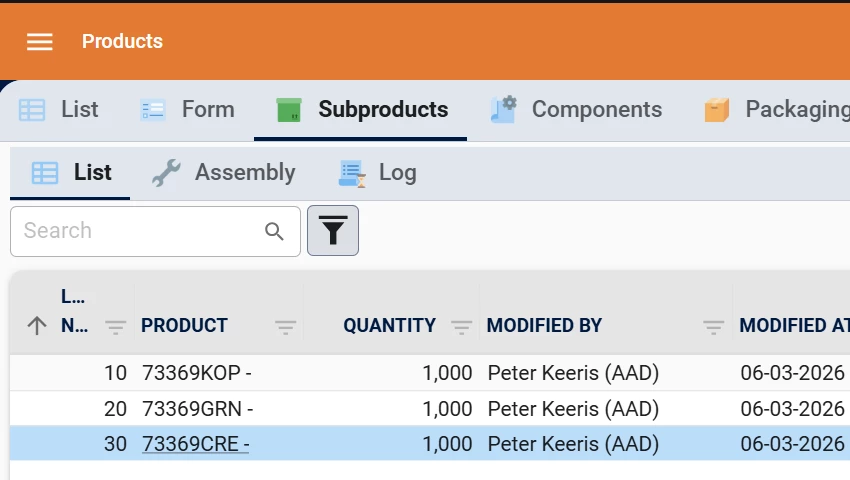
A request I heard a lot from users over the years is to make it possible to select multiple rows in a lookup window and add them all at once.
I don’t see a reason why it shouldn’t be possible if we accept the following limitations:
- The user must be adding a row (not editing).
- All fields (excepts for the lookup field) must be optional or filled with a default value. So no user interaction is required to add the row.
- Although maybe it could be possible to allow mandatory fields that are not filled with a default procedure if the user just enters it in the first row and the same value is used for all rows.
So if the user wants to add multiple rows, he presses the ‘Add’ button, opens the lookup window and select multiple rows. The GUI should fill in the first row, save the row, automatically add the next row with the next selected value and continue this until all selected values are added. The default/layout procedure should be executed for each row.
If one rows encounters a problem, for example one selected value is rejected in the default procedure, It should skip that row and continue with the next one. A same kind of summary popup with failed rows could be shown to the user as is done with the mass-update feature.