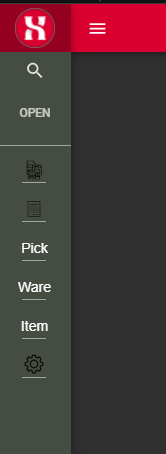

Open

Add an option to display side bar menu in collapsed mode as default in Universal GUI

Related products:Intelligent Application ManagerUniversal UI
  • December 13, 2023
  • 2 replies
  • 93 views

Forum|alt.badge.img+1

For our applications, we would like to use as much of the screen as possible.

End users will have multiple document open at the same time, sometimes on a relatively small screen.

To give the end users some more screen space, we would like to set the default setting of the sidebar menu in the Universal GUI as collapsed.

So when they open the application, the menu is automatically set as collapsed.
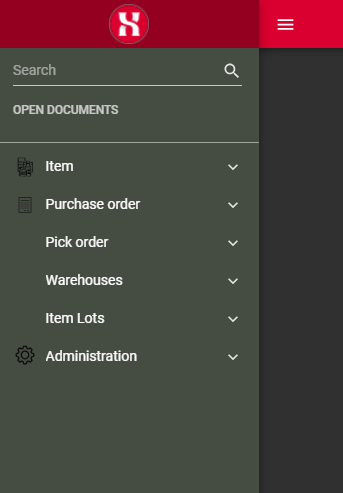
Side bar menu fullsize
​​​​​​
Side bar menu collapsed


2 replies

Forum|alt.badge.img+1

Amazing Idea!😁


Mark Jongeling
Administrator
Forum|alt.badge.img+23
  • Software Architect
  • December 13, 2023
NewOpen