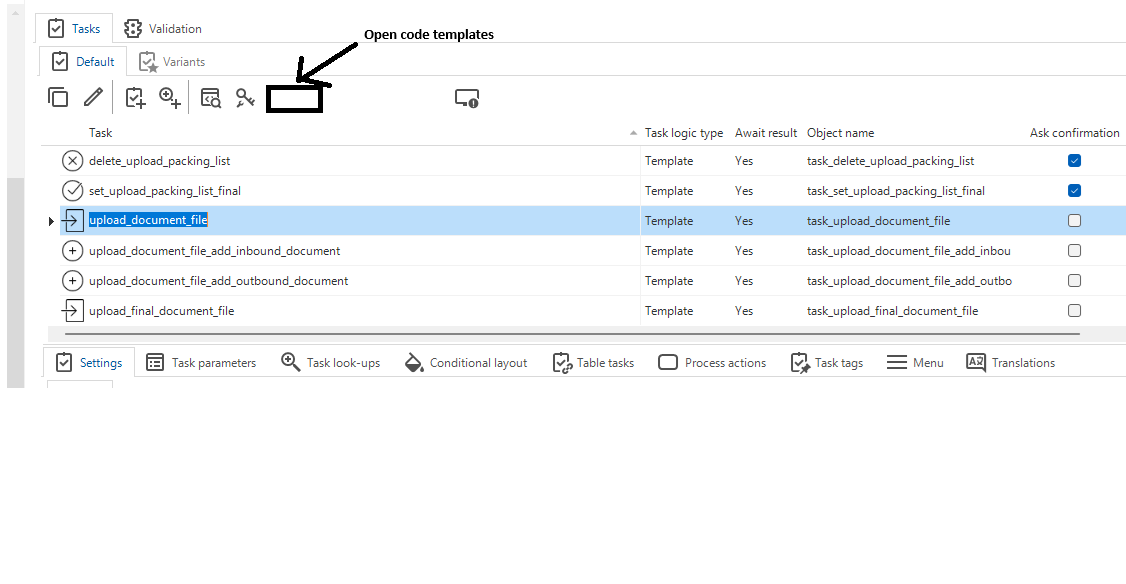
What I am really missing at the moment is a way to jump from my task (or subroutine or processflow) to a screen which contains all the related (assigned) control procedures and templates.
We have the go to code overview screen. But this is not what I need when I want to make a change to my task/subroutine or processflow. Because I want to change to assigned code template(s).
Having a button on the object called “Jump to code templates” which will open a screen contains all control procedures with assigned templates is what I need. It will only show control procedures and templates linked to my object. In the case of a task this is would be all linked defaults, layouts and tasks controle procedure + templates. In case of a processflow this would be all process control procedures linked to a processflow step.
I should also be able to generate and deploy code from this screen.